
By the end of this page you will know exactly which machine matches your major, and why buying before fall could save you real money as component prices climb. No spec-sheet worship, no “it depends” cop-out. Just a straight read on the Chromebook vs Windows laptop question for students who have actual coursework to survive.
Here is the short version: if your work lives in a browser (writing, research, Google Docs, online quizzes, video calls), a Chromebook will carry you through a semester easily and cost less. If your program requires installed desktop software (engineering, CS, design, heavy data work), you need Windows, full stop. The trick is being honest about which student you are before you spend a cent.
Some links in this article are affiliate links. If you buy through them, we may earn a small commission at no extra cost to you. Learn more.
As an Amazon Associate I earn from qualifying purchases.
Chromebook vs Windows laptop: the one-sentence verdict
A Chromebook is a great, cheaper choice for browser-based coursework and long battery life. A Windows laptop is the safer, more flexible choice if any single required program only runs as a desktop app. Match the machine to your syllabus, not to the marketing.
Already know your camp? Browse current prices
What each one is really good at
Think of it as two different tools, not a better-or-worse contest.
A Chromebook runs ChromeOS, a lightweight system built around the Chrome browser. It boots fast, updates quietly in the background, resists most malware, and routinely gets all-day battery life. Modern Chromebooks also run Android apps and, on many models, a built-in Linux environment for coding. They are usually cheaper than an equivalent Windows machine.
A Windows laptop runs full desktop Windows. It installs decades of traditional software, connects to almost any printer, scanner, lab sensor, or peripheral, and handles heavy local workloads like video editing, CAD, virtual machines, and PC gaming. That flexibility is the whole point, and it is why campus computer labs still run Windows.
| At a glance | Chromebook | Windows laptop |
|---|---|---|
| Typical student price (2026) | About $200 to $400 for a solid model | About $500 to $900 for a reliable mid-range |
| Battery life | Often a full day of classes | Varies widely, roughly 4 to 10 hours |
| Software | Browser first, plus Android apps and Linux on many models | Installs everything, including desktop-only apps |
| Best for | Liberal arts, business, communications, many health programs | Engineering, CS, design, data-heavy majors |
| Upkeep | Quiet automatic updates, strong malware resistance | More maintenance, far more flexibility |
| Lifespan watch-out | Auto Update Expiration date | Too little RAM ages badly |
Match the laptop to your coursework
This is the part that actually decides it. Pull up your program’s required-software list (most departments publish one) and check it against reality.
A Chromebook is usually enough if you are in:
- Liberal arts, humanities, communications, education, or general studies
- Business or economics, as long as you are not living inside desktop Excel with heavy macros or add-ins
- Nursing or health programs that use web portals and online testing (confirm your exam software, more on that below)
Most of that work is reading, writing, presenting, and submitting through a browser-based learning platform like Canvas or Blackboard. Google Docs, Sheets, and Slides cover it, and Microsoft 365 runs in the browser too.
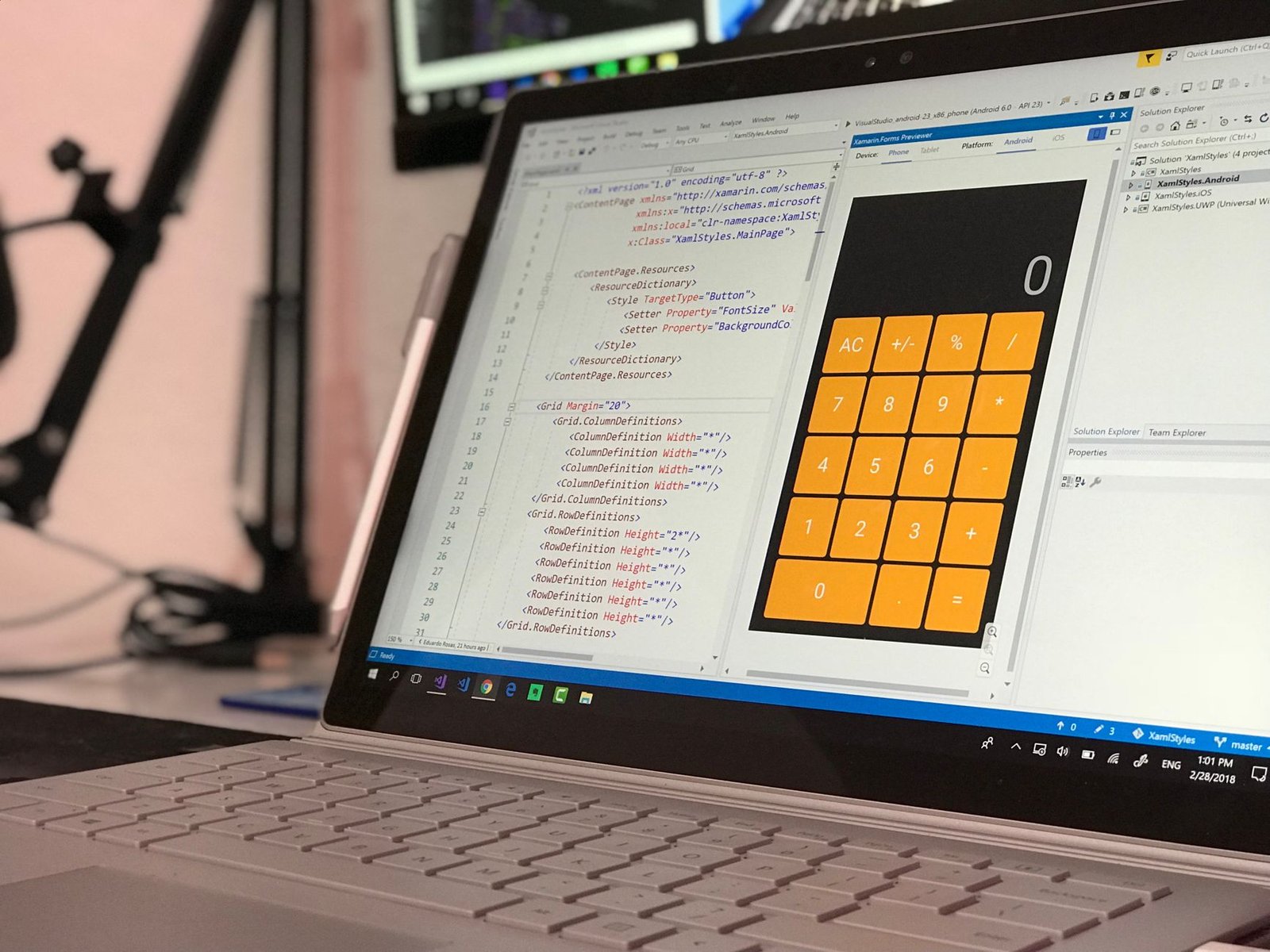
You almost certainly need a Windows laptop if you are in:
- Engineering or architecture (AutoCAD, SolidWorks, MATLAB, Revit)
- Computer science with coursework that expects local IDEs, virtual machines, or specific toolchains
- Data or stats programs that require desktop SPSS, Stata, or SAS
- Design, film, or media that leans on Adobe Photoshop, Premiere Pro, or similar
These programs either have no ChromeOS version or run in a stripped-down web form that your professor’s assignment will not accept. When one required app is Windows-only, that single dependency makes the decision for you.
The two things that quietly trip students up
1. Exam and proctoring software. Lockdown Browser and many remote-proctoring tools have limited or no Chromebook support depending on your school’s setup. If your program runs proctored online exams, confirm the exact tool works on ChromeOS before you buy. This catches people every year.
2. Microsoft Office expectations. The web versions of Word, Excel, and PowerPoint work fine for everyday assignments. But if a course requires advanced Excel features, complex formatting, or specific desktop-only functions, the browser version can fall short. Ask, do not assume.
Cost, and why timing matters right now
Chromebooks generally cost less than comparable Windows laptops, which is a big part of their appeal for a tight student budget. But there is a timing wrinkle in 2026 that affects both.
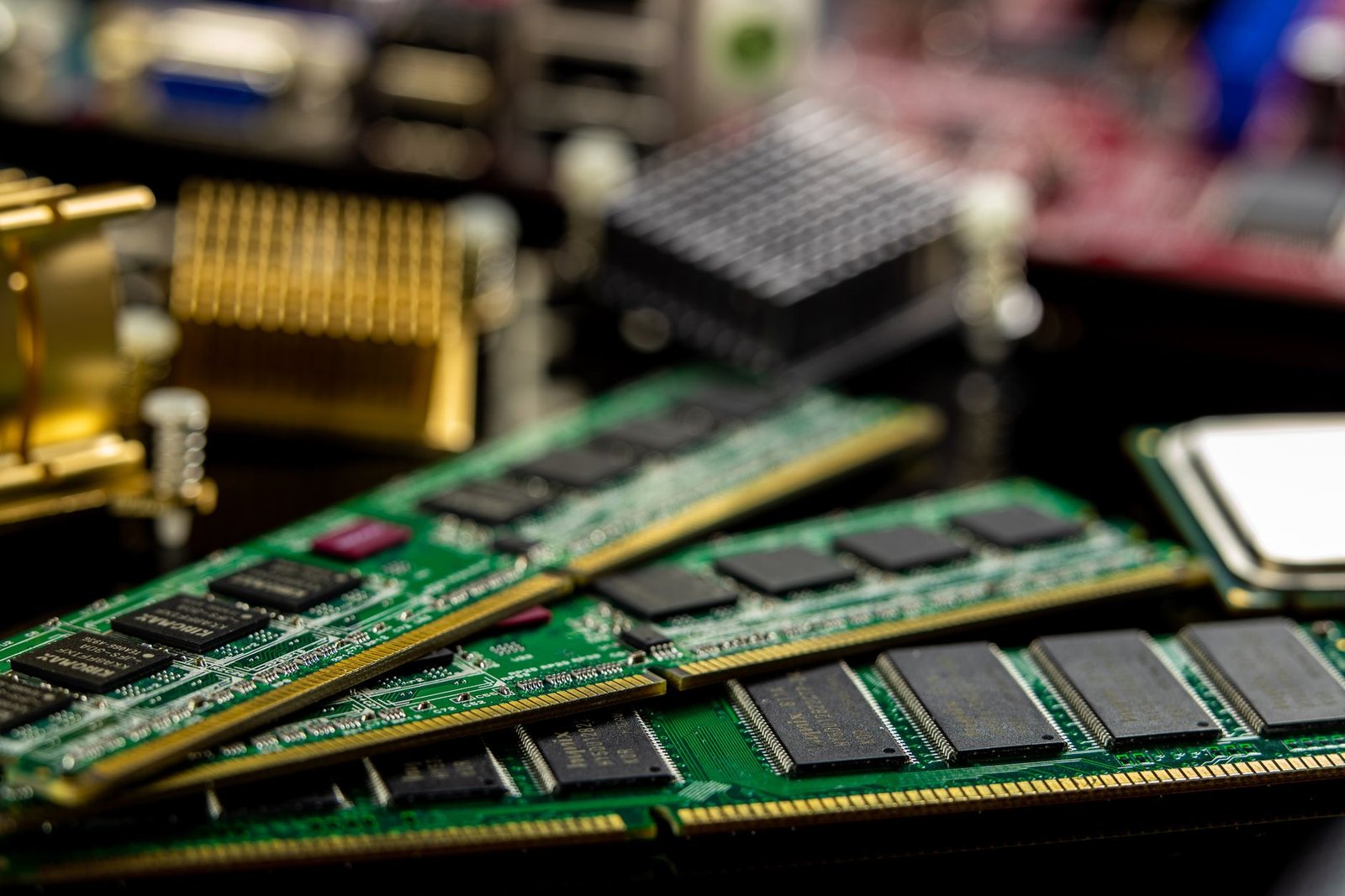
Memory (RAM) prices have spiked hard this year. AI data centers are buying up an enormous share of the world’s memory chips, and AI data centers are driving memory prices up across the whole industry. According to Consumer Reports, a 32GB desktop memory kit that sold for under $90 in early 2025 was fetching several hundred dollars by early 2026, and PC makers including Dell and Lenovo have signaled price increases of 20% or more to cover it. Industry analysts expect the steepest costs to reach back-to-school and holiday laptops in the second half of 2026.
In plain terms: the laptop you want is likely to cost more this fall than it does now, and the models with more RAM will feel the increase most. For a typical mid-range student laptop, that can mean an extra $100 to $200 versus buying earlier. If you already know what you need, buying before the fall rush is a genuine money-saving move rather than marketing pressure. It is also worth watching back-to-school laptop deals closely, because discounts may be shallower than in past years. One way around that math is to sidestep new-model pricing altogether: a refurbished laptop for college can save roughly $400 when you buy it graded and certified.
If you are deciding how much memory to pay for, our guide on checking whether a laptop’s RAM is soldered or upgradeable will keep you from buying a machine you can never improve later.
Battery, weight, and daily life on campus

For hauling between classes, Chromebooks tend to win on battery life and weight, often lasting a full day of lectures on one charge. Windows laptops vary widely: thin ultrabooks match Chromebooks, while performance machines with dedicated graphics are heavier and thirstier. If your day is back-to-back classes and library sessions, that endurance gap is a real quality-of-life difference.
Longevity: how many semesters will it last?
A laptop has to survive more than one term. Two things decide that.
Chromebooks have an update expiration date. Every Chromebook gets automatic updates only until a set Auto Update Expiration date, after which it stops receiving new features and security fixes. Google now supports many newer Chromebooks with updates for up to 10 years from the platform’s release, but always check the Chromebook automatic update policy for the exact model before buying, especially a cheap or older one.
Windows laptops last as long as the hardware holds up, but a bargain model with too little RAM or storage can feel sluggish within a year or two. If a Windows machine slows down mid-degree, our guide on stopping laptop overheating, one of the most common causes of sudden slowdowns, can buy you extra time before you replace it.
Key Takeaways
- Browser-based major? A Chromebook is cheaper, lighter, and lasts all day. It will survive the semester comfortably.
- Desktop-software major? Buy Windows. One required Windows-only app settles the debate.
- Check exam software and desktop Office needs before you commit, whichever way you lean.
- Timing matters in 2026: memory-driven price hikes mean the same laptop may cost $100 to $200 more by fall. If you know what you need, buying earlier is the smart play.
- Check longevity: confirm a Chromebook’s update expiration date, and do not underbuy RAM on a Windows machine.
If you are still torn on budget, see why phones and laptops keep getting more expensive in 2026 before you bet on a fall sale. And if a tablet is also on your shortlist, our iPad vs budget Android tablet comparison covers that fork of the decision too.
FAQ
Can I do a whole degree on just a Chromebook?
Yes, if your coursework stays in the browser. Liberal arts, business, communications, and many health programs run fine on ChromeOS. Confirm your exam software and any required desktop apps first.
Is a Chromebook or Windows laptop better for college in 2026?
It depends on your major, not on which is “better” overall. Browser-based work favors the cheaper, longer-lasting Chromebook. Programs with specialized installed software require Windows.
Do Chromebooks work offline?
Yes, more than people expect. Google Docs, Sheets, Slides, Gmail, and many Android apps have offline modes you enable in advance. But a Chromebook is happiest with a reliable connection.
Will laptop prices really go up before fall?
Signs point that way. A 2026 memory-chip shortage driven by AI demand has pushed component costs up sharply, and major PC makers have signaled price increases. If you know what you need, buying sooner is likely cheaper.
Can a Chromebook run Microsoft Office?
It runs the web versions of Word, Excel, and PowerPoint, which cover everyday assignments. It cannot install the full desktop apps, so advanced Excel or desktop-only features may not work.
How much should a good student laptop cost?
Solid Chromebooks often land well under a typical Windows laptop of similar build. Set your budget by your required software first, then buy before fall pricing climbs to get the most for your money.
The bottom line
The Chromebook vs Windows laptop choice is not about which brand wins. It is about which machine your syllabus demands. Read your required-software list, check your exam tools, then pick the cheaper Chromebook for browser-based study or the more flexible Windows laptop for specialized software. Whichever you land on, decide soon: with 2026 component prices trending up, the best time to buy the right laptop is before the fall rush, not during it.