

You are not unlucky. Your number leaked, plain and simple: it got caught in a breach, scraped by a data broker, or sold down a chain of marketing lists, and now the “your package is waiting” texts will not quit. The good news is that learning how to stop spam texts takes about five minutes and costs nothing, because the best tools are already built into your phone. This guide walks you through the complete layered fix: the iPhone and Android filters that quietly shelve junk before you see it, the 7726 forwarding trick that helps your carrier cut spammers off at the source, and the one common reply (STOP) that can actually make everything worse. Set it up today and you will measurably cut the junk today, using only free settings.
In this guide:
- Why You’re Suddenly Getting So Many Spam Texts
- How to Stop Spam Texts on iPhone (Screen Unknown Senders)
- How to Block Spam Texts on Android (Google Messages Spam Protection)
- Forward Spam Texts to 7726 (the Free Carrier Tool Most People Skip)
- Why Replying STOP Makes Spam Texts Worse
- Do You Need a Spam Blocker App?
- Key Takeaways
- FAQ: Stopping Spam Texts
Why You’re Suddenly Getting So Many Spam Texts
Spam does not arrive randomly. If you are asking “why am I getting so many spam texts all of a sudden,” the answer is almost always that your number recently landed on a fresh list. That happens a few predictable ways: a company you gave your number to got breached, a data broker packaged your info for sale, a sketchy site or giveaway shared it, or a spammer’s software simply auto-generated it and got a hit.
Here is the part that explains the sudden flood: once your number is on one list, it gets resold to many. Spam operations constantly trade and refresh these lists, so one leak turns into a dozen different senders within weeks. Worse, every reply, click, or even a delivered read receipt can flag your number as “live,” which bumps it into the more valuable lists.
That is also why the fix is layered rather than a single magic switch. Filters hide the junk, 7726 reports help carriers shut senders down, and going quiet stops your number from being re-confirmed. In addition, you can shrink the source itself: our guide on how to remove your personal info from data broker sites for free attacks the supply side of this same problem.
First, though, flip the built-in switch on your phone. It takes one minute, and there is a reply mistake to avoid that we will get to shortly.
How to Stop Spam Texts on iPhone (Screen Unknown Senders)
Apple’s filter used to be called Filter Unknown Senders. As of iOS 26 it is named Screen Unknown Senders, and it is more capable: texts from numbers not in your contacts get tucked into a separate list, silently, so your main inbox only rings for people you know.
One important catch: the feature is off by default on iOS 26 (unless you upgraded with the old Filter Unknown Senders already on). So do not assume it is running.
Turn it on in under a minute
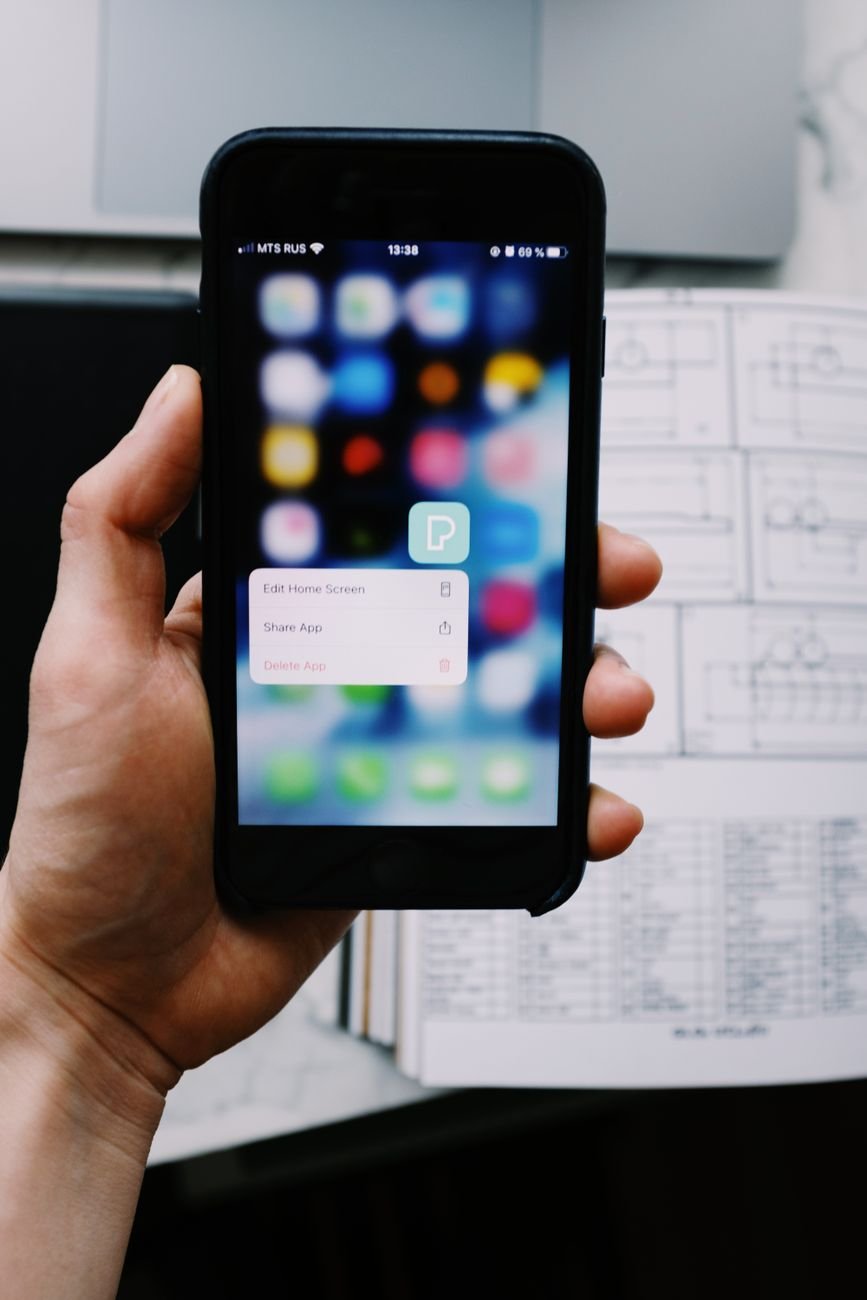
- Open Settings, then go to Apps > Messages.
- Scroll to Unknown Senders and switch on Screen Unknown Senders.
- Prefer doing it in the app instead? In Messages, tap the Filters button, choose Manage Filtering, and toggle it there.
On older iOS versions, the same switch lives at Settings > Messages > Filter Unknown Senders. For the full official walkthrough, see Apple’s guide to screening and filtering texts.
What changes once it’s on
Messages from unknown numbers now land in their own Unknown Senders folder with no notification. Nothing gets deleted, so a legitimate first text from a new doctor or contractor is still there when you check. When real spam does slip through, open it (without tapping any links) and use Delete and Report Junk, which tells Apple and helps train the filter. Meanwhile, the truly satisfying counterpunch is reporting to your carrier, which we cover in the 7726 section below.
How to Block Spam Texts on Android (Google Messages Spam Protection)
Android’s defense lives in Google Messages, and it is smarter than the iPhone equivalent in one way: instead of filtering everyone you do not know, it analyzes message patterns to flag likely spam specifically. Google states the detection runs with privacy protections in place; the details are in Google’s spam protection documentation.
Check the setting is actually on
Spam protection is usually enabled by default, but manufacturers and carriers sometimes ship it off. To verify:
- Open Google Messages and tap your profile picture (top right).
- Choose Messages settings, then Spam protection (on some phones it sits under Protection & safety).
- Make sure Enable spam protection is toggled on.
Suspected junk now skips your inbox and lands in the Spam & blocked folder, which you can review anytime from the same menu.
Report and block in two taps
For spam that still gets through, long-press the conversation and choose Block, then confirm Report spam. That single action blocks the sender, files a report, and feeds the filter. Samsung users texting through Samsung Messages get similar caller and message guards, but Google Messages’ filtering is the stronger option, and it is a free download on any Android phone.
Forward Spam Texts to 7726 (the Free Carrier Tool Most People Skip)
Filters protect your inbox. Reporting to 7726 (it spells SPAM on a keypad) is the only step that fights the source, because it hands the spammer’s number and message to your carrier’s network-level blocking team. All major US and Canadian carriers support it, and forwarding to 7726 is free.
Here is how: long-press the spam message, choose forward (on iPhone, tap and hold, then More, then the forward arrow), and send it to 7726. Your carrier typically replies asking for the sender’s phone number; copy it from the original message and send it back. That is the whole process, and it takes maybe twenty seconds.
Does one report kill a spam operation? No. However, carriers aggregate these reports to identify and block sending numbers across their whole network, so each forward makes the ecosystem a little more hostile for spammers. Think of it as voting for less spam, with a twenty-second ballot.
Why Replying STOP Makes Spam Texts Worse
Here is the counterintuitive part, and the mistake that keeps most people’s spam flowing. Texting STOP works exactly as intended with legitimate companies: opt-out rules require real businesses to honor it, so it is the right move for that gym or retailer you actually signed up with.
Scammers play by no such rules. To a spam operation, your STOP is not an opt-out request; it is proof that a real human reads that inbox. A confirmed-live number is worth more, gets resold more, and often graduates from junk marketing to actual scam attempts. The same logic applies to replying “wrong number” or tapping any link “just to see”: every interaction upgrades your number’s value.
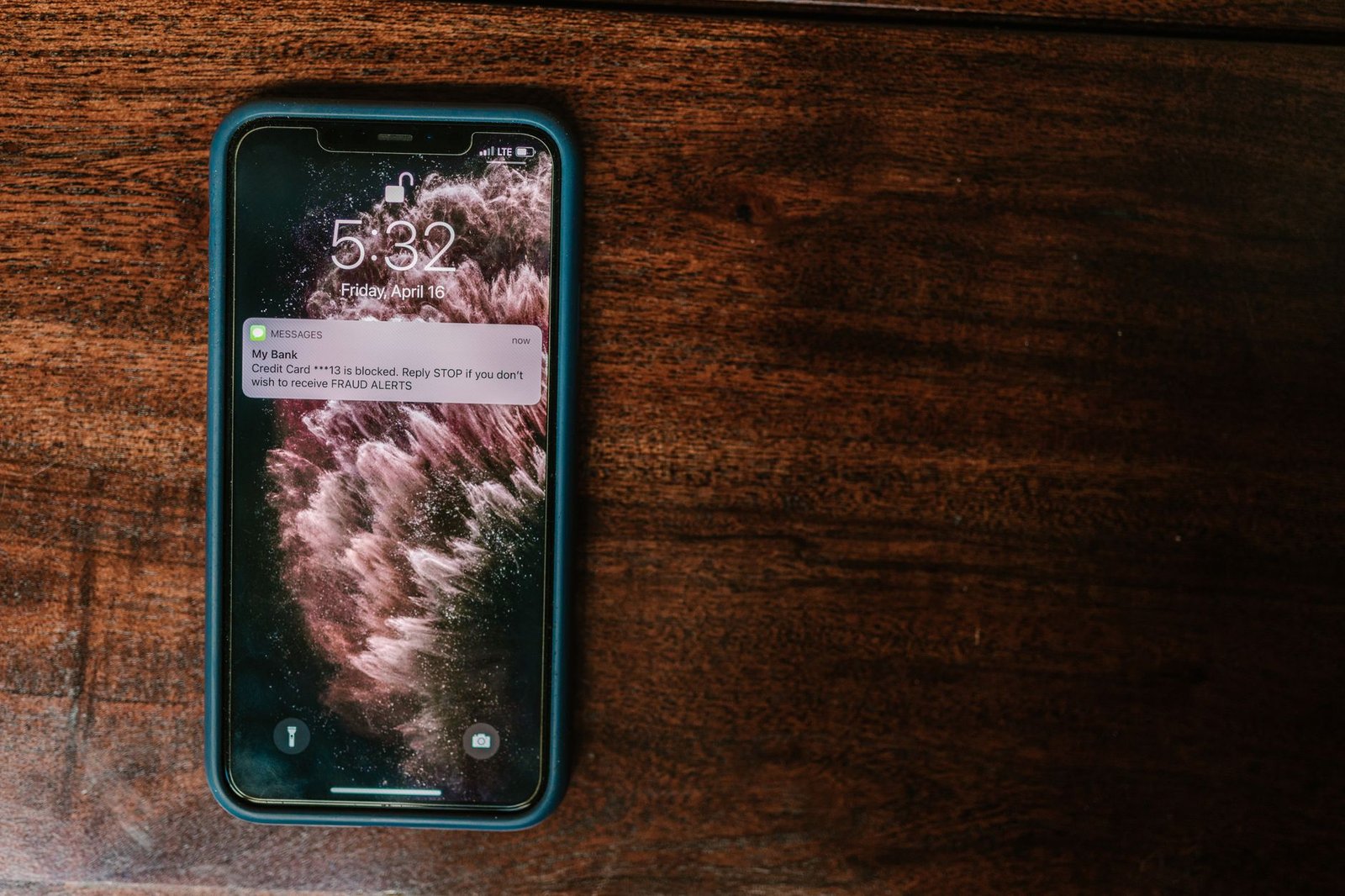
So the rule is simple. Reply STOP only to businesses you knowingly gave your number to. For everything else: no reply, no click, just report and delete. Keep in mind that a confirmed-live number also invites scam calls, which is exactly where the 20-second script that stops AI voice cloning scams becomes worth knowing.
Do You Need a Spam Blocker App?
Probably not, at least not yet. Third-party SMS filter apps exist for both platforms, and some have decent free tiers. Still, they all share one structural tradeoff: to filter your texts, they need permission to process messages from unknown senders. That is a real privacy cost to pay for a job your phone already does for free.
Our advice: run the built-in filters plus 7726 reporting for two or three weeks first. For most people, that combination cuts spam to a trickle. If you are a heavy target even after that (it happens, especially post-breach), then a well-reviewed dedicated filter app is a reasonable next step, and your carrier’s own free protection app is the safest place to start.
Key Takeaways
- Your number leaked or was sold; the sudden flood means it landed on fresh, actively traded lists.
- Turn on Screen Unknown Senders (iPhone) or confirm Spam protection is on in Google Messages. Both are free and take about a minute.
- Forward spam to 7726 so your carrier can block senders at the network level.
- Never reply STOP to unknown senders; it confirms your number is live and makes the spam worse.
- Skip blocker apps until you have run the free built-in stack for a few weeks.
FAQ: Stopping Spam Texts
Does replying STOP to spam texts ever work?
Yes, but only with legitimate businesses, which are required to honor opt-out requests. For unknown senders and scammers, STOP backfires: it confirms your number is active and increases its resale value. When in doubt, do not reply at all.
What actually happens when I forward spam to 7726?
Your carrier receives the message, usually replies asking for the sender’s number, and adds the report to the data it uses to block spam senders across its network. It is free on all major US and Canadian carriers and does not sign you up for anything.
Will Screen Unknown Senders make me miss real texts?
No messages are blocked or deleted; texts from unknown numbers simply move to a separate list without a notification. Delivery updates and one-time login codes still arrive, so just check the Unknown Senders folder when you are expecting something from a new number.
Are spam texts dangerous if I never click the link?
An unclicked spam text is mostly harmless noise. The danger starts with interaction: clicking links, replying, or calling numbers in the message. Report it, delete it, and it has cost you nothing but a second of annoyance.
Why did spam texts spike after I ordered something online?
Fake “delivery problem” texts surge because scammers know a percentage of recipients are always waiting on a package. Additionally, sketchy sellers sometimes share customer data, which is one more reason to vet stores and learn how to spot fake Amazon reviews before you buy. Real couriers will not ask for payment or personal info by text.
The Bottom Line
Spam texts feel like weather, but they are actually plumbing: your number flows in through leaks and lists, and you can shut the valves. Turn on your phone’s built-in filter, forward junk to 7726, starve unknown senders of any reply, and clean up the data brokers feeding the machine. Every step is free, and the first two take five minutes combined.
Want more five-minute fixes that make your tech quieter and safer? Stick around: our related privacy and scam-defense guides are built for exactly that.