
Smart plugs save electricity in two honest ways: they cut the "vampire" standby power your devices sip 24/7 even when they look off, and they let you schedule genuinely-wasteful gear to switch off during the hours nobody uses it. That is the whole trick. Buy a $10 plug, put it on the right device, set a schedule, and you stop paying for electricity you never actually use.
By the end of this guide you will know exactly which devices to plug in first, which ones to never automate, the four-step setup that takes about ten minutes, and a simple formula to estimate your own monthly savings before you spend a cent. No hype, just the math and the steps.
Table of contents
- How smart plugs save electricity
- The one setting most people skip: scheduling
- The $10 setup, step by step
- Which devices to plug in first
- Devices you should never put on a schedule
- Do the math: estimate your real savings
- The best smart plugs for saving money
- Key takeaways
- FAQ
How smart plugs save electricity, the two real ways
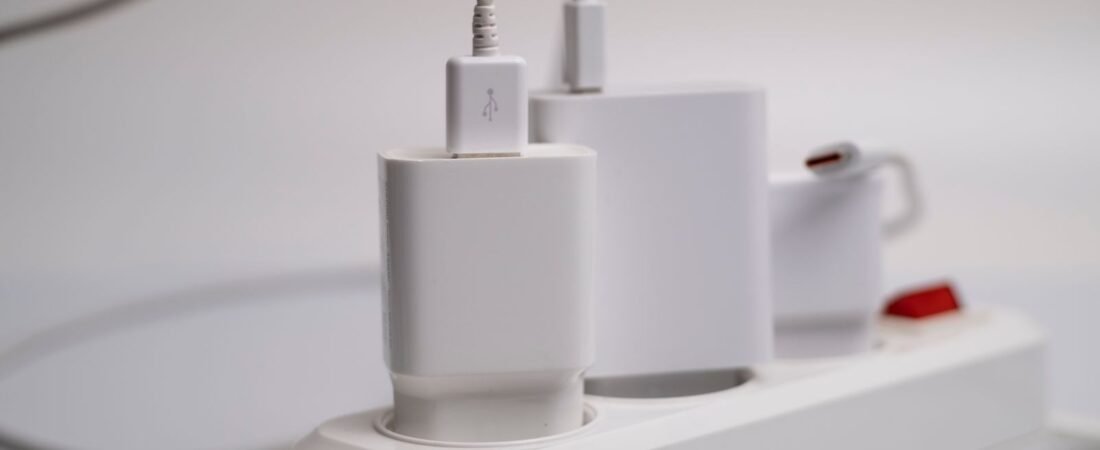
A smart plug is a small adapter that sits between your wall outlet and a device’s cord. It connects to your WiFi, so you can switch the outlet on or off from an app, by voice, or on an automatic schedule. On its own, a plug does not make anything more efficient. What it does is cut power completely, which matters more than most people realize.
Here is why. Plenty of gadgets keep drawing power even when they appear to be off, waiting for a remote, keeping a clock lit, or staying ready on the network. That constant trickle is called standby power, or vampire power. Researchers estimate it accounts for 5 to 10 percent of home electricity use, roughly 1,000 kilowatt-hours a year for a typical US household, which lands somewhere around $100 to $200 on an annual bill at today’s rates.
The average US home now pays about 18 cents per kilowatt-hour, and that number has climbed roughly 25 percent in four years. So the waste that felt trivial in 2022 is a bit more painful in 2026. A smart plug fixes it by physically breaking the circuit, which is something a "sleep" mode never does.
The one setting most people skip: scheduling
Most people buy a smart plug, connect it, and then use it like a fancy remote switch. That is fine, but it is not where the savings live. The setting that actually cuts the bill is the schedule (or a timer), because automation removes the one unreliable part of the system: you remembering.
A schedule tells the outlet to go fully dead during set hours and come back on before you need it. Program your entertainment center to cut power from midnight to 4 p.m. on weekdays, and that whole cluster stops drawing standby power for 16 hours a day without you lifting a finger. Do the same for a coffee station, an office corner, or a TV someone leaves running for background noise, and the small numbers start stacking.
Scheduling beats manual control for one boring reason: consistency. You will forget to flip a switch. A schedule never does.
The $10 setup, step by step
This is the part that pays for itself. It takes about ten minutes.

- Pick a real energy waster. Start with a device or cluster that draws power around the clock but only gets used part of the day. An entertainment center, a game console in "instant-on" mode, a coffee maker with a lit display, or an office setup are all strong first targets.
- Plug in and connect. Put the smart plug in the wall, plug your device into it, then add it in the app (Kasa, Tapo, Alexa, Google Home, or whichever ecosystem you use). Reliable schedules need a solid signal, so if the outlet sits in a far corner or basement, weak WiFi will make automations flaky. This is where matching a mesh WiFi system to your floor plan quietly pays off.
- Read the draw, if your plug measures it. A plug with energy monitoring shows real-time watts. Look at what the device pulls when it is "off." That single number tells you whether this outlet is worth scheduling.
- Set the schedule. Program the outlet to switch off during your reliable dead hours (overnight, the workday, whenever the device sits unused) and back on just before you need it. Save it, and you are done.
Repeat on your next-worst offender. Two or three plugs cover most of a home’s easy standby waste.
Which devices to plug in first
Not every outlet is worth automating. The best first targets share three traits: they draw power continuously, they are only used part of the day, and cutting them off has zero downside. Use that as your filter.
The chart below shows typical standby and idle draw for common household culprits. Bigger bars mean more waste sitting there 24/7, which means a faster payback.
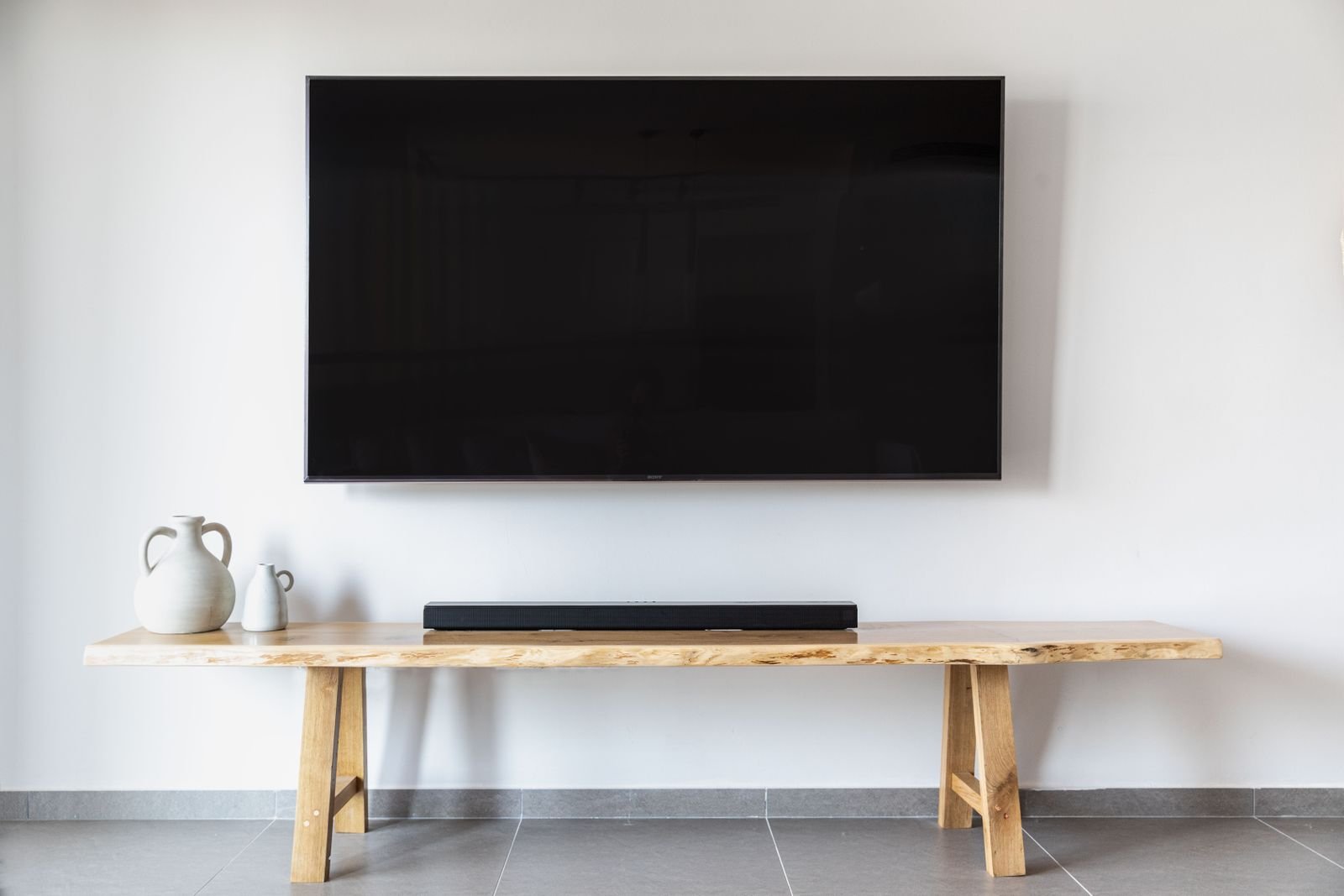
Game consoles in "instant-on" mode are usually the single best target, pulling around 10 watts nonstop just to boot a few seconds faster. Entertainment clusters come next, then office corners, then anything with a glowing standby light. If you want to measure your own gear before committing, the same wattage habit helps when you are sizing a portable power station to what you actually run.
Devices you should never put on a schedule
This is the part cheap-blog listicles skip, and it is the one that keeps you safe. Some devices should never lose power on a timer, either because an outage is dangerous or because the device stresses the plug itself.
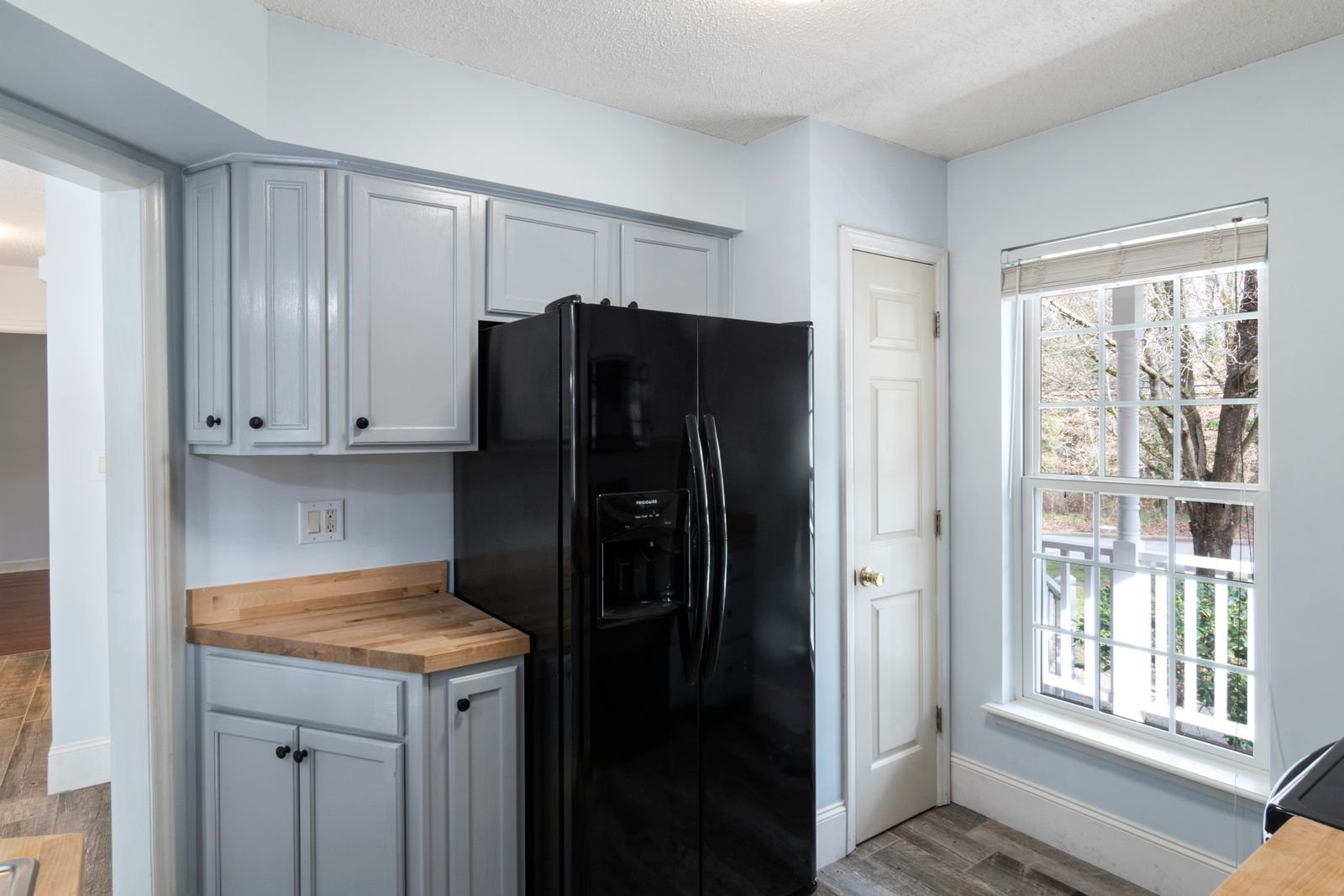
- Refrigerators and freezers. Their compressors surge to several times running wattage on startup, which wears out plug relays, and a cut can spoil food.
- Medical equipment. CPAP machines, oxygen concentrators, and anything life-critical must have uninterrupted power. A dropped WiFi connection or a stray voice command is not a risk worth taking.
- Security systems and cameras. Cutting power leaves you offline and can kill overnight cloud backups.
- Space heaters, portable AC units, and other high-draw heating gear. These can exceed a cheap plug’s safe load and create a fire risk, as experts repeatedly warn. Match any high-wattage appliance to the plug’s rated limit, or leave it off smart control entirely.
- Anything with a clock or state you care about, like a DVR mid-recording.
Do the math: estimate your real savings
Here is the formula that turns guesswork into a number you can trust:
Monthly savings ($) = (watts cut ÷ 1000) × hours off per day × 30 × your price per kWh
Plug in your own numbers. If you do not know your rate, check a recent bill; the US average is about $0.18 per kWh.
Example 1: a standby cluster (the steady case). Say your entertainment center draws 15 watts of standby and you schedule it off 12 hours a day: (15 ÷ 1000) × 12 × 30 × 0.18 = about $0.97 a month, or roughly $12 a year. A $10 plug pays for itself in about ten months, then keeps paying every year after.
Example 2: a genuinely-left-on device (the fast case). Now say a big-screen TV, about 120 watts, gets left on for background noise, and you schedule it off 16 hours a day: (120 ÷ 1000) × 16 × 30 × 0.18 = about $10.40 a month. That plug pays for itself in roughly a month, which is exactly where the headline number comes from.
The honest takeaway: standby-only savings are real but slow, while scheduling something that is truly left running is where a single plug can clear its own cost in about four weeks. Target the second kind first.
The best smart plugs for saving money
Some links in this article are affiliate links. If you buy through them, we may earn a small commission at no extra cost to you. Learn more.
As an Amazon Associate I earn from qualifying purchases.
You do not need anything fancy, but one feature earns its keep: energy monitoring. A plug that shows real-time watts turns "I think this wastes power" into "this pulls 10 watts, off 14 hours a day, done." That feedback loop is what makes the savings stick.
For most homes, a compact energy-monitoring plug from a major brand like Kasa or Tapo hits the sweet spot: roughly $7 to $15 each, reliable scheduling, and clear per-device usage graphs.
Planning to cover a whole entertainment center and office at once? A multi-pack usually drops the per-plug cost well under ten dollars.
Skip Matter-only premium units unless you already run that ecosystem. For pure savings, a basic metered plug does everything this guide asks of it.
Key takeaways
- Smart plugs save electricity by fully cutting standby power and by scheduling wasteful devices off, not by making anything more efficient.
- The schedule is the setting that matters. Manual on/off leaves most of the savings on the table.
- Standby waste runs about 5 to 10 percent of a home’s electricity, and today’s ~18 cents per kWh makes it worth reclaiming.
- Target game consoles, entertainment clusters, and anything left on for hours first. Use the formula to rank them.
- Never schedule fridges, medical gear, security systems, or high-draw heaters.
- An energy-monitoring plug (about $7 to $15) pays for itself in roughly a month on the right device, and every month after is profit.
FAQ
Do smart plugs use electricity themselves?
Yes, but very little, usually under a watt to stay connected to WiFi. That draw is far smaller than the standby power they help you eliminate, so the net is still a clear saving.
How much can smart plugs really save per year?
It depends entirely on what you plug in. A few standby clusters might save $10 to $30 a year, while scheduling genuinely-left-on devices can save that much in a month or two. Use the formula above with your own wattages and rate.
Do I need energy monitoring, or is a basic plug fine?
A basic scheduling plug saves money on its own. Energy monitoring just makes it easier to find your worst offenders and confirm the savings, which is why it is worth a couple of extra dollars.
Will cutting power on a schedule damage my electronics?
For everyday electronics like TVs, chargers, lamps, and consoles, no. The exceptions are the never-schedule devices above: fridges, medical equipment, security systems, and high-draw heaters.
Do smart plugs keep working if my internet goes down?
Existing schedules generally keep running locally, but remote control and voice commands need the connection. A stable home network keeps automations dependable.
What is the single best device to start with?
A game console in instant-on mode or an entertainment center. Both draw power around the clock and are only used part of the day, so they deliver the fastest, safest payback.
The honest bottom line
Smart plugs are not magic, and they will not slash your bill on their own. Point one at the right device, set a real schedule, and skip the devices that should never lose power, and a $10 plug turns into a small appliance that quietly pays you back every single month. Start with your worst standby offender today, run the numbers with the formula, and let the automation do the remembering for you.