
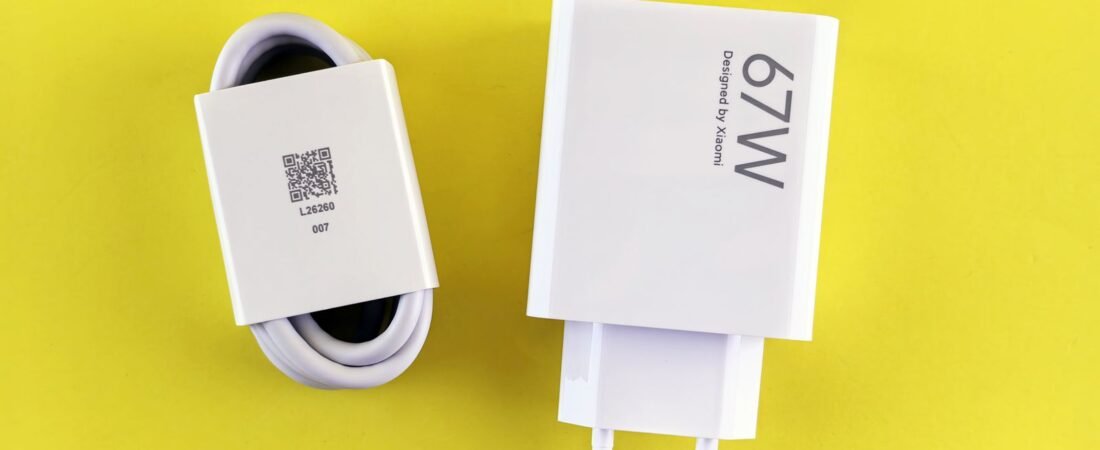
To choose a USB-C charger, read three things off its label: the top wattage number, whether it says “PD” (Power Delivery), and whether it says “PPS.” If it shows enough watts for your device and lists PD, it will fast-charge. That is the whole trick, and once you know how to choose a USB-C charger this way, you can size up any brick on a shelf or a product page in about ten seconds.
That label looks like a wall of tiny voltages and amps for a reason: it is packing a full charging contract into a few lines of text. Below, we crack the code so you can stop guessing, stop overpaying, and stop wondering why your “fast” charger feels slow.
Some links in this article are affiliate links. If you buy through them, we may earn a small commission at no extra cost to you. Learn more.
As an Amazon Associate I earn from qualifying purchases.
- The 10-second label decode
- USB-C wattage explained
- What PD and PPS actually do
- Match the charger to your device
- How to choose a USB-C charger without overpaying
- Key takeaways
- Frequently asked questions
The 10-second label decode
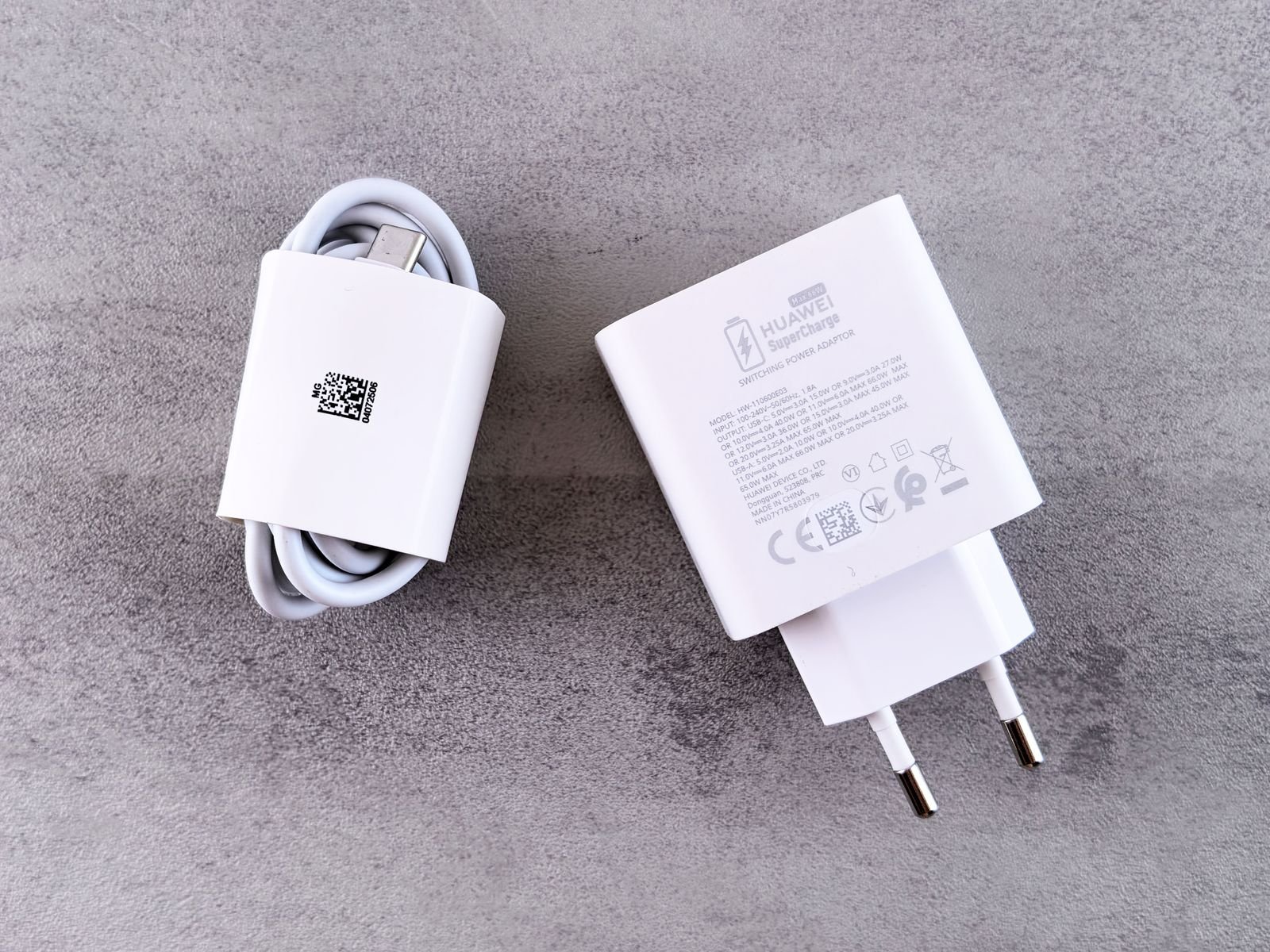
Flip any USB-C charger over and you will see a block of output specs. Instead of reading every line, scan for three things in order.
Step 1: Find the top wattage
Somewhere on the label is the maximum output, either printed directly (like “65W Max”) or hidden in the highest voltage line. If it only lists voltages and amps, multiply the biggest voltage by its amps. A line reading “20V / 3.25A” means 20 times 3.25, so roughly 65 watts. That single number tells you the ceiling of what the charger can push.
Step 2: Look for “PD”
Next, hunt for “PD” or “Power Delivery,” sometimes shown as “PD 3.0” or “PD 3.1.” This is the standard that lets modern phones and laptops negotiate fast speeds. No PD label usually means old-school slow charging, no matter how many watts it claims.
Step 3: Look for “PPS”
Finally, check for “PPS.” This one is easy to miss and it matters a lot for Samsung and many Android phones. We get to why in a moment, but if you own a Galaxy, treat PPS as non-negotiable.
That is it. Watts, PD, PPS. Three scans, ten seconds, and you know whether a charger deserves your money.
USB-C wattage explained
Here is USB-C wattage explained without the physics lecture: watts measure how fast energy can flow, and watts equal volts multiplied by amps. USB-C chargers are clever because they can shift between voltages, jumping from 5 volts up to 9, 15, or 20 volts to move power faster when a device asks for it.
More watts is not automatically better, though. A charger can only deliver the speed your device is willing to accept. Plug a 140W brick into an iPhone and the phone still sips at its own limit. So the goal is not “biggest number wins.” Instead, the goal is matching the charger’s ceiling to your device’s appetite, which is exactly what the cheat table further down does.
One honest caveat: wattage is shared across ports. A “65W” charger with two ports often splits that power when both are busy, dropping each port to something like 45W and 18W. Always read the fine print for how power divides.
What PD and PPS actually do
PD, or Power Delivery, is the USB-C fast-charging language, and it is a real published standard governed by the USB Implementers Forum. The latest version, PD 3.1, added an Extended Power Range that unlocks 28V, 36V, and 48V steps for up to 140W, 180W, and 240W. That is how a single USB-C port can now run a beefy gaming laptop.
PPS, short for Programmable Power Supply, is the fine-tuning layer. Instead of jumping between fixed voltages, PPS lets the charger and phone adjust voltage in tiny 20-millivolt steps across a range that runs from 3.3V up to 21V. The payoff is less wasted heat and faster real-world charging.
Here is the gotcha the buying guides skip: Samsung’s 45W Super Fast Charging only reaches full speed over PPS. A “45W” charger with no PPS support will quietly cap a Galaxy S25 well below its rated speed. So on paper the charger looks right, and in your hand it disappoints. This is also a good moment to remember that the cable you plug in matters just as much as the brick, since a cheap or underrated cable can throttle everything you just paid for.
Match the charger to your device

Now the useful part: how many watts does your gear actually pull? These are real, verified ceilings, not marketing claims. Notice that most phones top out lower than people assume, while laptops are where wattage really climbs.
| Device class | Real max charging power | Charger to buy |
|---|---|---|
| Wireless earbuds case | ~5W | Any USB-C port |
| Most phones (iPhone 16) | ~30W | 30W PD |
| Samsung Galaxy S25 Ultra | ~45W | 45W PD with PPS |
| iPad Pro | ~30-40W | 30-45W PD |
| MacBook Air | ~30-35W | 30-45W PD |
| MacBook Pro 14″ | up to 96W | 65-100W PD |
| MacBook Pro 16″ | up to 140W | 140W PD 3.1 |
The pattern is clear. A 30W charger fast-charges basically every phone on the market. A 45W charger with PPS covers phones plus lighter laptops. And only the 16-inch MacBook Pro and similar workstation laptops genuinely need the 140W tier, which you can confirm against Apple’s own adapter guidance. If your household is mostly phones, a 100W four-port brick is overkill you will rarely tap. On the go, the same wattage math applies to power banks, so once you can read a wall charger’s label you can read a portable battery’s label too.
How to choose a USB-C charger without overpaying
Knowing how to choose a USB-C charger is really about buying the right tier, not the most expensive one. Three quick rules keep you honest.
First, buy GaN. Gallium nitride chargers run cooler and shrink the brick dramatically, so a modern 65W GaN charger is smaller than the old 30W plastic block Apple used to ship. For the best fast charger 2026 value, GaN is the baseline, not a luxury.
Second, size to your heaviest device, then add a little headroom. A phone-only user is happy with 30W. A phone-plus-laptop person should land on 65W, which comfortably tops up a MacBook Air and a Galaxy at the same time. Only reach for 100W or 140W if you carry a large-screen pro laptop.
Third, count your ports. One port is fine for a nightstand. Two or three ports earn their keep on a desk or in a travel bag, just remember that wattage splits when ports share.
Our picks, based on how we dig into and vet the current field:
For most people, a 65W GaN charger is the one-brick sweet spot for a phone and a laptop together. It fast-charges any phone and comfortably powers most everyday laptops from a single port.
Phone-only and want it cheap and tiny? A 30W GaN charger is plenty, and it is the smallest, lightest option for a nightstand or a bag.
Running a 16-inch MacBook Pro or a workstation laptop? Step up to a 140W PD 3.1 charger and pair it with a 240W-rated cable so nothing bottlenecks.
Key takeaways
- Read three things on the label: top wattage, “PD,” and “PPS.” That is the entire 10-second method.
- Watts equal volts times amps, and more watts than your device accepts does nothing extra.
- PD is the fast-charging standard; PPS is the fine-tuning layer that Samsung’s 45W charging requires.
- Most phones need only 30W; only large pro laptops need the 100W to 140W tier.
- GaN chargers give you the same power in a smaller, cooler brick, so make them your default.
Frequently asked questions
Does a higher-wattage charger damage my phone?
No. Your phone only draws what it is designed to accept, so a 65W charger will not overload a phone that maxes out at 30W. It simply charges at the phone’s own ceiling.
Do I need PPS if I own an iPhone?
Not really. iPhones fast-charge fine over standard PD at around 30W. PPS mainly benefits Samsung and many other Android phones, so it is a nice bonus rather than a requirement for Apple users.
What is the best single wattage for one charger?
Sixty-five watts. A 65W GaN charger fast-charges every phone and comfortably powers most everyday laptops, making it the most flexible single brick for the best fast charger 2026 shortlist.
Why is my fast charger charging slowly?
Usually the cable, the missing PPS support, or shared ports. Check that your cable is rated for the wattage you want, confirm PPS if you own a Galaxy, and unplug the second device if power is being split.
Can one USB-C charger really power a laptop?
Yes. Thanks to PD 3.1, a single USB-C port can deliver up to 240W, which covers even the most demanding laptops from one cable.
The bottom line
A USB-C charger label is not a wall of noise once you know the three words to look for. Find the top wattage, confirm “PD,” and check for “PPS” if you carry a Galaxy. Match that against your heaviest device, lean on GaN to keep it small, and you never have to overpay or wonder if a charger is actually fast again. Ten seconds, three scans, done.