
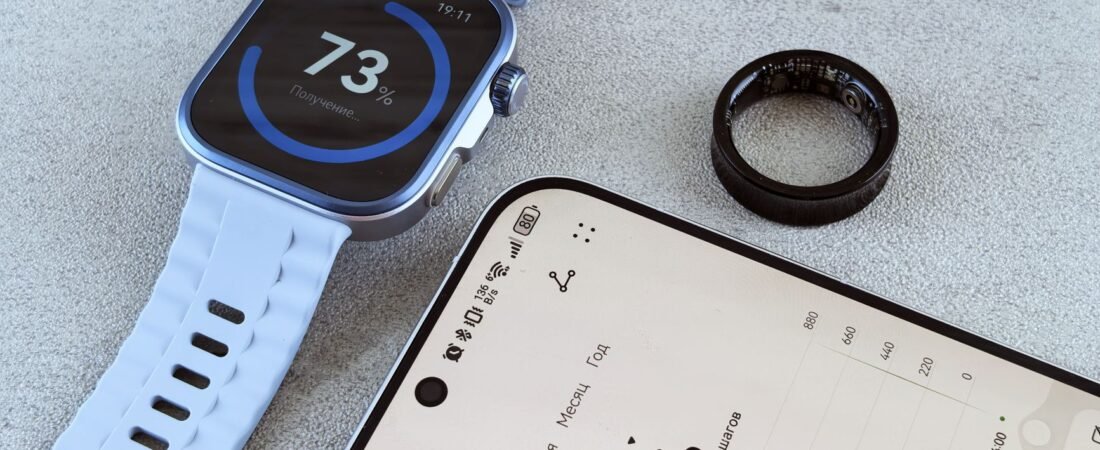
Smart ring vs smartwatch is the wearable question of 2026, and picking wrong is a genuinely expensive mistake. Both hover around $300, both track your heart, your sleep, and your steps, and both promise a healthier you. But they are built for opposite kinds of people. By the end of this guide you will know exactly which one fits how you actually live, so you don’t drop $300-plus on a gadget that lands in a drawer by March. The secret weapon in this whole decision is a fee that most buyers never see coming.
The quick answer
For most people, a smart ring wins on sleep and recovery and a smartwatch wins on workouts and everyday convenience. If your main goal is better sleep and a device you forget you are wearing, get a ring. If you want notifications, GPS, and contactless pay on your wrist, get a watch. The tie-breaker almost everyone misses is the subscription fee that can quietly double the price. Not sure yet? See the full comparison and the ring’s case versus the watch’s case below.
Some links in this article are affiliate links. If you buy through them, we may earn a small commission at no extra cost to you. Learn more.
As an Amazon Associate I earn from qualifying purchases.
- What each one is built for
- The full comparison at a glance
- If sleep and recovery matter most, the ring wins
- If workouts and notifications matter most, the watch wins
- The subscription trap nobody warns you about
- Your 5-question decision framework
- So which should you actually buy?
Smart ring vs smartwatch: what each one is built for
Here is the cleanest way to think about it. A smartwatch is a screen on your wrist: it shows data in real time, buzzes with texts, tracks a run with GPS, plays your music, and taps to pay. A smart ring is a silent sensor on your finger: no screen, no notifications, no distractions, just quiet round-the-clock tracking of sleep, heart rate, and recovery.
That single difference drives everything else. The watch is an active companion that wants your attention. The ring is a passive one that disappears. Neither is better in the abstract. One of them is better for you, and that depends entirely on the three or four things you actually care about. Let’s line them up.
The full comparison at a glance
Here is where rings and watches split, feature by feature.
| What you care about | Smart ring | Smartwatch |
|---|---|---|
| Sleep and recovery tracking | Excellent (finger sensor) | Good |
| Workouts and GPS | Basic, no GPS | Excellent |
| Notifications and calls | None | Yes |
| Contactless payments | No (most) | Yes |
| Screen | None | Yes |
| Battery life | 5 to 8 days | 1 to 2 days |
| Comfort in bed | Barely noticeable | Bulky for some |
| Typical price | $250 to $400 | $150 to $500 |
Battery life is one of the starkest gaps, and it matters more than people expect: a device you have to charge every night is a device you take off at bedtime, which is exactly when sleep tracking happens.
Rings coast for the better part of a week. Watches want a charger daily, or every other day at best. If you buy a wearable mainly to track sleep, that alone tilts the table.
If sleep and recovery matter most, the ring wins
This is the part the wrist crowd will not tell you: the best sleep tracker probably is not on your wrist at all. The reason is physical, not marketing. Blood vessels in your finger sit closer to the surface than those in your wrist, so the optical heart-rate sensor gets a much cleaner signal. That translates into better readings for heart rate variability, breathing, and the temperature shifts that reveal sleep stages.
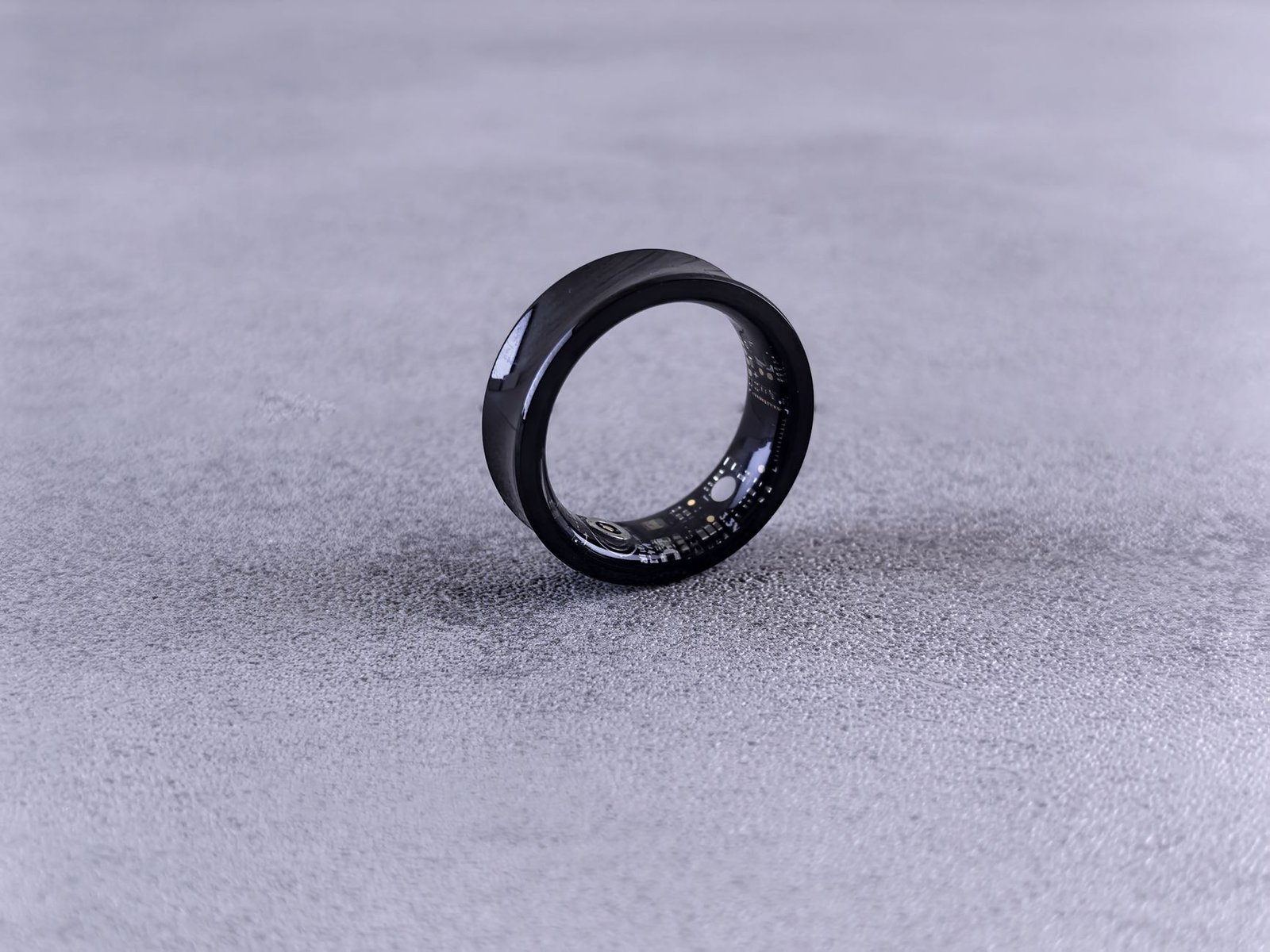
The numbers back it up. In a Brigham and Women’s Hospital study, the Oura Ring came out about 5% more accurate than the Apple Watch and 10% more accurate than Fitbit at four-stage sleep classification, with the strongest wake detection of the bunch. A ring is also just more comfortable to sleep in than a slab of glass strapped to your wrist.
So if your goal is a sharper readiness score, real HRV trends, and knowing whether you actually recovered overnight, a ring is the honest pick. The Oura Ring 4 ($349) is the one to beat, with battery that runs up to 8 days and the most refined app in the category. Prefer to skip a monthly fee entirely? Hold that thought until the next section.
If workouts and notifications matter most, the watch wins
Flip the priorities and the watch pulls ahead fast. A ring has no GPS, no screen, and no way to blast your pace or heart-rate zones at you mid-run. A smartwatch does all of that, plus turn-by-turn maps, music control, ECG readings, fall detection, and a tap-to-pay chip.
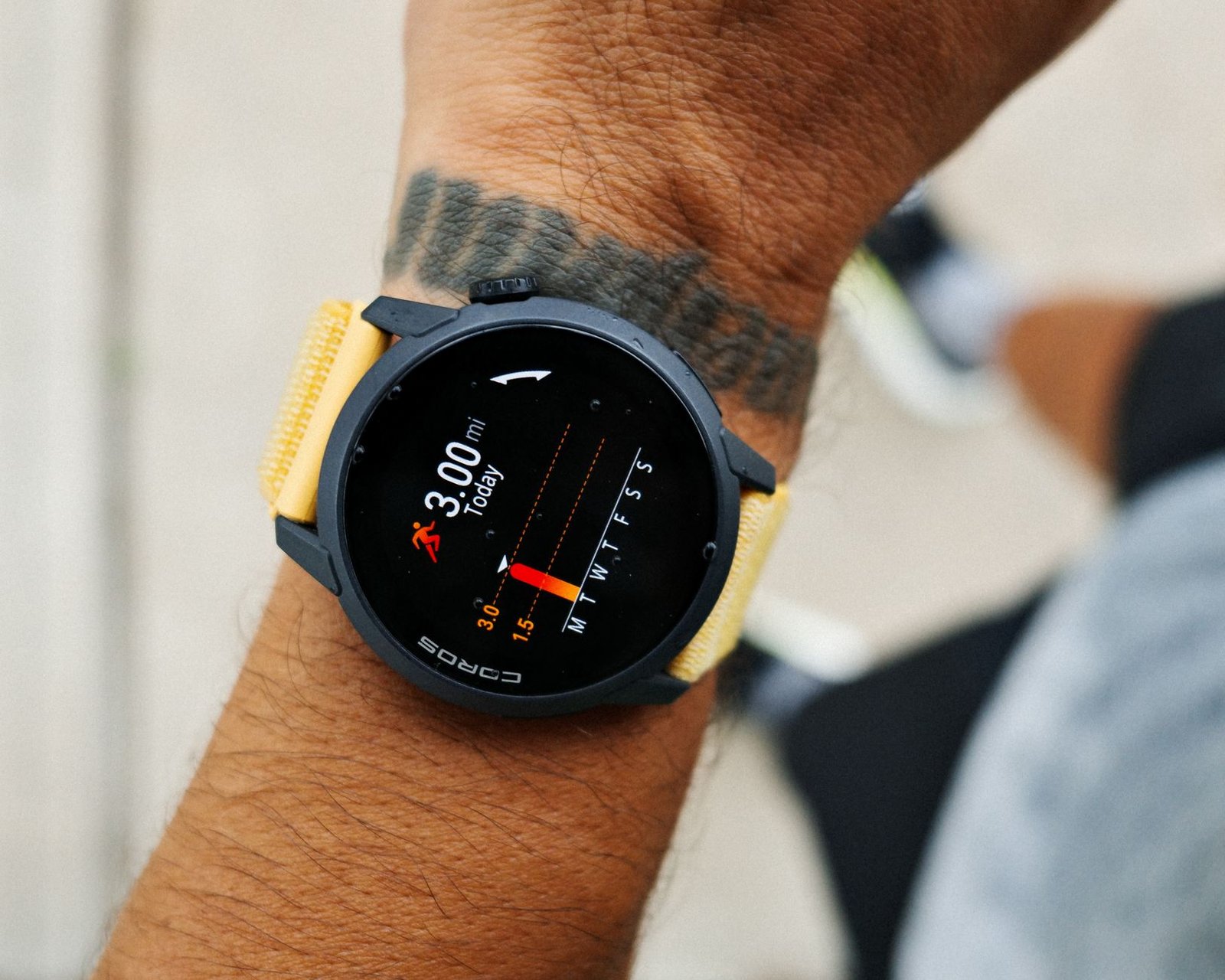
There is also the small matter of your day. A watch handles texts, calls, and calendar nudges on the same wrist that holds your phone’s notifications, so you glance instead of digging your phone out. If you want one device that does fitness and everyday life, the ring simply cannot compete here.
For most people the Apple Watch (iPhone owners) or a Galaxy Watch or Pixel Watch (Android owners) is the right call, and none of them charge a mandatory subscription to unlock their core features. That last point is about to become the whole ballgame.
The subscription trap nobody warns you about
Here is the fee that wrecks budgets. Several of the best health wearables lock their most useful insights behind a monthly membership, and the sticker price on the box hides it completely.
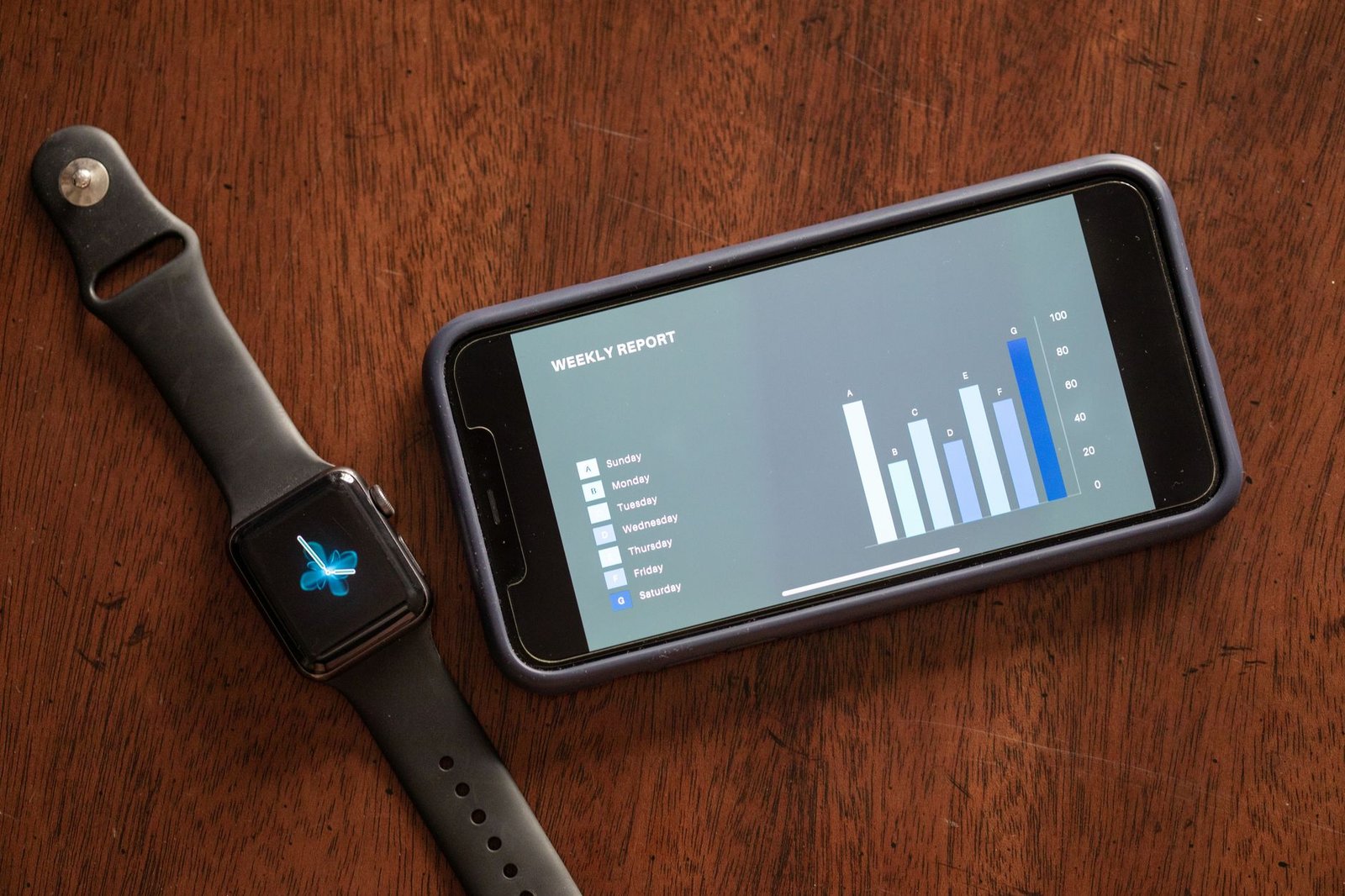
- Oura Ring 4: $349 up front, includes 12 months of membership, then $5.99/month or $69.99/year (per Oura’s own membership page).
- Whoop: no upfront hardware cost at all, but you rent it. Plans run roughly $199 to $359 per year, and there is no non-subscription option.
- Samsung Galaxy Ring: around $399 with no subscription ever, every feature included for the life of the ring, thanks to Samsung’s subscription-free approach.
- Apple Watch, Galaxy Watch, Pixel Watch: no mandatory fee for core tracking.
Now run the three-year math, because that is where the trap springs.
| Device | Hardware | Subscription (3 yrs) | 3-year total |
|---|---|---|---|
| Samsung Galaxy Ring | ~$399 | $0 | ~$399 |
| Apple Watch Series 10 | ~$399 | $0 | ~$399 |
| Oura Ring 4 | $349 | ~$140 (yr 1 free) | ~$489 |
| Whoop (annual plan) | $0 | ~$717 | ~$717 |
Whoop, the “cheap” one with no hardware cost, ends up the most expensive device on the list once you own it for three years. Oura’s tiny $6 fee quietly adds another ring’s worth of cost. The Galaxy Ring and a plain Apple Watch are the only picks that stay flat.
Your 5-question decision framework
Enough theory. Answer these and your pick falls out the bottom.
- Is sleep and recovery your number-one reason to buy? If yes, get a ring. This is the ring’s home turf.
- Do you run, cycle, or do outdoor cardio and want live GPS and stats? If yes, get a watch. A ring cannot guide a run.
- Do you want texts, calls, and pay-by-wrist on the device? If yes, get a watch. Rings have no screen.
- Do you hate subscriptions? If yes, cross off Whoop and lean toward the Galaxy Ring or a plain smartwatch, and go in eyes-open on Oura’s fee.
- Do you charge things reliably every night? If not, a ring’s week-long battery will forgive you where a watch will not.
Most people land clearly on one side. If you split (say, sleep matters and you run daily), that is the honest case for owning both: ring at night, watch for workouts. Just know that going in, rather than discovering it after you have bought the wrong one first. The same “match the device to how you actually live” logic is exactly how to pick the right device for the way you actually use it in any tech category, and it saves the most money.
So which should you actually buy?
Buy the ring if you are chasing better sleep, cleaner recovery data, and a device you never notice: the Oura Ring 4 is the best all-rounder, and the Samsung Galaxy Ring is the smarter long-run value if you refuse to pay a monthly fee. Buy the watch if you want workouts, notifications, and contactless pay in one glanceable package.
Whatever you choose, decide on your top priority first and let the fee math finish the argument. That order is the difference between a wearable you use every day and a $300 paperweight. Pay for the features you will actually use, and not a cent more.