
You can spot a fake online store before you pay in about a minute, and that minute is the difference between a great holiday deal and money you never see again. During Prime Big Deal Days and the rush toward Black Friday, scammers spin up polished-looking shops built to catch shoppers who are moving fast and hunting bargains. The good news: fakes leave the same fingerprints every time. Run the quick checks below before you type in a card number, and you’ll know whether that too-good deal is a real store or a trap.
Here’s the fast version, then the depth.
Table of contents
- The fastest way to spot a fake online store
- Check the web address, not the padlock
- Reverse-image the product photos
- Read reviews the store can’t control
- Find the real contact info and policies
- Pay the way that fights back
- Watch the links that find you
- Already paid? Do this next
The fastest way to spot a fake online store
Before the deep checks, three instant red flags are usually enough to walk away. Each one takes seconds.
- The price is unreal. A current, in-demand product marked 70% or 80% off the price everywhere else is bait, not a bargain. Genuine sale events discount real inventory, not fantasy numbers.
- They want a payment you can’t reverse. Gift cards, bank wires, Zelle, or crypto at checkout are the single loudest alarm. Legitimate stores take credit cards.
- You’ve never heard of them, and neither has anyone else. Copy the store name into a search bar and add the word “scam.” If the first page fills with complaints (or turns up nothing at all for a shop claiming huge sales), trust that signal.
Clear all three and the store might be fine. Still, a minute of verification beats a month of chargeback paperwork, so keep going through the rest of the list before you buy anything from a seller you don’t already know.
Bottom line for this step: unreal price, irreversible payment, or no track record equals stop.
Check the web address, not the padlock
The padlock icon is not proof of anything. Scam sites get free HTTPS certificates in minutes, so a locked address bar only means the connection is encrypted, not that the company behind it is honest. In fact, Google actually retired the browser padlock icon in 2023 precisely because too many shoppers read it as “this site is safe.”
So look past the lock and read the domain itself:
- Watch for near-miss spellings. Addresses like
aamazon-deals.shopornike-outlet-sale.storeborrow a trusted name and bolt on extra words. The real brand almost always lives on a short, clean domain. - Be wary of a brand-new domain running huge sales. You can paste the address into a WHOIS lookup to see how old it is. A site registered last month advertising deep discounts on premium goods is a classic setup.
- Run it through a checker. Paste the URL into Google’s Safe Browsing site status tool to see whether the address has already been flagged as unsafe.
None of this replaces judgment, but a mismatched or freshly minted domain is a strong reason to close the tab.
Reverse-image the product photos
Fake shops rarely photograph anything. Instead, they lift images straight from the real brand, Amazon, or AliExpress. That habit gives you an easy test.
Right-click the main product photo and choose “Search image with Google,” or use Google Lens on your phone. If the exact same picture shows up on dozens of unrelated stores, or traces back to a completely different brand, you’re not looking at the original seller. TinEye works well too, since it hunts for the earliest known copy of an image.
This check matters most for the gadgets people chase during the sale. If you’re comparing a specific model (say, deciding which robot vacuum features are worth paying for), a reverse image search quickly shows whether that discount page belongs to a real retailer or a clone reusing stock photos.
Read reviews the store can’t control
On-site reviews are theater. Any store can post five glowing testimonials next to its own products, so look for feedback the seller doesn’t own.
Search the brand on Trustpilot, Reddit, and niche forums. Then watch for patterns rather than star counts:
- A flood of five-star reviews all posted within a few days.
- Generic, near-identical wording that never mentions specifics.
- A wave of complaints about orders that never arrived, or refunds that never came.
Real businesses collect a messy mix of praise and gripes over months. A suspiciously tidy or suspiciously empty review history tells you plenty.
Find the real contact info and policies
Legitimate stores make it easy to reach a human and to send something back. Fakes tend to hide.
Scroll to the footer and look for a physical address, a working phone number, and a clear return and refund policy. Then test one: search the address, or read the return terms closely. Vague promises, a lone contact form, a free webmail address, or a return policy that contradicts itself all point the same direction. A store that won’t tell you who it is or how to get your money back is telling you something.
Pay the way that fights back
Your payment method is your safety net, so choose the one with the strongest protection.
Use a credit card. Credit cards give you chargeback rights, which means you can dispute a fraudulent or non-delivered order and claw the money back. A reputable payment service like PayPal offers its own buyer protection as a second option.
Never pay a store you don’t trust with a gift card, wire transfer, or cryptocurrency. Those methods are built to be irreversible, which is exactly why scammers push them. If a checkout suddenly steers you toward one of them, or asks you to complete payment over email or text, stop right there. This is plain editorial advice, not a sponsored plug: the card in your wallet is the best fraud tool you own.
Watch the links that find you
Here’s the part most fake-store guides skip. During the holiday rush, the danger often isn’t a shop you searched for, it’s a link that arrives uninvited.
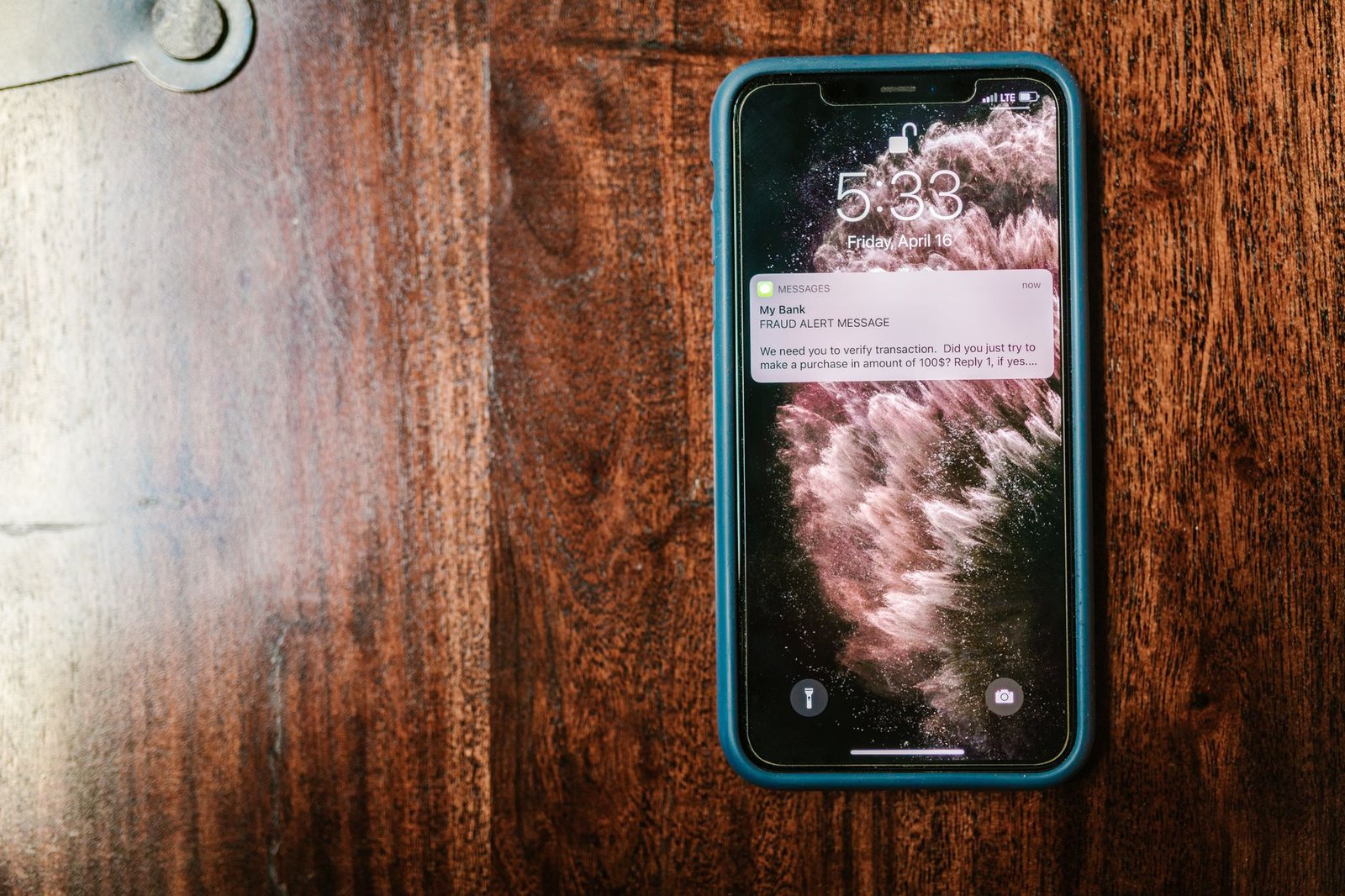
Scam ads on social feeds and marketplaces send you to convincing storefronts you never went looking for. Worse, fake delivery texts spike this time of year: a message claims your package is held, and a tacked-on link or QR code sends you to a spoofed page that harvests your card and login. Scanning a code feels harmless, which is why the tactic is exploding. Microsoft Threat Intelligence logged 7.6 million QR-based phishing attempts in January and 18.7 million by March, while Kaspersky tracked QR-phishing emails climbing roughly fivefold in late 2025, from about 47,000 in August to nearly 250,000 in November.
- Don’t tap links or scan QR codes in unexpected delivery messages. Go straight to the carrier’s or retailer’s official app or site and check your order there.
- Reach the store through its own address, not the ad. If a social post advertises a wild deal, open a new tab and type the store name yourself.
The same instinct that helps you find what’s actually worth buying during Prime Big Deal Days applies here: know what you want, go to a store you trust, and let the pushy links go by.
Already paid? Do this next
If you think you handed money to a fake store, move quickly.
Call your bank or card issuer right away, report the charge as fraudulent, and ask about a chargeback. Change any password you reused on that site. If a fake delivery text is involved, forward it to your phone carrier’s spam-reporting shortcode (7726 spells “SPAM” in North America) and delete it. Then watch your statements for a few weeks for anything you don’t recognize.
Run this quick set of checks before you enter a card number and most fakes fall apart on the first or second one. A too-good holiday deal is worth exactly sixty seconds of doubt.