

Mint is gone, and the app that swallowed its users quietly dropped the budgeting tools people actually loved. So if you are hunting for the best free budgeting app 2026 has to offer, and you would rather not hand a stranger your bank login, you have landed in the right place. By the end of this guide you will have picked a free budget-tracking system that matches your privacy comfort, whether that means zero bank access, a read-only connection, or a plain spreadsheet you control. No trials, no credit card, no fine print. Let’s start with the short version.
The quick answer
For most privacy-minded people, Goodbudget is the best free budgeting app with no bank link: real envelope budgeting, nothing shared with anyone, and a genuinely free tier. Want a strict zero-based plan instead? Reach for EveryDollar. Want the fastest possible logging? Monefy.
The full breakdown, plus the one case where each pick loses, is below. See the full comparison.
Some links in this article are affiliate links. If you buy through them, we may earn a small commission at no extra cost to you. Learn more.
Table of contents
- Manual entry, read-only, or full link
- What linking your bank through Plaid really exposes
- The best free budgeting app 2026 with no bank link
- Free budgeting apps compared
- If you do want auto-import: the read-only route
- The real free alternative to Mint
- Which one should you pick?
- Key takeaways
- FAQ
- The bottom line
Manual entry, read-only, or full link: what actually differs
“Bank linking” gets talked about like one thing. It is really three, and the difference decides how much of your financial life an app can see.
Manual entry means the app sees nothing. You type in a coffee here, a grocery run there, and the numbers live on your device or in your account only. That is the whole appeal of a budgeting app without bank link access.
Read-only linking lets the app import transactions automatically, usually through a connector called Plaid. It can watch your spending, but it cannot move money out of your account. Most “linked” budget apps sit here.
Full linking adds the ability to initiate transfers or payments. It is rare for budgeting tools and worth avoiding unless you truly need it.
Keep those three tiers in mind. Every pick below tells you exactly which one it uses.
What linking your bank through Plaid really exposes
Here is the part most roundups skip. When you connect a budget app through Plaid, the app can pull far more than this month’s spending. Depending on what it requests, that connection can reach your account balances, roughly 12 to 24 months of transaction history, your account and routing numbers, and identity details like your name and address.
Two things surprise people. First, the access does not end when you lose interest. It stays live until you manually revoke it, sometimes years after you stopped opening the app. Second, this is not hypothetical retail worry: Plaid settled a class-action suit in 2021 for $58 million over claims it collected more financial data than apps needed.
None of that makes linked apps evil. Millions use them happily. It simply means a link is a real trade, so it should buy you something you actually want, like hands-off automation.
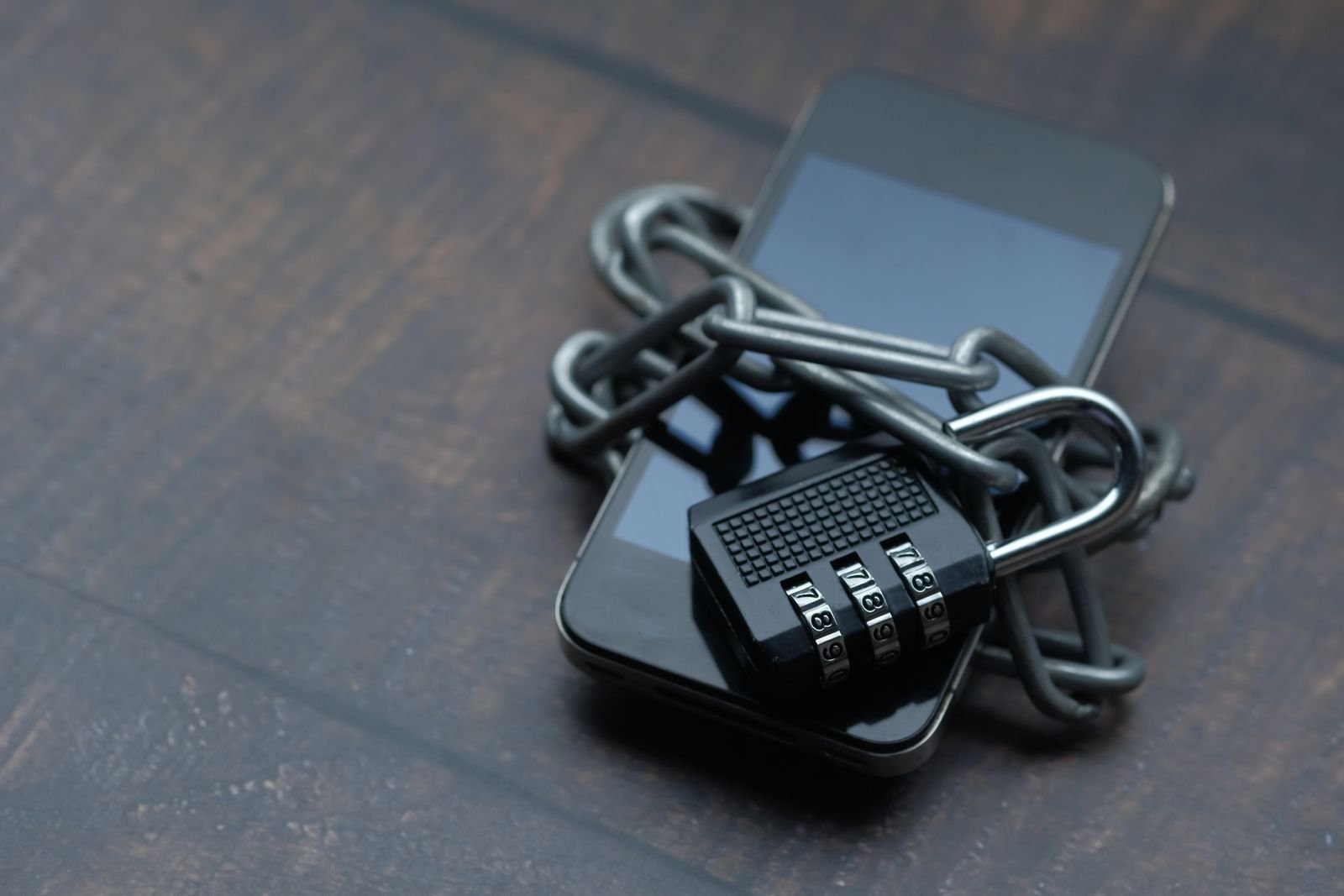
If you do decide to link accounts, protect the login itself. A password manager like NordPass keeps that bank credential long, unique, and out of the next reused-password breach. That one habit matters more than which app you choose.
The best free budgeting app 2026 with no bank link
These three apps share nothing with anyone because they never touch your bank. Each shines for a different kind of budgeter.
Goodbudget: best for most people
Goodbudget is digital envelope budgeting. You decide how much goes into “Groceries,” “Gas,” and “Fun,” then log spending against each envelope by hand. The free tier gives you 20 envelopes (10 regular plus 10 annual), one account, two devices, and a year of history, and it stays free with no card required.
The killer feature for couples: two people can share the same envelopes and both log expenses in real time. That makes it quietly great for households.
Where it loses: if you run many accounts and want them all separated, the free tier’s single-account cap will feel tight, and you will eye the paid plan.
EveryDollar: best for zero-based budgeting
EveryDollar, from Ramsey Solutions, is built around giving every dollar a job before the month starts. The free version does full zero-based budgeting with manual entry and no bank sync at all. Bank Connect is a Premium-only feature, so the free plan stays private by design.
Where it loses: the zero-based method is strict. If assigning every single dollar feels like homework rather than relief, you will bounce off it.
Monefy: best for one-tap logging
Monefy is speed. Tap a category, enter an amount, done, often before you have left the checkout. It handles multiple currencies and keeps a clean visual breakdown, all without any bank connection on the free tier.
Where it loses: Monefy tracks the past well but barely plans the future. If you want a forward budget with limits and goals, it is thin.
The DIY option: a spreadsheet you own
The ultimate budgeting app without bank link access is not an app at all. A spreadsheet shares nothing, costs nothing, and bends to any system you can dream up. If typing formulas sounds like a chore, you can sort your whole budget in a Google Sheet with an AI assistant doing the heavy lifting, which is the friendliest on-ramp I know.
Where it loses: a spreadsheet only works if you actually maintain it. No nudges, no reminders, just you and your discipline.

Free budgeting apps compared
| App | Free tier | Bank link required? | Best for |
|---|---|---|---|
| Goodbudget | Free forever (20 envelopes, 1 account, 2 devices) | No (manual entry) | Envelope budgeting and couples |
| EveryDollar | Free forever (full zero-based budget) | No on free (Plaid is Premium only) | Zero-based budgeting fans |
| Monefy | Free forever (tracking and reports) | No (manual entry) | Fast, dead-simple logging |
| Google Sheets | Free | No (fully DIY) | Total control and privacy |
| Empower | Free | Yes (read-only via Plaid) | Auto-import plus net worth |

If you do want auto-import: the read-only route
Manual entry is not for everyone. If your real goal is to stop typing, choose a read-only linked app on purpose, not by accident. Empower, for example, is free and imports transactions automatically while leaning hard into net worth and investment tracking. It cannot move your money; it can only read it.
That is the honest trade. You swap a little privacy for a lot of automation. Just link it knowing exactly what Plaid can see, and revoke access the day you stop using the app.
The real free alternative to Mint
If you are here because Mint died, one correction saves you weeks of frustration. Mint shut down in early 2024 and pushed users to Credit Karma, which is owned by the same parent company. The catch is that Credit Karma never rebuilt real budgeting. You get spending categories and a cash-flow glance, and not much more, which is why so many former Mint users are still searching (CNBC Select covered the fallout).
So the honest free alternative to Mint depends on what you loved about it. Loved the budgeting? Goodbudget or EveryDollar rebuild that with more privacy. Loved the auto-import and net worth view? A read-only app like Empower gets you closest. What does not solve it is drifting over to Credit Karma and hoping the budget features come back.
Which one should you pick?
Here is the whole guide in four lines:
- Want zero bank access and love the envelope system? Pick Goodbudget.
- Want zero bank access and a strict give-every-dollar-a-job plan? Pick EveryDollar.
- Want zero bank access and the fastest logging on earth? Pick Monefy.
- Want auto-import and accept a read-only link? Pick a linked app like Empower.
And whichever you choose, a budget only pays off if you feed it real wins. Two quick ones: cancel the subscriptions you forgot about and brace for this year’s streaming price hikes before they auto-renew.
Key takeaways
- You do not have to link your bank to budget well; several genuinely free apps prove it.
- “Linking” comes in three flavors: manual entry (app sees nothing), read-only (sees, cannot move money), and full link (avoid unless needed).
- Goodbudget is the best free no-bank-link pick for most people, with EveryDollar and Monefy close behind for specific styles.
- A Plaid connection can pull up to two years of history and stays open until you revoke it.
- The real free alternative to Mint is a budgeting app, not Credit Karma, which dropped the budget tools.
FAQ
Is there a truly free budgeting app with no bank link?
Yes. Goodbudget, EveryDollar, and Monefy all offer forever-free tiers with manual entry and no bank connection required. None expire and none ask for a card.
What is the best free alternative to Mint?
For budgeting, Goodbudget or EveryDollar. For Mint’s auto-import and net worth view, a read-only app like Empower. Credit Karma inherited Mint’s users but not its real budgeting tools.
Is it safe to link my bank to a budgeting app?
It is common and generally read-only, meaning the app can see transactions but not move money. Still, the connection can access months of history and stays active until you revoke it, so only link if the automation is worth that trade.
Does manual entry actually stick long term?
For many people it works better than automation, because typing each purchase builds awareness that a silent feed never does. Apps like Monefy make it a one-tap habit.
Can I budget with no app at all?
Absolutely. A spreadsheet is the most private budget there is, and AI tools now make setup nearly effortless.
The bottom line
Budgeting well and guarding your bank login are not a trade-off in 2026. Goodbudget covers most people who want privacy and a proven envelope system, EveryDollar suits the zero-based crowd, Monefy wins on sheer speed, and a humble spreadsheet beats them all on control. Pick the one that matches how private you want to be, fund a few categories this week, and let the habit do the rest. Your money, your rules, your login stays yours.