

Here’s the honest version, up front: for everyday browsing, a VPN on public wifi protects far less than the scary headlines suggest, but there are specific moments on hotel and airport networks where turning one on is genuinely smart. By the end of this, you will know exactly which side of that line you are on, and you will be able to pick a VPN without overpaying for features you will never touch.
The reason the “everything on hotel WiFi is spying on you” line is only half true comes down to one quiet shift that happened while nobody was paying attention.
The quick answer
No, you do not need a VPN for casual browsing on public wifi, because modern encryption already covers most of what people panic about. Yes, you should turn one on when you are traveling, handling anything sensitive, or on a network you do not trust. The full breakdown, including the one thing a VPN cannot save you from, is below.
Some links in this article are affiliate links. If you buy through them, we may earn a small commission at no extra cost to you. Learn more.
- What a VPN actually does on public wifi
- The one thing a VPN cannot save you from
- When a VPN on public wifi genuinely matters
- How to pick a VPN without overpaying
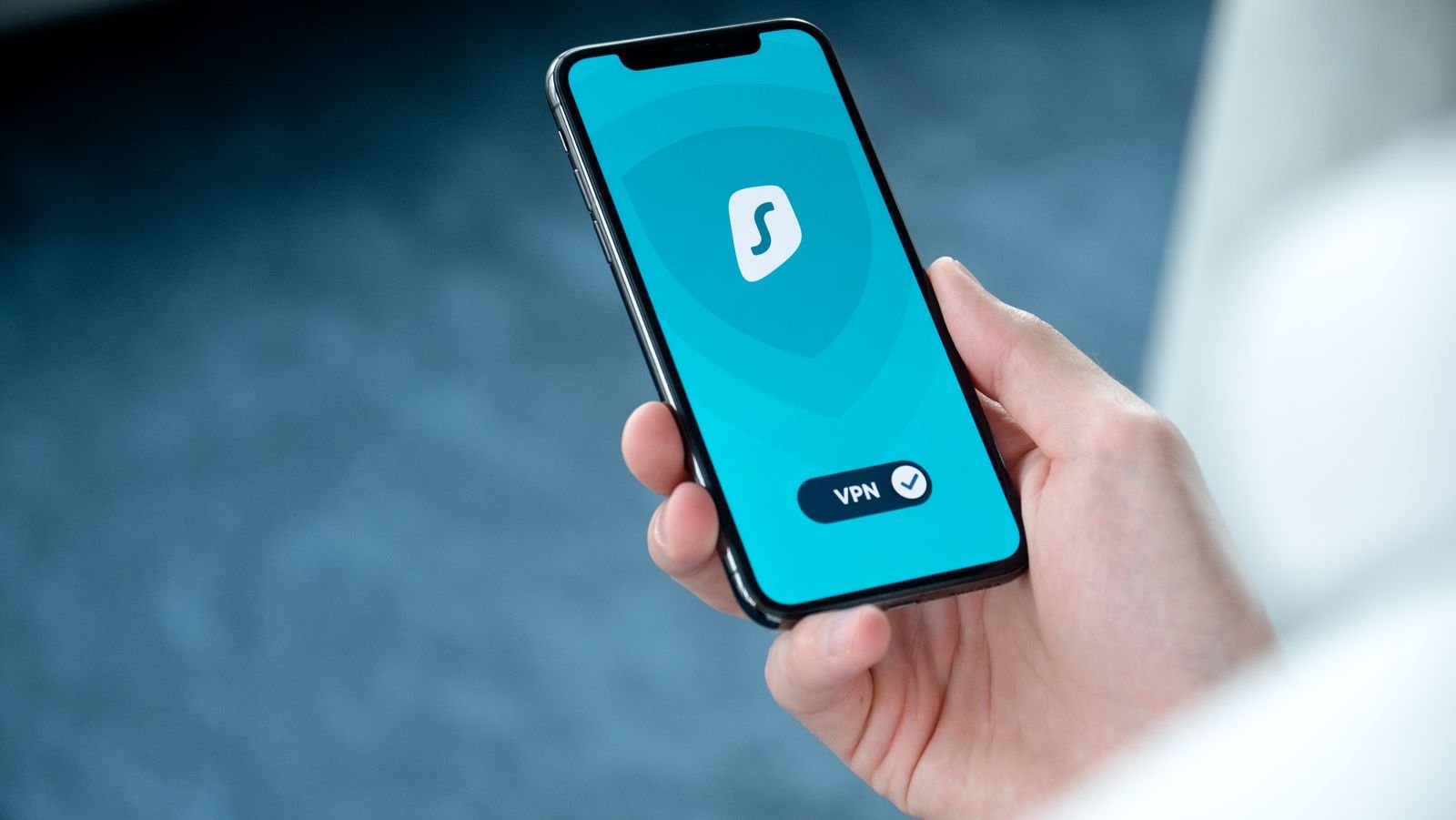
What a VPN actually does on public wifi
Years ago, the fear made sense. Open a coffee-shop network, and a bored person two tables over could watch a shocking amount of your traffic in plain text. That world is mostly gone.
Today, the overwhelming majority of the web runs on HTTPS, the little padlock in your address bar. It encrypts the connection between your device and the site, so the network itself, and anyone snooping on it, sees scrambled data instead of your passwords, messages, or card numbers. According to Google’s HTTPS transparency reporting, roughly 95 percent of browsing is now encrypted this way, and on mobile the share is even higher.
So what does a VPN add on top? It wraps your entire connection in a second tunnel and routes it through a remote server. That does three real things: it hides which sites you visit from the network operator (HTTPS hides the page, not always the domain), it masks your real location, and it protects the small slice of traffic that still is not fully encrypted. Useful, but narrower than the sales pitch implies.
The one thing a VPN cannot save you from
Now the part the roundups skip. A VPN encrypts your traffic, but it cannot stop you from handing your password to a criminal willingly.
The modern public-wifi scam is not passive snooping, it is the “evil twin.” An attacker sets up a fake hotspot with a believable name, like “Airport_Free_WiFi,” and once you connect, a login page pops up asking for your email and password. Type them in, and they go straight to the attacker before any encryption can help. Your VPN, if it is even on yet, is irrelevant, because you volunteered the credentials.
This is not theoretical. In 2024, Australian federal police charged a man over exactly this scheme: fake WiFi portals set up at multiple airports and on domestic flights, built to harvest travelers’ email and social logins.
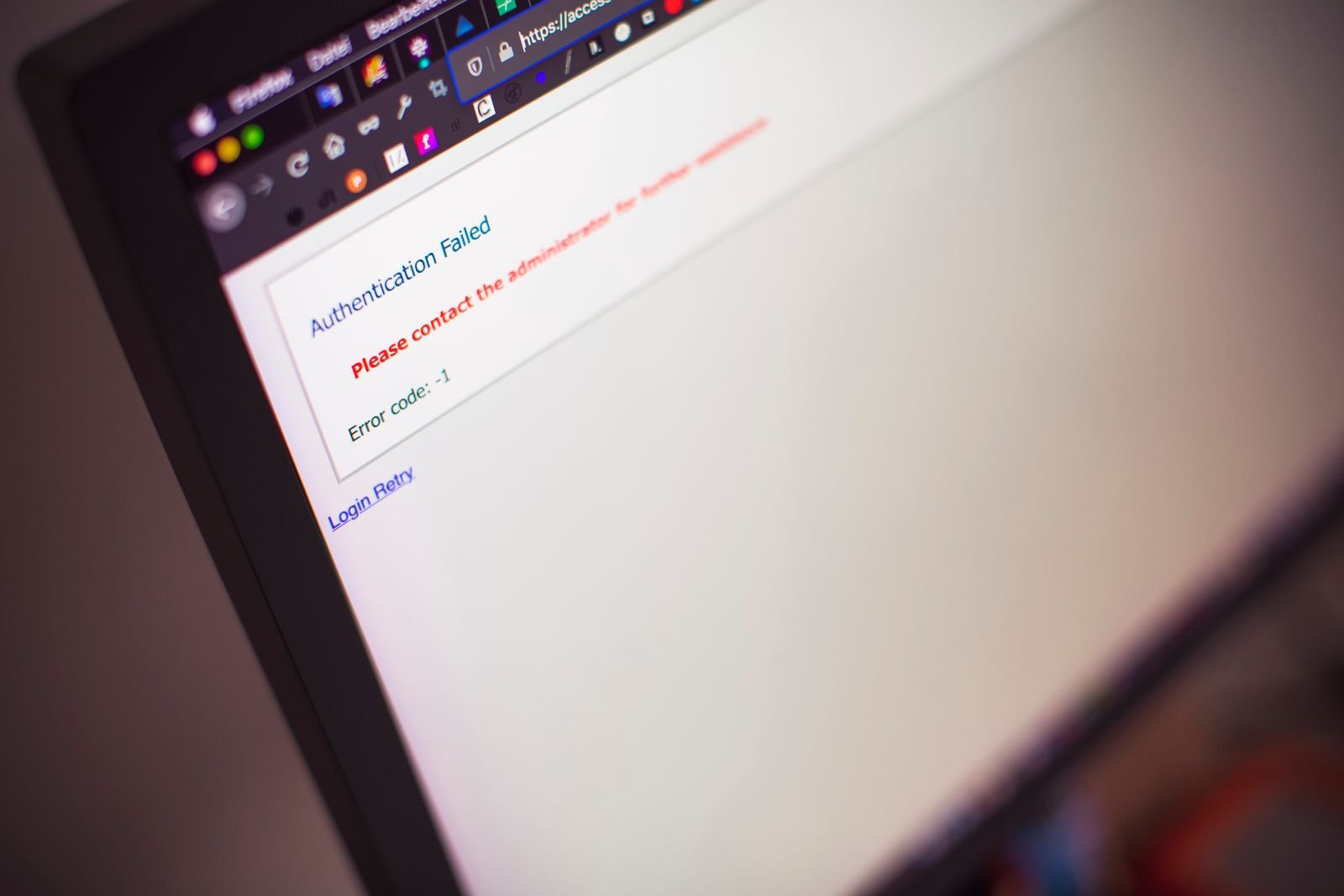
One durable fix is to move your most important accounts onto phishing-resistant sign-in like passkeys, so a fake page has nothing useful to steal. A VPN is one layer, not a force field. Keep that framing, and the rest of your decisions get easier.
When a VPN on public wifi genuinely matters
Skip the “always on or you will be hacked” absolutism. Here is a straight decision framework. Turn a VPN on when at least one of these is true:
- You are traveling. Foreign hotel and airport networks are the classic risk zone, and a VPN for travel in 2026 also lets you reach home banking or streaming that geo-blocks you abroad. This is the strongest single use case.
- You are handling something sensitive on a network you do not control, like logging into a brokerage, sending work files, or anything you would hate a stranger to log.
- You do not want the network operator profiling you. Some hotel, airline, and mall networks log the domains you visit. A VPN closes that window.
- You are on a network with no password at all, or one anyone can join, which is where evil-twin setups thrive.
And be equally honest about when you can skip it. Quickly checking the weather, reading the news, or scrolling on a trusted network you have used for months? HTTPS has you covered, and a VPN adds little. Is public wifi safe for that kind of low-stakes browsing in 2026? Largely, yes. The risk scales with what you are doing and how much you trust the network, not with the word public.
How to pick a VPN without overpaying
If you have decided you want one, the goal is a reputable provider at a fair price, not the flashiest feature list. Three things actually matter: a real no-logs policy, servers in the places you travel, and an app that reliably auto-connects on untrusted networks so you are not relying on memory.
The pricing trap is simple. Month-to-month plans are where you overpay. Most major VPNs, including NordVPN, sit north of $12 a month if you pay monthly, but drop to a few dollars a month on a two-year term billed upfront. One honest caveat: like nearly every VPN, the price jumps at renewal, so set a calendar reminder to reassess before it auto-renews at the higher rate.
For most travelers, NordVPN is an easy default: it is fast, it has a genuinely useful auto-connect for public wifi, its no-logs policy has held up under independent audits, and its server coverage means you will find a nearby option almost anywhere you land. It is not the only good choice, but it is a safe one that will not overcharge you if you skip the monthly plan.
Whatever you pick, avoid free VPNs for this job. A free VPN has to make money somehow, and too often that means logging or selling the very traffic you turned it on to protect. Paying a few dollars a month is the entire point.
Turn it on for the right reasons
Strip away the fear marketing, and the picture is calm and manageable. Modern encryption already guards the everyday stuff, so a VPN on public wifi is not a constant necessity, it is a targeted tool. Use it when you travel, when you are doing something that matters, or when you do not trust the network, and pair it with the one habit no VPN replaces: never type real credentials into a WiFi login page. Do that, and you are genuinely safer, without paying for panic.
If you are gearing up for a trip, staying connected is the other half of the equation. Our guide to the best travel eSIM for 2026 covers how to land abroad online and cut your data bill.