
That “shocking” photo in your group chat might not be real. The fastest way to spot AI generated images is to slow down for 30 seconds and run five quick visual checks: study the hands, the text, the skin and eyes, the background, and the way light falls. If two or more of those look off, treat the image as fake until you can prove otherwise. This guide walks you through all five checks, then points you to free tools that confirm your hunch, so you can verify a suspicious photo yourself before you share it or act on it.
That matters because the volume of fake imagery is climbing fast, and a quick share can spread a scam or a lie to everyone you know.
- Why this matters right now
- The 5 quick checks to spot AI generated images
- Free checker tools that back up your eyes
- A simple before-you-share decision rule
- Key takeaways
- Frequently asked questions
- The bottom line
Why this matters right now
Fake images used to be a novelty. Now they are an industry. According to a widely cited DeepMedia projection, the number of deepfake files online jumped from roughly 500,000 in 2023 to a projected 8 million in 2025, a trajectory Europol has referenced in its own reporting. That is close to a 16x rise in two years.
The money follows the images. Deloitte’s Center for Financial Services projects that generative-AI-enabled fraud losses in the United States could hit $40 billion by 2027, up from $12.3 billion in 2023. A single deepfake video call once convinced a finance worker to wire $25 million to criminals. So a “harmless” reshare is not always harmless. It can seed the exact scam that later targets your family.
The good news: most fakes still leak clues. You just need to know where to look.
The 5 quick checks to spot AI generated images
Work through these in order. Any one miss can be a coincidence. Two or more together is a strong signal the picture came from a model, not a camera.
1. Check the hands, fingers, and teeth
Start where AI still struggles most. Count the fingers. Look for hands that bend the wrong way, fingers that merge, or an extra thumb hiding at the edge of a sleeve. Teeth are a close second: rows that blur together, shift in size, or seem to have no clear gaps often signal a generated face. Ears and where glasses meet the temple are worth a second glance too.
2. Read the text, logos, and signs
Zoom into any writing in the frame. AI models are notorious for garbled text. Street signs, book spines, storefront logos, and license plates often come out as nonsense letters, warped fonts, or symbols that almost look like words but spell nothing. Real photos rarely botch background text this badly. If the signage reads like alphabet soup, be suspicious.
3. Study the skin, eyes, and jewelry
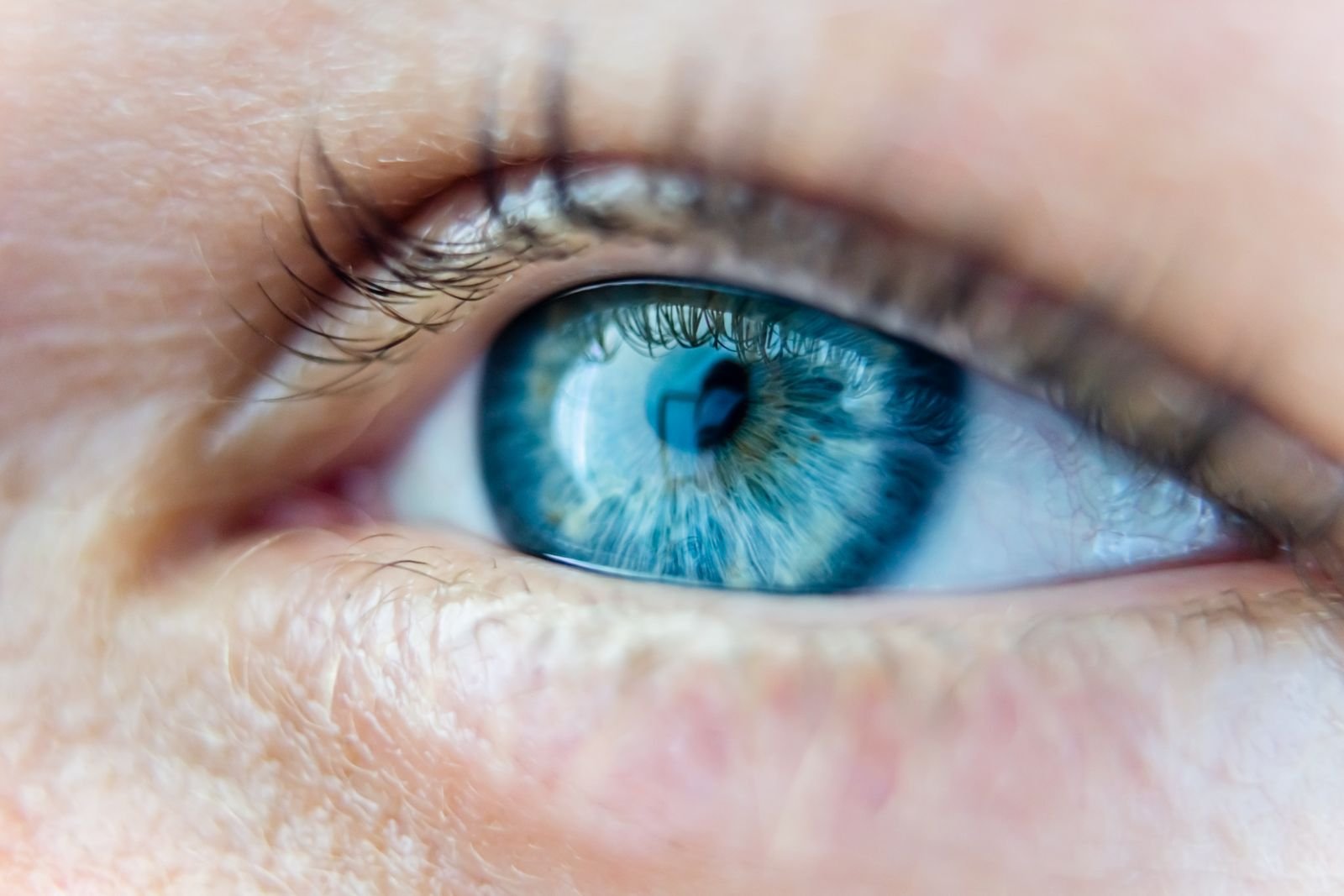
Human skin has pores, stray hairs, and uneven tone. AI skin often looks waxy, airbrushed, or lit with a soft glow that never quite matches the scene. Then check symmetry: mismatched earrings, one earring that vanishes, or eyes that catch light from two different directions are classic tells. Pupils that are slightly different shapes are another.
4. Look for backgrounds that melt
Crowds, railings, patterned wallpaper, and rows of windows are hard for models to keep consistent. Scan the background for straight lines that bend, objects that blend into each other, or people in the distance who have no faces. A background that dissolves into mush the further you look is a heavy hint the whole image is synthetic.
5. Follow the light, shadows, and reflections
Physics is stubborn, and AI does not always respect it. Check that shadows all fall the same way. Look at reflections in glasses, windows, mirrors, and eyes: they should match the surroundings. A person lit from the left with a shadow also on the left, or a mirror that shows the “wrong” scene, means something is off. For a deeper visual walkthrough, Popular Science’s rundown on AI image tells is a solid companion read.
Free checker tools that back up your eyes

Your eyes get you most of the way. Free tools close the gap when a fake is polished enough to pass a glance.
Content Credentials (C2PA)
A growing number of cameras and AI tools now attach tamper-evident provenance data called Content Credentials, built on the open C2PA standard backed by Adobe, Microsoft, and major camera makers. Drop an image into the Content Credentials Verify tool, or install a C2PA browser extension, and it will show whether the file carries a credential and whether an AI tool was listed as the creator. No credential is not proof of anything on its own, but a credential that names an AI generator is a fast, clean answer.
Reverse image search
Right-click the image and run it through Google Lens or TinEye. Reverse search tells you where a picture has appeared before. If a “breaking news” photo has no history anywhere, or traces back to an AI art gallery, you have your answer. It also catches the other common trick: a real old photo relabeled as something new.
AI image detectors (read the warning)
Detectors like Hive Moderation and Sightengine scan for the pixel-level fingerprints that generators leave behind, then return a likelihood score. Use them as a tiebreaker, not a verdict. Research has found that even AI-savvy adults correctly identify fakes only about half the time, and automated detectors are imperfect too. Treat a score as one more data point alongside your five checks.
A simple before-you-share decision rule
When a photo lands in your feed and your gut says “wow,” run this three-step rule before your thumb hits share.
- Stop. Anything designed to shock, enrage, or scare you is engineered to make you share on impulse. That urge is the signal to pause, not proceed.
- Check. Run the five visual checks above. Hands, text, skin and eyes, background, light. Count how many look wrong.
- Verify. Two or more misses, or a high-stakes claim, means you verify before sharing. Reverse-search the image, look for Content Credentials, and see whether a trusted outlet is reporting the same thing. No match, no share.
The same instinct protects you against related scams. Voice cloning uses this exact playbook of urgency and surprise, which is why a family safe word that stops voice-cloning calls is worth setting up, and why knowing the 20-second script that shuts a cloned-voice call down pays off in a panic. If your photos and details are already floating around online, it is also worth taking time to scrub your personal photos and data from broker sites, since fraudsters mine those to make their fakes convincing.
How fast fake imagery is growing
The chart above shows why building this habit now beats waiting.
Key takeaways
- To spot AI generated images, run five checks: hands, text, skin and eyes, backgrounds, and light or shadows.
- One odd detail can be chance. Two or more together means treat the image as fake until proven real.
- Free tools back up your eyes: Content Credentials for provenance, reverse image search for history, detectors as a tiebreaker.
- No single detector is reliable, so layer your checks instead of trusting one score.
- Deepfake volume and fraud losses are rising fast, so pausing before you share is now a basic safety habit.
Frequently asked questions
Is this photo real or AI? What is the single fastest check?
Look at hands and eyes first. Extra or fused fingers, blurred teeth, mismatched earrings, or pupils that catch light from different directions are the quickest giveaways in most fakes.
Can AI image detectors be trusted on their own?
No. Detectors return a probability, not a verdict, and they miss polished fakes. Use them as one input alongside your own visual checks and a reverse image search, never as the final word.
Do all AI images have a watermark?
Not reliably. Some tools add visible marks or Content Credentials, but many do not, and marks can be cropped or stripped. Absence of a watermark proves nothing on its own.
What are the best AI deepfake detection tips for video, not just photos?
Watch the edges of the face, the hairline, and the neck for flicker or blur. Check whether blinking looks natural and whether lip movements truly match the audio. Freeze frames and apply the same five image checks to each still.
What should I do if I already shared a fake?
Post a correction or delete it, then tell anyone who reshared it. If the image was used to pressure you for money, contact your bank or card issuer directly rather than any number the message provided.
The bottom line
You do not need forensic software to protect yourself. Thirty seconds and five checks catch the large majority of fakes, and free provenance tools handle the rest. As fake imagery keeps multiplying, the people who pause before they share become the ones who do not spread the next scam. Make the five checks a reflex, and let that shocking photo earn your trust before it earns your share.