

Phones overheat in summer for a boring reason: heat from the sun, a hot car, or a hard-working processor stacks on top of the heat the battery already makes, and the phone cannot shed it fast enough. The part most people miss is the real cost. A phone overheating in summer rarely dies on the spot. Instead it quietly loses a slice of battery capacity that never comes back, and the bill arrives months later when your fully charged phone suddenly cannot make it to dinner.
By the end of this article you will know exactly which everyday summer habits are shortening your battery life, which “cooling” tricks actually make things worse (the freezer idea is a big one), and the few simple moves that keep your phone safe without babying it. The goal is to help you avoid a premature battery or phone replacement, not to make you paranoid about a warm afternoon.
In this article
- How hot is too hot for your phone
- What heat actually does to the battery
- Is the damage permanent
- The freezer myth and 3 other cooling mistakes
- 5 summer habits that quietly kill your battery
- How to cool a hot phone safely
- Key takeaways
- FAQ
How hot is too hot for your phone
Here is the number worth memorizing. Apple, Google, and Samsung all design their phones to operate in an ambient temperature between 32°F and 95°F (0°C to 35°C). Google builds Pixel phones to run between 32°F and 95°F, and Apple says to avoid using or charging above 95°F (35°C) because it can permanently reduce battery lifespan.
Ninety-five degrees sounds high until you realize how fast a phone blows past it. Air temperature is not phone temperature. A device sitting in direct sun, running GPS, or charging is already generating its own heat on top of the weather. And a parked car is in a category of its own: on a warm day the interior can climb well past 120°F within an hour, which is why every manufacturer specifically warns against leaving a phone in one.
So “too hot” is not a heat wave. It is an ordinary summer situation that pushes your phone a little past a line you cannot see. That invisibility is the whole problem, and it is why the next section matters more than the thermometer.
What heat actually does to the battery
Your phone runs on a lithium-ion battery, and lithium-ion chemistry hates heat. Warmth speeds up the chemical reactions inside the cell, including the ones you do not want.
Two things happen when a battery runs hot:
- The protective layer thickens. A film called the SEI (solid electrolyte interphase) grows on the electrode. Heat makes it grow faster and denser, which raises internal resistance and permanently walls off some of the battery capacity.
- Usable lithium gets consumed. High temperatures trigger side reactions that lock up lithium the battery needs to hold a charge. Researchers call this loss of lithium inventory, and it is a leading cause of irreversible capacity fade.
The takeaway in plain English: every hour your battery spends hot is aging it faster than normal. This is separate from thermal throttling, the safety feature where your phone dims the screen, slows down, and pauses charging to protect itself. Throttling is the phone shouting that it is uncomfortable. The battery wear happens quietly underneath, whether the phone complains or not.
If you have ever wondered why a two-summer-old phone reads 100% but dies by mid-afternoon, this is a big piece of the answer.
Is the damage permanent
Mostly, yes. This is the part that surprises people, so it is worth being blunt.
There are two kinds of heat effects, and only one of them heals:
- Temporary: When your phone gets hot right now, it slows down and may refuse to charge. Cool it off and full performance returns. No lasting harm from a single warm afternoon.
- Permanent: The capacity lost to SEI growth and consumed lithium does not come back. It is cumulative. Ten hot afternoons do not undo themselves in the fall; they add up into a battery that holds noticeably less than it did in spring.
That is the “silent damage you never see.” There is no error message for a battery that has quietly lost 8% of its ceiling. You just notice, months later, that the phone does not last like it used to. The good news is that because the damage is cumulative, avoiding it is also cumulative: every hot hour you prevent is capacity you keep.
The freezer myth and 3 other cooling mistakes
When a phone gets alarmingly hot, panic sets in and people reach for terrible fixes. Here are the four to never try.
1. The freezer or fridge trick. This is the big one, and it is genuinely dangerous. Dropping a hot phone into a cold fridge causes the warm air inside the device to hit its dew point almost instantly, and moisture condenses directly onto the circuit board and camera lenses. Sudden temperature swings also stress the components (thermal shock). Worst of all, that moisture can trip the internal liquid-damage indicator, the little sticker that voids your warranty when it turns red. You can turn an overheating scare into actual, uninsured water damage in five minutes.
2. Ice or a cold pack against the phone. Same condensation problem, plus you are now driving moisture in from the outside too. Skip it.
3. Blasting AC air straight at it. Gentler than ice, but rapid cooling still invites condensation, especially in humid weather. Cool it gradually instead.
4. Force-charging it while it is hot. Charging generates heat, and your phone is already over its limit. If it paused charging on its own, let it. Fighting the safety feature just piles heat on heat.
The pattern behind all four mistakes: fast, extreme cooling causes its own damage. Gentle and gradual always wins.
5 summer habits that quietly kill your battery
None of these will kill your phone today. That is exactly why they are dangerous, because there is no immediate consequence to warn you off.
- Leaving it on the car dashboard. The single worst habit. A parked car in the sun becomes an oven, and the dashboard is the hottest spot in it. Even a short errand does real damage.
- Wireless charging in direct sun. Wireless charging already runs warmer than a cable. Add sunlight and you are cooking the battery while you top it up. In summer, a cable is the cooler choice.
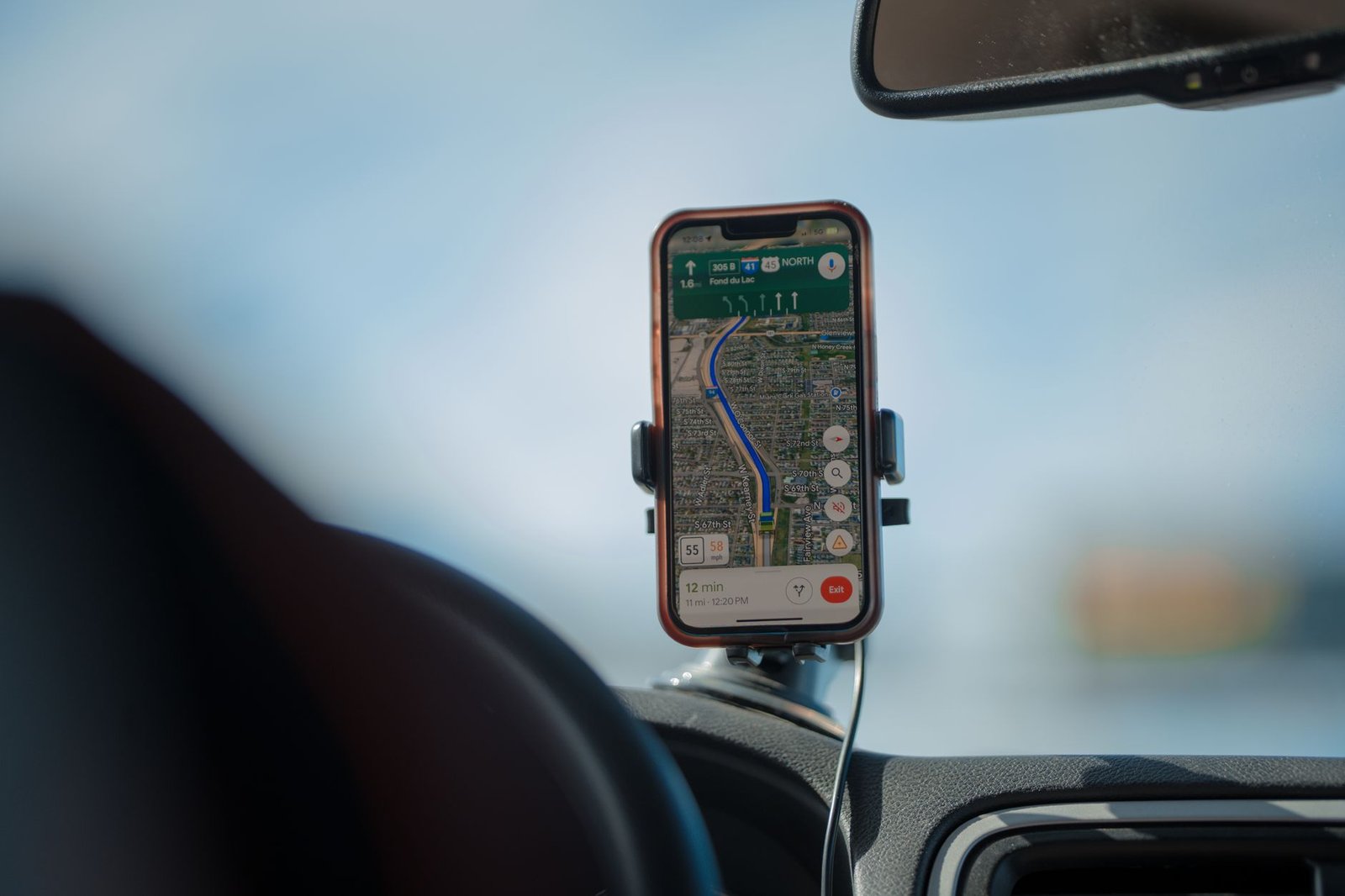
- Gaming or navigating with the phone in the sun. Heavy processor load plus direct sun is a double heat source. That is why maps on the dashboard during a long drive is a worst-case combo.
- Keeping it in a thick, heat-trapping case. Some rugged cases act like a blanket and hold heat in. If your phone runs hot often, a thinner or better-vented case helps it breathe.
- Charging under a pillow or in a hot bag. Charging makes heat, and trapping that heat has the same effect as summer weather. Charge on a hard, open surface.

How to cool a hot phone safely
Some links in this article are affiliate links. If you buy through them, we may earn a small commission at no extra cost to you. Learn more.
As an Amazon Associate I earn from qualifying purchases.
When your phone throws a temperature warning or feels too hot to hold, do this:
- Get it out of the sun. Move to shade or indoors. Removing the heat source does most of the work.
- Take the case off. Bare aluminum and glass shed heat far faster than a phone wrapped in silicone.
- Turn it off or enable low power mode. Less processor activity means less internal heat while it recovers.
- Stop charging until it cools. If it paused on its own, leave it paused.
- Let it cool in open air. A shaded, breezy spot beats any gadget. Patience, not the fridge.
A few smart-buy moves prevent the problem in the first place. First, a vented or shaded car mount keeps the phone off the roasting dashboard and out of direct sun on long drives. Next, a thin, non-insulating case lets a heat-prone phone breathe. And a cooling stand helps if you game or stream for long stretches. None of these are must-buys, just useful if the shoe fits.
Key takeaways
- 95°F (35°C) is the line. Above it, using or charging your phone can permanently shorten battery life.
- Heat damage is cumulative and mostly permanent. Lost capacity from hot days does not return in the fall.
- The fridge and freezer trick is a real hazard, risking condensation, thermal shock, and a voided warranty.
- The dashboard is the worst habit, followed by wireless charging in the sun and thick heat-trapping cases.
- Cool gently: shade, no case, low power mode, and patience beat any drastic fix.
FAQ
What temperature is too hot for a phone?
Above 95°F (35°C) ambient. Apple, Google, and Samsung all design phones to operate between 32°F and 95°F, and using or charging above that range can permanently reduce battery life.
Does one hot day permanently damage my phone?
A single warm afternoon usually just causes temporary slowdowns that reverse once it cools. The permanent damage is cumulative, building up over many hot hours across a summer.
Is it OK to put my phone in the fridge or freezer to cool it down?
No. The rapid temperature drop causes condensation inside the device and can trigger the liquid-damage indicator that voids your warranty. Cool it gradually in shade instead.
Why does my phone get hot and slow down when I am not even doing much?
Direct sun, wireless charging, or a warm car add heat on top of normal battery activity. When the phone crosses its safe range it throttles performance on purpose to protect itself.
Does a phone case cause overheating?
A thick, insulating case can trap heat and make a phone run hotter, especially while charging. A thinner or vented case helps a heat-prone phone shed warmth.
Will keeping my phone cool really make it last longer?
Yes. Because heat damage adds up, every hot hour you avoid is capacity you keep, which directly extends how long the battery stays healthy before it needs replacing.
The bottom line on phone overheating in summer
A phone overheating in summer is not a dramatic event. It is a slow, silent tax on your battery that you only feel months later. You do not need to hover over a thermometer. Just keep the phone out of hot cars and direct sun, skip the freezer “fixes,” let it cool gently, and give a heat-prone phone room to breathe. Small habits like this keep a phone healthy, the same way freeing up storage without deleting a single photo keeps it fast, and with phones getting pricier in 2026, stretching your current phone life is money in your pocket.