

Slow WiFi almost always sends people to the same place: a shopping cart. Before you spend anything, though, it is worth knowing that a new router only fixes about half the reasons your internet feels slow. So the real question is not “which router should I buy,” it is whether you need a new router at all, or whether one quick test will point you at your internet provider instead. By the end of this you will know definitively which path is yours, and you will either buy with confidence or save the money.
The good news: you can settle it in about five minutes with tools you already own.
The quick answer
Most of the time two speed tests decide it, one over an Ethernet cable and one over WiFi. If the wired result hits your plan speed but WiFi lags far behind, your router is the weak link. If both come in slow, the problem is upstream and a new box will not fix a thing. The full test, plus the one result that means you should call your ISP instead of buying anything, is below.
Some links in this article are affiliate links. If you buy through them, we may earn a small commission at no extra cost to you. Learn more.
As an Amazon Associate I earn from qualifying purchases.
On this page
- What the 5-minute test actually checks
- Step 1: Check your router’s age and WiFi standard
- Step 2: Run the two speed tests that settle it
- Reading your results: router problem or ISP problem?
- If you need a new router: what to actually buy
- If it is your ISP: what to do instead
- Key takeaways
- Frequently asked questions
What the 5-minute test actually checks
The test answers two things at once: is your router too old to keep up, and is your router (not your internet plan) the thing slowing you down. Those are separate questions, and most “signs you need a new router” lists blur them together. Age tells you whether your hardware is behind on speed and security. The speed test tells you where the bottleneck really lives.
Because a slow connection can come from your provider, your wiring, your modem, or genuinely from an aging router, guessing wrong is expensive. You could buy a shiny new router and still be stuck at the same speed. So we do the age check first, then let the numbers make the call.
Step 1: Check your router’s age and WiFi standard
First, find out how old the thing is. A rough rule holds up well across the industry: most routers last four to five years before they fall behind on speed and stop getting security updates, and heavy households with lots of devices feel it sooner, closer to every two to three years. If yours is pushing five, that alone is a strong reason to upgrade.
Next, check its WiFi standard, because age and standard usually track together. Look on the label underneath the router or on its box for a name like WiFi 5, WiFi 6, or WiFi 7 (these are the official WiFi generation names from the WiFi Alliance). Here is roughly when each arrived:
- WiFi 5 (802.11ac): around 2014
- WiFi 6 (802.11ax): 2019
- WiFi 6E: 2021, adding the cleaner 6 GHz band
- WiFi 7 (802.11be): 2024
If your router only does WiFi 5 or older, it is from a different era of internet plans, and modern gigabit speeds will bottleneck on it no matter how strong the signal looks. The chart below shows why the gap matters.
Step 2: Run the two speed tests that settle it
Here is the part that separates a router problem from an internet-plan problem. You will run the same speed test twice, once wired and once wireless, and compare. Any free speed test site works, and it helps to run each test two or three times and take the average. Before you start, it is worth working out how much speed you actually need, because “slow” only means something next to the plan you are paying for.
Test 1: the wired speed test
Grab a laptop with an Ethernet port (or a cheap USB adapter) and plug it directly into one of the router’s LAN ports. Turn WiFi off on that laptop so it cannot cheat. Then run the speed test and write down the download number. This is your router delivering a clean, cabled connection, so it reflects what your line and router can do without any wireless interference.
Test 2: the WiFi speed test
Now unplug the cable, reconnect the same laptop over WiFi while standing a few feet from the router, and run the exact same test. Write that number down too. Finally, walk to the room where WiFi usually frustrates you and run it a third time. Those three numbers, wired, WiFi-close, and WiFi-far, are all the evidence you need.

Reading your results: router problem or ISP problem?
Compare your wired number and your WiFi number against the speed your plan promises. The pattern points straight at the culprit. If the bars on your phone read full the whole time you are testing, that is not a contradiction: here is why full WiFi bars still mean a slow connection.
| What you see | What it means | What to do |
|---|---|---|
| Wired hits plan speed, WiFi (close) is much lower | The router’s WiFi is the bottleneck | A new router is worth it |
| Wired is also well below plan speed | The problem is upstream: ISP, modem, or wiring | Call your ISP, a new router will not help |
| Wired and WiFi are both fine near the router, but far rooms crawl | Coverage problem, not raw speed | Mesh or an extender, not necessarily a new router |
| Everything roughly matches your plan | Nothing is broken | Save your money |
That middle row is the one the shopping lists never mention. If your wired test comes in slow, buying the fastest router on the market changes nothing, because your router can only share out the speed it is given. In that case the fix is a phone call, not a purchase.
The third row matters too. Weak signal in the back bedroom is a range issue, and often a mesh system spreads coverage across the whole house far better than a single new router in the same old spot. That is a different upgrade with a different price tag, so it is worth naming the real problem before you buy.
If you need a new router: what to actually buy
If the test pointed at your router (wired fast, WiFi slow, or a router old enough to be on WiFi 5), then yes, an upgrade genuinely helps. You do not need to overspend, though. For most homes, a solid dual-band WiFi 6 router is the sweet spot in 2026: it handles gigabit plans, streaming, video calls, and a house full of smart devices without the WiFi 7 price tag.
Our everyday pick is the TP-Link Archer AX55, a WiFi 6 (AX3000) router that consistently lands near the top of independent router testing for value. It covers a typical home, sets up from a phone app in minutes, and usually runs around $100. If your budget is tighter, the Archer AX21 does true WiFi 6 for roughly $60 and comfortably handles streaming, calls, and 20-plus devices. Both are big, obvious jumps from anything on WiFi 5.
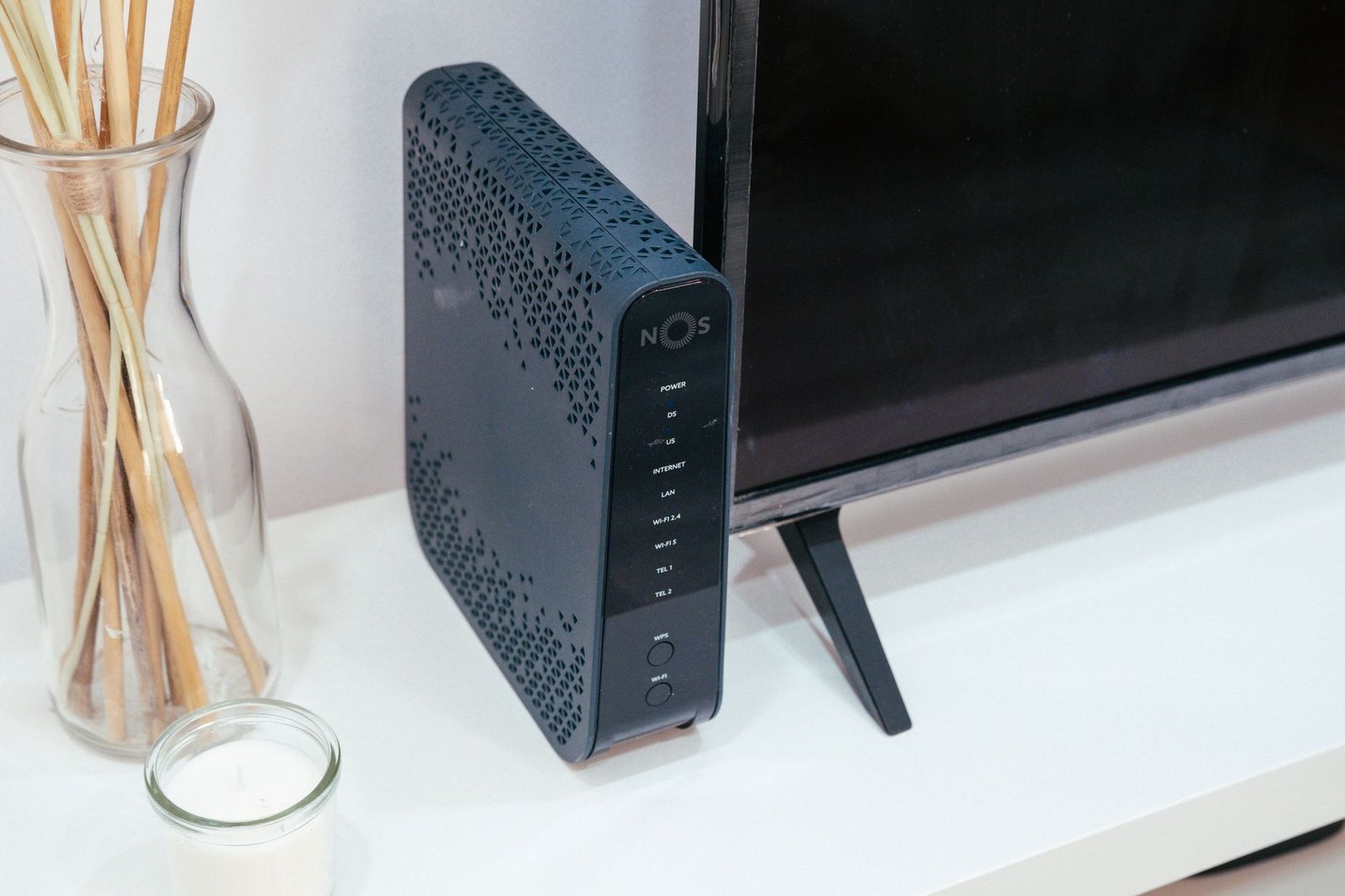
One more thing to weigh before you buy: every new phone, TV, and smart home gadget quietly piles onto your network (and your power bill). If your device count has doubled since you bought your current router, that is a legitimate reason to size up, not just replace like for like.
If it is your ISP: what to do instead
If your wired test came in slow, do not buy anything yet. First, call your internet provider and tell them the exact numbers you recorded, wired, at the router. That specific evidence gets you past the “have you tried restarting it” script fast. Ask whether there is an outage, whether your modem is on their approved list, and whether a newer modem (often free) would lift your speed.
Sometimes the real issue is that you are simply paying for a slow plan, and no hardware fixes that. Other times the modem, not the router, is the aging part. Either way, the money you almost spent on a router stays in your pocket, and that is the whole point of testing before buying.
Key takeaways
- Age first: most routers should be replaced every 4 to 5 years, sooner in busy homes. WiFi 5 or older is a clear upgrade signal.
- Two tests decide it: wired vs WiFi. Wired fast but WiFi slow means the router is the problem. Both slow means it is your ISP.
- Coverage is different from speed: dead zones in far rooms usually call for mesh, not a brand-new single router.
- A good WiFi 6 router (around $100) is the value pick for most homes. Skip WiFi 7 unless your devices actually support it.
- When wired speeds are low, call your ISP first. A new router cannot hand out speed your line never delivered.
Frequently asked questions
How often should I replace my WiFi router?
Every four to five years for a typical home, and every two to three years if you run a lot of high-bandwidth or smart home devices. Beyond that window, routers slow down and stop getting security updates.
Will a new router make my internet faster?
Only if the router is the bottleneck. If a wired speed test already hits your plan speed, a new router will not add speed your provider is not delivering in the first place.
Is my slow WiFi the router or my internet provider?
Run the two-test check. If the wired connection is fast but WiFi is slow, it is the router. If the wired connection is also slow, it is your provider or modem, so call your ISP.
Do I need WiFi 7, or is WiFi 6 enough?
For nearly everyone in 2026, WiFi 6 is plenty and much cheaper. WiFi 7 only pays off if you have newer devices and a very fast internet plan built to use it.
My internet is fine near the router but bad in far rooms. New router?
That is a coverage issue, not a speed one. A mesh system or extender usually solves it better than swapping one router for another in the same location.
Should I buy my own router or keep renting from my ISP?
Buying your own often pays for itself in a year or two versus monthly rental fees, and you usually get better hardware. Just confirm the model is compatible with your provider first.
The bottom line
You do not have to guess whether you need a new router, and you definitely should not buy one on a hunch. Spend five minutes: check the age, run the wired test, run the WiFi test. If the router is old and WiFi drags while the cable flies, upgrading is money well spent. If the wired line is slow too, pick up the phone instead of your wallet. Either way, you will know exactly where your speed is going, and that is worth far more than another impulse purchase.