

Finding your password in a data breach is a gut-punch, but it is not an emergency you have to lose sleep over. In the next twenty minutes or so, you can close the exposed account, stop one leaked password from quietly unlocking the rest of your accounts, and switch on alerts so the next breach reaches you before the criminals do.
This is the calm, ordered six-step plan: no jargon, no spiral, just the moves that actually shut the door tonight. One of these steps is the one almost every rushed guide skips, and it is the reason people get re-hacked a week after they thought they fixed it. We will get to it.
Some links in this article are affiliate links. If you buy through them, we may earn a small commission at no extra cost to you. Learn more.
Table of contents
- What finding your password in a data breach really tells you
- Step 1: Confirm exactly what leaked
- Step 2: Change the exposed password, in the right order
- Step 3: Sign out everyone (the step most guides skip)
- Step 4: Turn on app-based 2FA, not text messages
- Step 5: Move to a password manager that flags the next leak
- Step 6: Set up ongoing alerts and brace for the follow-on scam
- What “done” looks like tonight
What finding your password in a data breach really tells you

In June 2026, Have I Been Pwned added about 124 million unique passwords to its database, pulled from the stealer logs tied to roughly 56 million email addresses. Here is the detail that changes how you respond: no single company got hacked.
Those credentials were lifted straight off people’s own devices by infostealer malware, one infected machine at a time. In other words, a password can turn up in a breach even if every website you use did everything right.
That matters for your very first move. Before you change anything, ask one question: is the device you are typing on actually clean? If an infostealer is still running on your laptop, every shiny new password you create gets captured too. Run a full scan with your security software (Microsoft Defender or your Mac’s built-in protection both count) before you start. Once the device checks out, the six steps below take it from there.
Step 1: Confirm exactly what leaked
Head to Have I Been Pwned and enter your email address. The dashboard shows which breaches your address appears in, and the stealer-logs section shows records captured against it. You can also paste a password into its Pwned Passwords checker to see whether that exact string is now public.
While you are there, note what else leaked alongside the password. A lone password is one kind of problem. A password bundled with a saved card number, home address, or recovery email is a bigger one, because it tells you which accounts need the most urgent attention. Jot down the affected accounts on paper or a notes app; you will work through that list in the next step.

Step 2: Change the exposed password, in the right order
Resist the urge to change things at random. Sequence matters, and getting it right is the difference between twenty calm minutes and a frustrating hour.
Start with your email, not the breached site
Your email inbox is the master key to almost everything you own. Reset a banking login, a shopping account, or a social profile, and the confirmation link lands in that inbox. So if your email password was reused or exposed, change it first, before anything else. Lock the reset hub, and every other account gets easier to secure.
Then kill every reuse
Now work down the list you made. Change the password on the breached account, then on every other account where you used the same one (or a close cousin of it). Make each new password long and completely unique to that site.
Here is the honest time math: most people reuse a password across four to eight accounts. At roughly two minutes each, you are looking at fifteen to twenty minutes of focused clicking. Not fun, but finite, and tonight-sized.
Step 3: Sign out everyone (the step most guides skip)
This is the one. Changing a password does not automatically boot an attacker who is already signed in. On many services, old sessions stay alive until someone manually ends them, which means a criminal can keep roaming your account for days after your “fix.”
So after each password change, find the account’s security settings and use the option usually labeled “sign out of all devices,” “log out everywhere,” or “active sessions.” End every session you do not recognize. It takes about thirty seconds per account and closes a gap the rushed guides leave wide open.
Step 4: Turn on app-based 2FA, not text messages
Two-factor authentication means that even a correct, stolen password is not enough to get in. The attacker also needs the second code, and they do not have your phone.
One nuance is worth getting right: choose an authenticator app over text-message codes. Texts can be intercepted through SIM-swap attacks, where a criminal convinces your carrier to move your number to their phone. An app-based two-factor authentication setup lives on your device and sidesteps that risk entirely. Turn it on for your email and banking first, then everywhere it is offered.
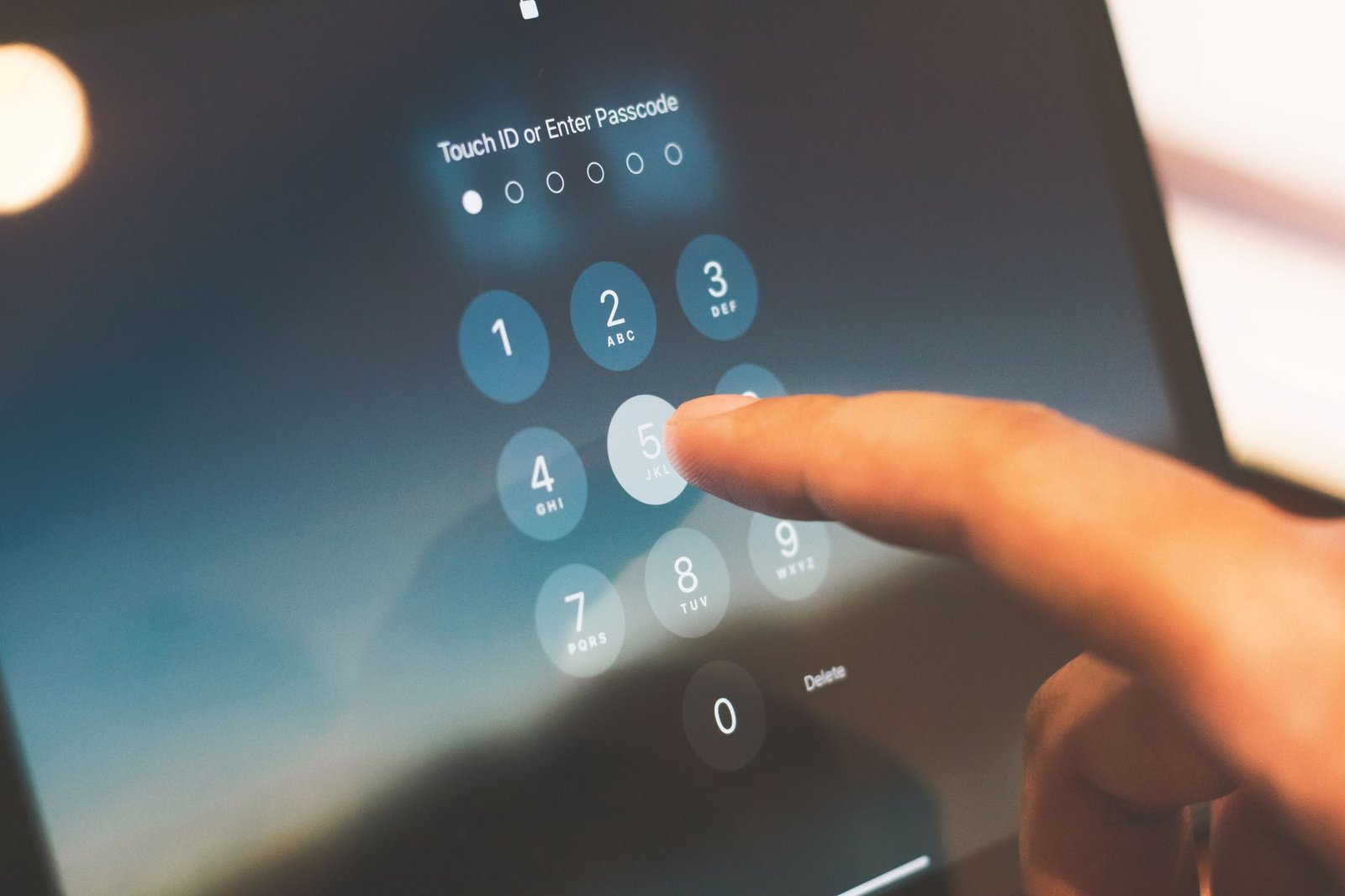
Step 5: Move to a password manager that flags the next leak
By now you have a stack of fresh, unique passwords. Nobody remembers two dozen of those, and that is exactly the point of a password manager. It generates a different strong password for every site, fills them in for you, and keeps you from ever drifting back to reuse.
The real upgrade is monitoring. A dedicated manager with breach alerts watches for your details surfacing in new leaks and pings you the moment they do, so the next incident is a tidy notification instead of a nasty surprise. Tools like NordPass, for example, pair unique-password generation with a Data Breach Scanner that checks leaked databases against your email and cards and alerts you when there is a match. If you would rather start free, there are solid no-cost managers worth a look too.

Step 6: Set up ongoing alerts and brace for the follow-on scam
Flip on breach notifications so you are never the last to know. Have I Been Pwned offers a free “Notify me” service that emails you if your address shows up in a future breach, and your password manager’s monitoring layers on top of that.
Then prepare for the second wave. After a breach, scammers often know your email, your name, and sometimes which service was hit, which makes their phishing messages far more convincing. Expect texts about “suspicious logins,” fake delivery fees, and urgent account warnings. If you want a feel for how polished these get, our breakdown of the customs-fee text scam walks through one that fools careful people every week. Treat any unexpected “verify your account” link as guilty until proven innocent, and reach your bank or card issuer through the number on the back of your card, never a link someone sent you.
What “done” looks like tonight
You do not need to do all of this perfectly. You need to do it in order:
- Scan your device so new passwords stay yours.
- Check Have I Been Pwned to see what leaked.
- Change your email password first, then every reuse.
- Sign out of all active sessions.
- Switch on app-based 2FA.
- Move to a password manager and turn on breach alerts.
Work the list top to bottom and the hole is closed before you go to bed. The panic was the hard part, and you are already past it.