
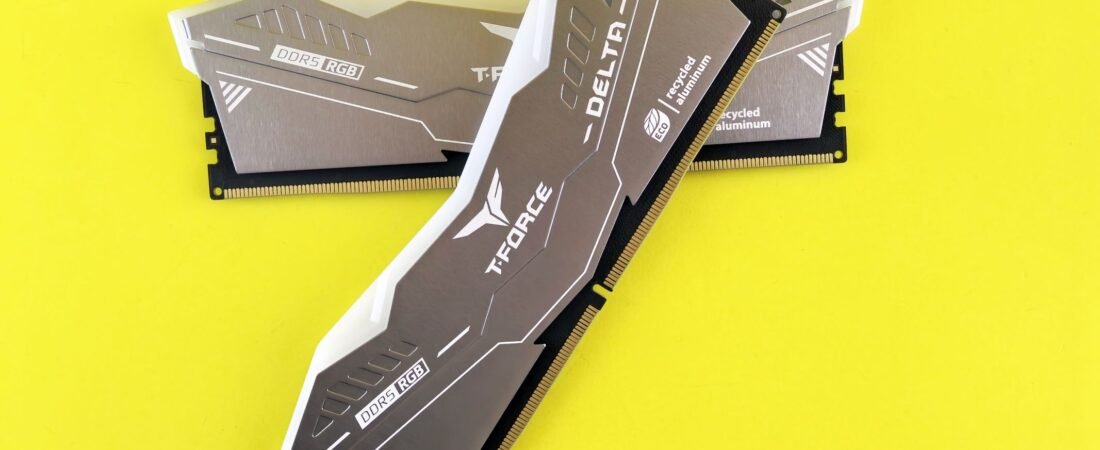
The RAM you pick in the store may be the only RAM that laptop ever has. On many modern machines the memory is soldered straight to the mainboard, so what ships is what you keep. Figuring out whether a laptop has soldered or upgradeable RAM takes about three minutes and three quick checks, and in 2026 getting it wrong is genuinely expensive.
Here is the short version. Read the spec sheet wording, check Task Manager on a laptop you already own, and search for a teardown of the exact model. Do those three things and you will know whether you can add memory later or have to pay for the right amount today. Let us break down each check, then turn it into a buying decision.
In this guide
- Why soldered or upgradeable RAM matters more in 2026
- Check 1: Read the spec sheet like a decoder
- Check 2: The Task Manager trick
- Check 3: The 60-second teardown search
- Turn it into a buying decision
- How much RAM should you actually buy?
- FAQ
Why Soldered or Upgradeable RAM Matters More in 2026
Memory got shockingly pricey this year. Analyst forecasts tracked by Tom’s Hardware put first-quarter 2026 PC DRAM contract prices up sharply quarter over quarter, one of the steepest jumps on record, largely because manufacturers redirected capacity toward memory for AI accelerators. A 32GB DDR5 kit that sold for under $90 in early 2025 climbed past $500 heading into 2026.
That changes the old advice. For years the smart move was to buy a cheap 16GB laptop and drop in more RAM later. However, when memory is this expensive, and when many machines cannot be upgraded at all, buying the right amount up front is the safer play. If you want the wider picture, see our take on why phones and laptops are getting more expensive in 2026.
Check 1: Read the Spec Sheet Like a Decoder
The product listing almost always tells you, if you know the words to look for. The tell is in the memory line.
Words that usually mean soldered (not upgradeable): “onboard,” “soldered,” “memory down,” “LPDDR5,” “LPDDR5X,” or “unified memory.” Words that usually mean upgradeable: “SO-DIMM,” “SODIMM,” “2 x SO-DIMM slots,” “DDR5 (upgradeable),” or “one slot free.”
Here is a quick decoder you can screenshot.
| Spec-sheet wording | What it usually means |
|---|---|
| LPDDR5 / LPDDR5X | Soldered, not upgradeable |
| “Onboard” or “soldered” memory | Soldered, not upgradeable |
| “Unified memory” (Apple silicon) | Soldered into the chip, not upgradeable |
| “SO-DIMM” / “SODIMM slot” | Upgradeable |
| “2 x SO-DIMM” | Two slots, easy to upgrade |
| “8GB soldered + 1 SO-DIMM slot” | Hybrid: one fixed chunk, one addable |
One warning: LPDDR5X is soldered because that low-power memory is designed to sit right on the board for speed and battery life, as memory maker Crucial and others explain. A newer standard called LPCAMM2 delivers similar efficiency while staying removable, so “LPDDR” will not mean “locked” forever. For now, though, treat LPDDR as soldered unless the listing clearly says otherwise.
Check 2: The Task Manager Trick (For a Laptop You Own)
Already have the laptop, or testing one on a store demo unit running Windows? Windows tells you directly, no screwdriver needed.
Here is the exact click path:
- Press Ctrl + Shift + Esc to open Task Manager.
- Click Performance on the left.
- Select Memory.
- Look at the bottom-right fields: Slots used and Form Factor.
Two fields matter. Slots used shows something like “1 of 2,” which means one stick is installed and one slot sits empty, so you have easy headroom. Form Factor is the giveaway for soldered memory: “SODIMM” points to a removable stick, while “Row of chips” (or a blank Form Factor) points to memory soldered to the board.

One honest caveat: Task Manager reads this from the system firmware, so a few laptops report slot counts inaccurately if a chipset driver is missing. Treat it as a strong signal, then confirm with Check 3 before you spend money. The same Performance tab is also handy for spotting what is slowing an older laptop down.
Check 3: The 60-Second Teardown Search
For a laptop you do not physically have, the internet has already opened it up. Search the exact model name plus one of these words: “teardown,” “RAM upgrade,” or “SO-DIMM.”
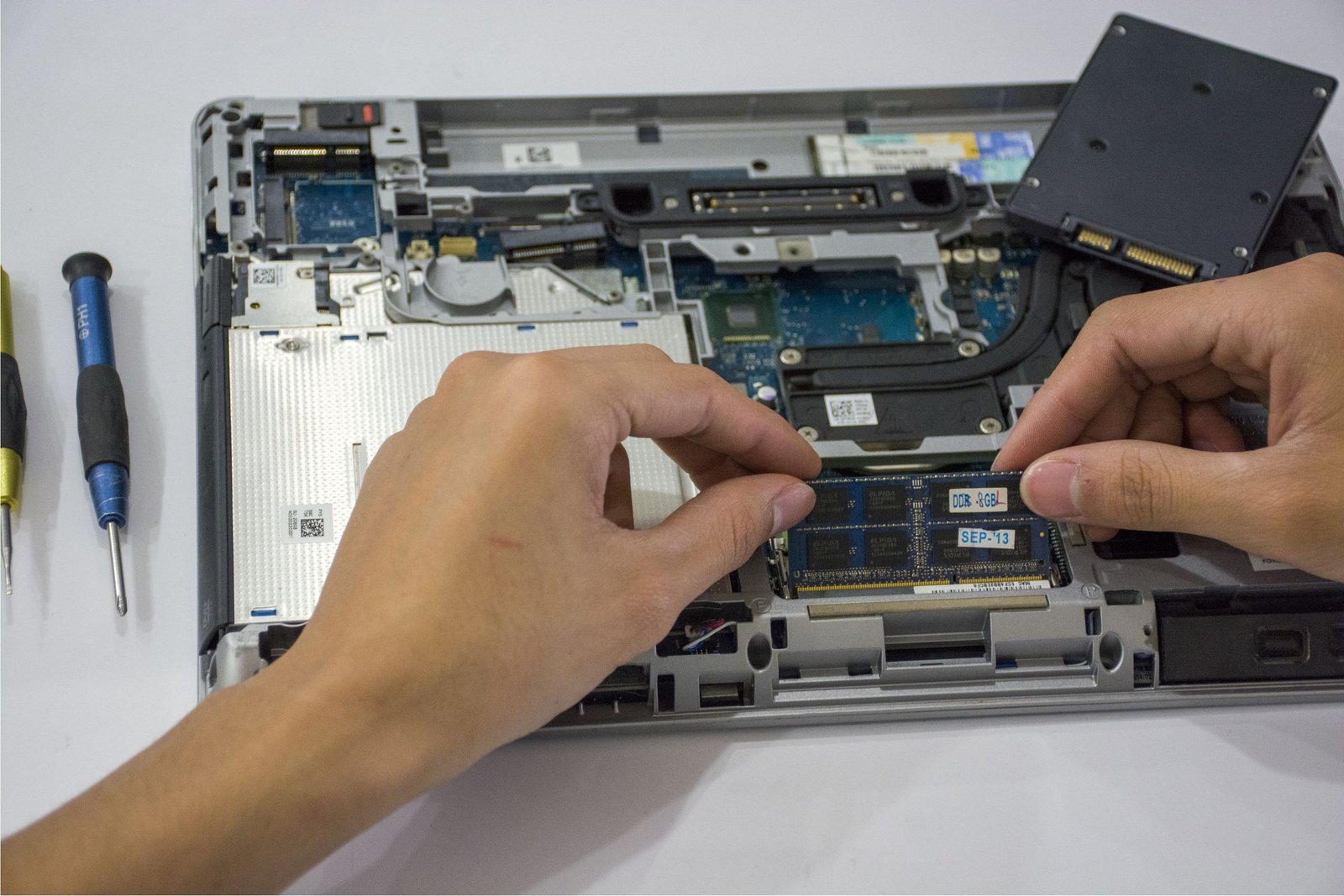
You are looking for a photo of the inside. A visible black or green stick clipped into a slot means upgradeable. Meanwhile, a flat bank of small chips soldered near the CPU with no slot means fixed. Repair sites, retailer memory-finder tools, and video teardowns usually settle it in under a minute. Manufacturer memory finders (Crucial’s is the best known) will also list compatible SO-DIMM kits if, and only if, the machine actually has a slot.
As a general pattern, most thin-and-light ultrabooks and virtually all Apple silicon MacBooks use soldered or unified memory you cannot change, while plenty of 14 to 16 inch mainstream and gaming laptops still ship with SO-DIMM slots. It is a pattern, not a law, so always confirm the specific model.
Turn It Into a Buying Decision
Once you know the answer, the choice gets simple. Use this rule.
- If the RAM is soldered: buy one tier more than you think you need right now. Jumping from 16GB to 32GB at checkout is a one-time cost, and it is your only chance to ever have more. For a machine you will keep three or four years, that headroom is cheap insurance.
- If there is a free SO-DIMM slot: you can buy a sensible amount now and add a stick later. That flexibility is worth real money in 2026.
Here is the 2026 math, though. The “buy cheap now, upgrade later” logic assumed memory stayed cheap. It did not. A 32GB DDR5 SO-DIMM kit that ran under $90 in early 2025 now costs several times that. So even on an upgradeable laptop, do not assume a later upgrade will be pocket change. When a good deal on a well-configured machine lands during a sale event, buying enough memory up front often wins.
How Much RAM Should You Actually Buy?
Grounding the tiers, based on current 2026 guidance from makers like HP and Crucial:
- 8GB: the bare minimum. Windows 11 plus a browser nearly fills it. Fine for light web and office, tight for anything more.
- 16GB: the sensible default for most people. Comfortable multitasking, many tabs, video calls, and casual gaming.
- 32GB: for heavier use. Content creation, 1440p or 4K gaming, big spreadsheets, local AI tools, or simply keeping the laptop for years without stress.
On a $700-plus purchase, the config you choose matters more than the badge on the lid. Picking the right type of laptop counts too, so if you are also weighing platforms, our Chromebook vs Windows laptop breakdown can help you choose.
Key Takeaways
- Whether a laptop has soldered or upgradeable RAM decides if you can add memory later or must buy it right the first time.
- Three checks, three minutes: spec-sheet wording, Task Manager (Form Factor and Slots used), and a teardown search.
- “LPDDR5X,” “onboard,” “soldered,” and “unified memory” mean fixed. “SO-DIMM” means upgradeable.
- 2026 memory prices are historically high, so soldered laptops should be bought one tier up front.
- 16GB is the sensible default; 32GB is the smart buy if you keep laptops for years or work heavy.
FAQ
Is soldered RAM always bad?
No. Soldered LPDDR5X is faster, cooler, and easier on battery, which is why thin laptops use it. The only real downside is that you cannot upgrade it, so you must buy enough on day one.
Can I tell from a store display model?
Yes. If it runs Windows, open Task Manager (Ctrl + Shift + Esc), go to Performance, then Memory, and read Form Factor and Slots used. For a Mac, assume the memory is soldered and non-upgradeable.
Does more RAM mean a faster laptop?
Only up to a point. Enough RAM stops slowdowns from too many open apps and tabs. Beyond what you actually use, extra RAM sits idle. For most people, 16GB removes the bottleneck.
What does “Row of chips” mean in Task Manager?
It means the memory is soldered directly to the board as a bank of chips, not a removable stick. That laptop cannot be upgraded.
Is MacBook RAM upgradeable?
No. Apple silicon MacBooks use unified memory built into the chip. Choose the right amount at purchase, because it cannot change later.
Will RAM prices drop soon?
Forecasts suggest the steepest increases may cool through 2026, but prices remain far above 2024 levels. Planning around today’s prices is safer than waiting.
The Bottom Line
Three minutes now saves you from a frustrating, costly surprise later. Decode the spec sheet, check Task Manager if you can touch the machine, and pull up a teardown to confirm. If the memory is soldered, buy one tier up while you still have the choice. If it is upgradeable, you have breathing room, just not as much as you used to. Either way, you walk into that purchase knowing exactly what the laptop can, and cannot, become.