

For years the answer to “can I put a clickable link in my Instagram caption?” was a flat no. That is finally starting to change. Instagram links in captions are now being tested with a small group of creators, and if you get access you will be able to send followers straight to a product, newsletter, or landing page without the old “link in bio” detour. By the end of this guide you will know exactly who can use the feature today, how it works, what its limits are, and what to set up now so you can use it the moment it reaches your account.
Here is the honest short version: as of late July 2026 this is still a limited test, not a full launch. You cannot pay a fee or flip a single setting to force it on. But understanding how it works puts you ahead of most creators for the day it opens up.
Status check: July 23, 2026
- Caption links: still an official Meta test, limited to select Meta Verified professional creator accounts. No wider rollout date announced.
- New this month: Meta Verified subscribers can now add clickable links to Reels, with the number of links tied to the subscription tier.
- Everyone else: caption URLs are still plain text, and link in bio remains the default route.
What Instagram links in captions actually is right now
Since the app launched, Instagram has blocked clickable links in post captions. You could type a URL, but it showed up as plain grey text that no one could tap. That is the restriction the new feature removes.
In March 2026, Meta confirmed the test to Engadget after creator Andrea Valeria posted screenshots of a working, tappable Substack link inside one of her captions. The link was clickable directly from the Instagram mobile app. This is the first real crack in Instagram’s long-standing no-links rule.
Two things to keep straight:
- It is a test, running with a small, undisclosed group of accounts.
- Meta has not announced a wider rollout date or the criteria it uses to pick test accounts.
So treat this as an early preview, not a feature you can plan a launch around yet.
Who can use Instagram links in captions today
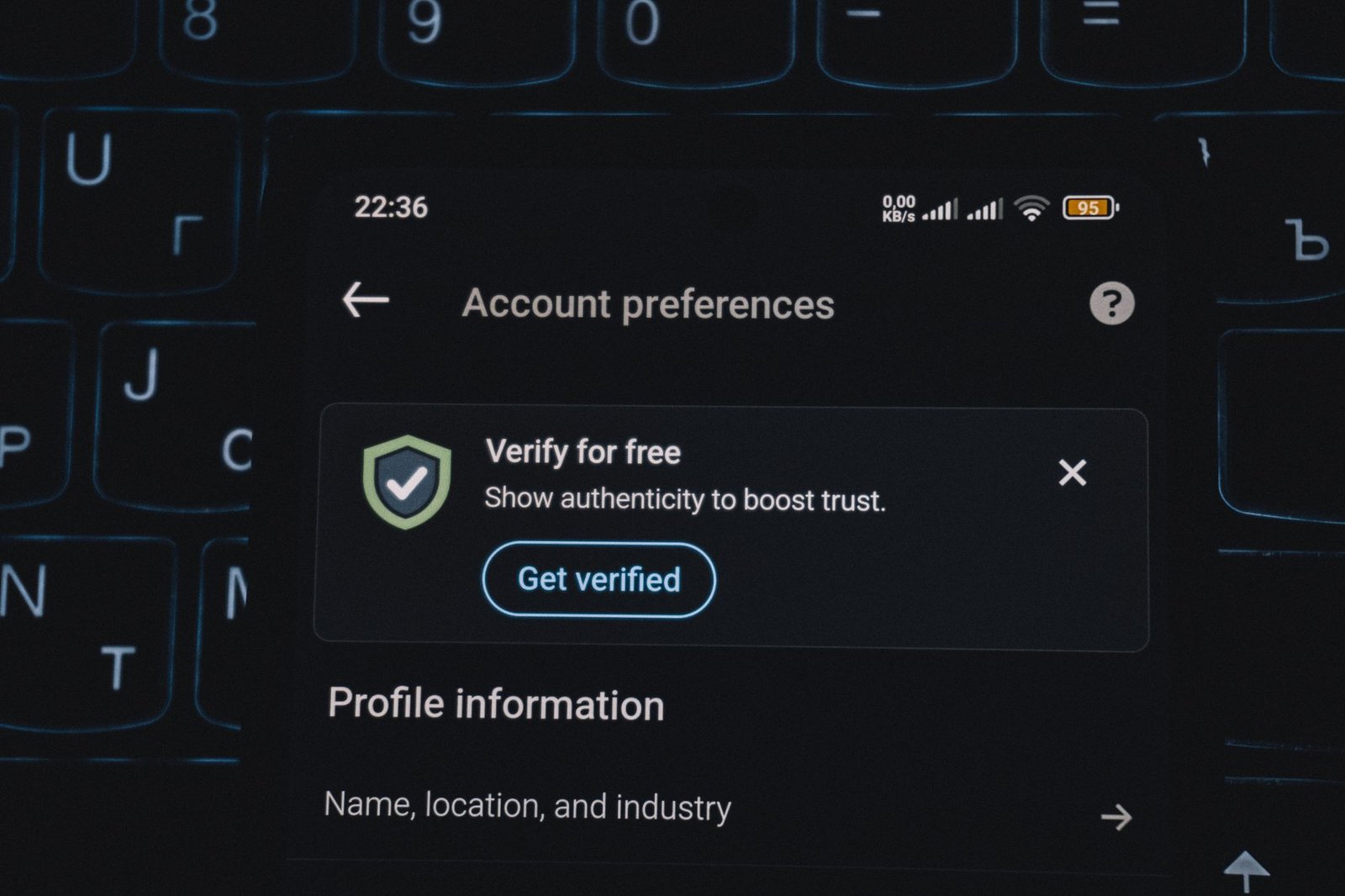
Access is narrow. Based on what has been publicly reported, the test is limited to:
- Meta Verified subscribers. This is a paid feature tied to the subscription, not a free platform update.
- Professional creator accounts. Standard business accounts (often used by larger publishers and brands) appear to be excluded for now.
- A small subset of eligible accounts. Even among Meta Verified creators, only some have seen the option appear.
If you are on a personal account or a business account, you are not in the test window as things stand.
How to enable Instagram links in captions
This is where honesty matters more than a tidy step list. As of now there is no public opt-in toggle for caption links. Meta has not published a setting you switch on, and it has not detailed the exact in-app flow for adding a link. The feature simply appears for selected accounts when they compose or edit a post.
So the realistic path to access looks like this:
- Subscribe to Meta Verified on a professional creator account. It is the confirmed baseline requirement. You can check eligibility and pricing on the official Meta Verified page; it starts at roughly $11.99 per month on the web and about $14.99 in the app, with higher tiers above that.
- Keep the app updated so you receive feature tests as they roll out.
- Watch for the option when you post. For creators in the test, the link option appears during the normal caption step. Meta has not yet published an official step by step, so treat any detailed walkthrough you see elsewhere as unofficial until it does.
If none of that surfaces the feature, you are simply not in the current test group, and there is nothing you can do to force it. That is the accurate state of things today.
How to use caption links to drive more traffic

Once you have access, the value is straightforward: you remove a click from the path between “I saw your post” and “I clicked your link.” Instead of “link in bio,” you point people to the exact destination tied to the post they are already looking at.
Smart uses of a caption link include:
- Match the link to the post. A tutorial post links to the full guide. A product post links to that product, not a generic homepage.
- Send people to a hub you control. Point to your own newsletter signup or a landing page rather than a link that changes weekly. Good link-in-bio tools still help here as a fallback for posts without a caption link.
- Track everything. Use UTM tags or a tracked short link so you can see which posts actually drive clicks and revenue.
Reported eligible destinations include newsletters, Substack pages, affiliate and product links, and other external sites. Always follow Instagram’s and any affiliate program’s disclosure rules.
The 10-link cap and what it means
The test comes with a limit: creators have reported a cap of 10 linked posts per month. That changes the strategy. You are not linking on every post. You are choosing your 10 highest-intent posts, the ones most likely to convert a click into a sale, a signup, or a read. Save your links for launches, offers, and your best evergreen content.
July 2026 update: Reels get links first
While caption links stay in testing, Meta quietly shipped the same idea somewhere else. As of July 2026, Meta Verified subscribers can add clickable links to their Reels, and the number of links you can use is tied to your subscription tier, with higher tiers allowing more.
Two reasons this matters even if you never post Reels. First, it is the clearest signal yet of where Meta is heading: links as a paid, tiered perk rather than a free feature, which makes a broader caption-link rollout under Meta Verified look more likely, not less. Second, if you already pay for Meta Verified, Reels links are something you can use today while caption links finish testing, with the same playbook: match the link to the content, send people somewhere you control, and track every click. Reels are where Meta tries most things first, which is also why it pays to understand how Instagram trial reels work before you lean on them.
What to do until you get access
You do not have to wait idle:
- Decide if Meta Verified fits your goals. Weigh the monthly cost against the benefits before subscribing purely for a test feature.
- Build the destinations now. A clean landing page and a working newsletter signup will be ready the day links go live.
- Tighten your profile. Caption links reward accounts that already convert, so make your profile and content easy to find and easy to act on.
Key Takeaways
- Instagram links in captions are in testing, not fully launched.
- Access currently requires Meta Verified on a professional creator account, and even then only some accounts see it.
- There is no manual toggle; the option appears for selected accounts. Meta has not detailed the exact steps.
- Expect a 10-linked-posts-per-month cap, so link your highest-value posts only.
- New in July 2026: Meta Verified accounts can add clickable links to Reels, a strong signal that caption links are moving toward a paid rollout.
- Prepare your landing pages, tracking, and profile now so you are ready.
FAQ
Can I add a clickable link to my Instagram caption right now?
Only if your account is in the test: a Meta Verified professional creator account that Instagram has selected. Most accounts still cannot.
How do I turn on Instagram caption links?
There is no public on/off setting. Meta Verified is the confirmed requirement, but access is granted by Instagram to a limited test group, and Meta has not published a step-by-step process.
How much does it cost?
The feature is tied to Meta Verified, which starts at about $11.99 per month on the web and $14.99 in the app, with higher tiers available. Check the official Meta Verified page for current pricing in your region.
Is there a limit on caption links?
Yes. Creators in the test have reported a cap of 10 linked posts per month.
Can I add clickable links to Reels?
Yes. As of July 2026, Meta Verified subscribers can add clickable links to Reels, with the number of links depending on the subscription tier. Caption links on regular posts remain in limited testing.
Does this replace link in bio?
Not yet. Until the feature is broadly available, your bio link remains the main way most followers reach your links.
When will everyone get it?
Meta has not announced a wider rollout date. Treat any specific date you see elsewhere as unconfirmed.
The bottom line
Instagram links in captions are a genuine shift, but a slow one. Right now it is a paid, limited test with a monthly cap and no manual switch. The winning move is preparation: get your destinations and tracking in place, decide whether Meta Verified earns its cost for you, and you will be ready to drive traffic the moment the option shows up. Want more updates like this the day they break? Subscribe to the Better With Tech newsletter and follow along.