

If you want to know how to choose a power bank that actually fast-charges your phone, here is the short version: the number that matters most is not the giant mAh figure on the front. What decides your charging speed is the output wattage, whether the bank supports USB-C Power Delivery (PD), and the cable you plug in. Get those three right and a modest bank will top you up fast. Get them wrong and a huge 30,000 mAh brick will still trickle-charge your phone like it is 2011. Charging a speaker off it this summer? Here are the portable Bluetooth speakers worth packing.
So let’s walk through the mistakes that quietly slow people down, and the quick fix for each one.
Some links in this article are affiliate links. If you buy through them, we may earn a small commission at no extra cost to you. Learn more.
As an Amazon Associate I earn from qualifying purchases.
First, what actually decides charging speed
Charging speed is about power, and power is watts. Watts come from voltage multiplied by current, which your phone and the power bank negotiate over the USB Power Delivery standard. A bank rated for 20W or more of USB-C PD output can fast-charge almost any modern phone. A bank that only pushes 5W to 10W out of an old USB-A port cannot, no matter how large its battery is.
Capacity (mAh) tells you how many charges you get. Wattage tells you how fast each one happens. People confuse the two constantly, and that single mix-up drives most of the mistakes below.
Mistake 1: Judging a power bank by its mAh number
The mAh figure is the headline spec, so it feels like the important one. In reality, it only describes the size of the fuel tank, not the speed of the pump. A 10,000 mAh bank with strong PD output will refill your phone far faster than a 26,800 mAh bank stuck at 10W.
Bigger capacity is not useless, of course. It just answers a different question: how long until the bank itself needs recharging. Decide how many phone top-ups you actually need first, then stop chasing the biggest number on the shelf.
Mistake 2: Overlooking output wattage and USB-C PD
This is the big one. Before anything else, check the output spec, not the input. Look for USB-C PD and a wattage rating.
Here is the useful benchmark: Apple’s own fast-charge guidance says a 20W adapter or higher gets an iPhone to about 50% in roughly 30 minutes. Most iPhones cap out around 27W to 30W even on a bigger charger, and many Android phones sit in a similar range. So a 20W to 30W USB-C PD power bank hits the sweet spot for the majority of readers.
If a listing hides its output wattage or brags only about capacity, treat that as a red flag. A bank that fast-charges will say so loudly, and it pairs well with the right USB-C charger at home.
Mistake 3: Blaming the bank when the cable is the bottleneck
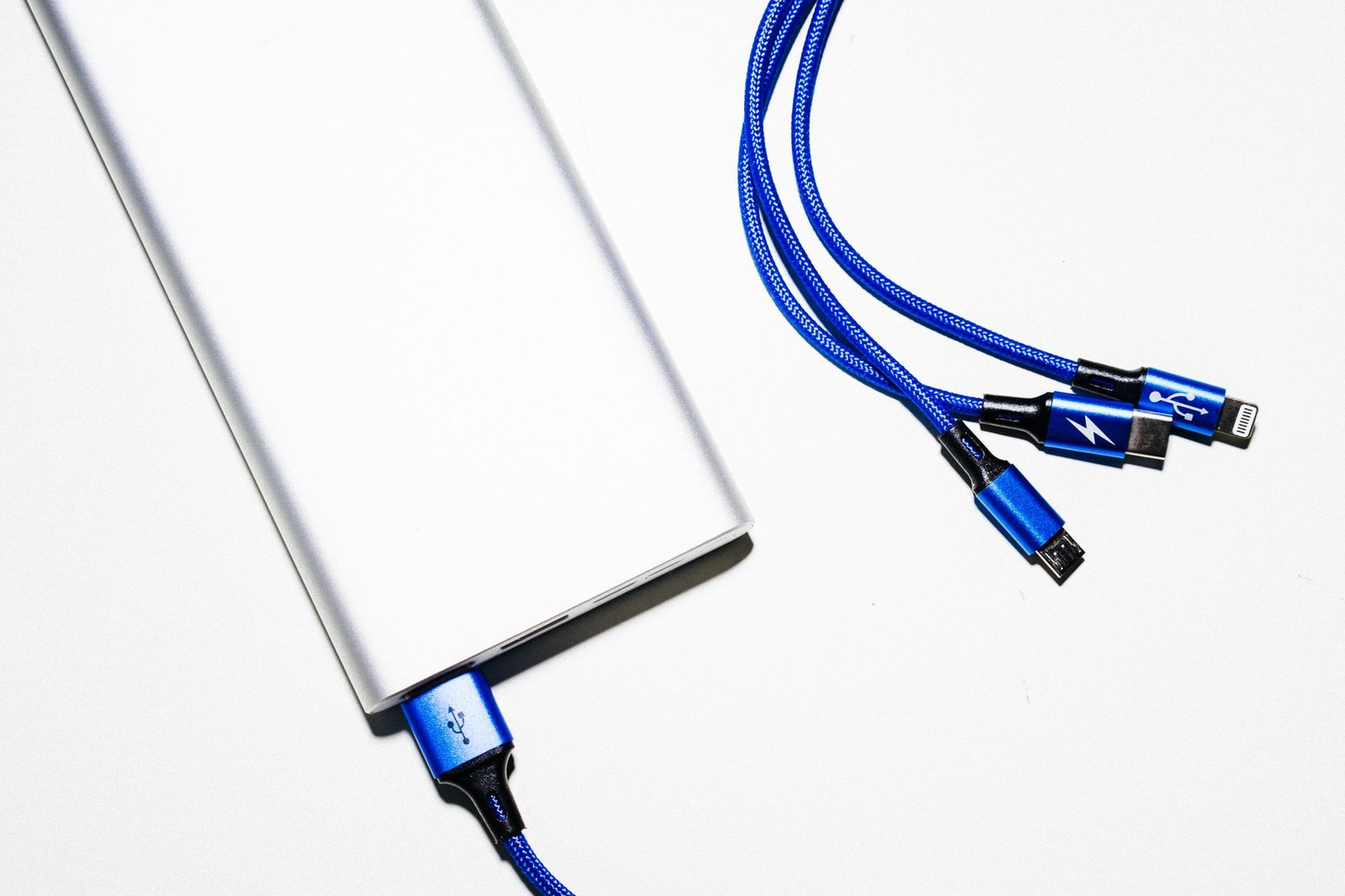
You bought a great PD power bank, yet charging still crawls. Very often the culprit is the cord, because not every USB cable charges at the same speed. A standard USB-C cable without an e-marker chip is rated for 3A, which caps power around 60W. That is plenty for a phone, but a worn, ultra-cheap, or USB-A-to-Lightning cable can throttle you well below what your bank can deliver.
Two quick fixes. First, use a real USB-C to USB-C cable in good condition. Second, if you charge laptops too, look for a 5A e-marked cable that supports up to 100W. A tired old cable is the single most common reason a good bank feels slow.
Mistake 4: Expecting the label’s mAh to reach your phone
Here is a fact that surprises people. A 10,000 mAh power bank does not deliver 10,000 mAh to your phone. The cells inside store energy at about 3.7V, while the USB output runs at 5V or higher, and stepping voltage up loses energy. Add heat and circuitry overhead, and usable output typically lands near 60% to 70% of the rated number.
| Rated capacity | Roughly usable output |
|---|---|
| 5,000 mAh | about 3,000 to 3,300 mAh |
| 10,000 mAh | about 6,000 to 6,600 mAh |
| 20,000 mAh | about 12,000 to 13,000 mAh |
None of this is a defect. It is physics, and it is the same for every brand. Just plan around the real figure so you are not shocked when a 10,000 mAh bank gives your phone one and a half charges instead of two.
Mistake 5: Paying for wattage your phone will never use
The opposite error is overbuying. A 100W or 140W power bank looks impressive, yet if your phone caps at 27W, that extra headroom does nothing for it. Higher-wattage banks make sense when you also charge a laptop, a tablet, or a Steam Deck, and want one brick to feed all of them.
For a phone-only kit, a 20W to 30W PD bank is the smart, cheaper, lighter pick. Spend the savings on a good cable instead. It is also worth remembering that your phone’s battery percentage can jump around during fast charging, which is normal rather than a fault with the bank.
Mistake 6: Plugging into the wrong port on the bank
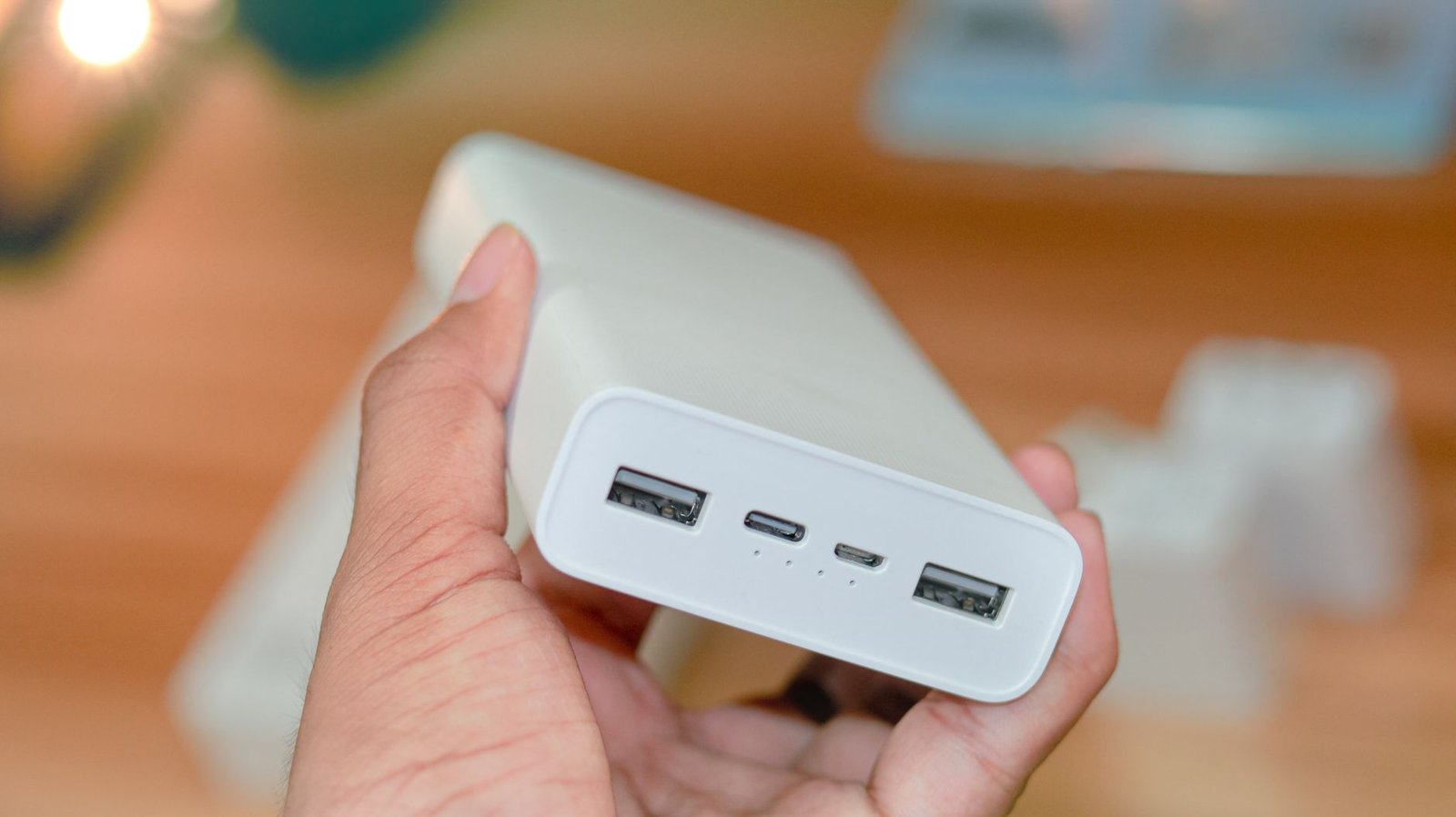
Many power banks have more than one output, and they are not equal. The USB-C port is usually the fast PD one, while the older USB-A ports are often capped a lot lower. Grab the wrong socket and you throttle yourself, even though the bank can clearly do better.
Two things are worth a glance here. First, read the tiny wattage print next to each port and use the highest-rated USB-C PD output for your phone. Second, remember that charging two devices at once usually splits the total power between them, so a lone phone charges fastest when it has the bank to itself.
How to Choose a Power Bank in Four Quick Checks
When you are stuck deciding how to choose a power bank in the store or the checkout cart, run this list:
- Output wattage: aim for 20W to 30W USB-C PD for phones.
- Ports: confirm a USB-C PD port, not just USB-A.
- Capacity: pick 5,000 to 10,000 mAh for daily carry, 20,000 mAh for travel, remembering the 60% to 70% usable rule.
- Cable: bring a quality USB-C to USB-C cable, because your bank is only as fast as your weakest link.
That is genuinely the whole decision. Everything else (color, kickstands, wireless pads) is a bonus, not the point.
Key takeaways
- Fast charging is decided by watts and PD support, not by the mAh number.
- A 20W to 30W USB-C PD bank fast-charges nearly every modern phone.
- Your cable can silently throttle a good bank, so do not skimp on it.
- Real usable capacity is roughly 60% to 70% of the printed mAh.
- Only buy high-wattage banks if you also charge laptops or tablets.
- On a multi-port bank, use the fast USB-C PD port, and charge one device at a time for top speed.
Frequently asked questions
How many mAh do I actually need in a power bank?
For one to two phone top-ups a day, 5,000 to 10,000 mAh is plenty. For travel or multiple devices, step up to 20,000 mAh. Remember you get about 60% to 70% of the rated capacity in practice.
Does the cable really affect charging speed?
Yes. A damaged or very cheap cable, or a slow USB-A to Lightning cord, can cap your speed far below what the bank supports. A solid USB-C to USB-C cable fixes most “why is it so slow” complaints.
Why is my big power bank charging my phone slowly?
Almost always because its output wattage is low or it lacks USB-C PD, or because the cable is the bottleneck. Capacity has nothing to do with speed.
Is a higher-wattage power bank always better?
No. Your phone accepts only up to its own limit (often around 27W to 30W). Extra wattage helps laptops and tablets, not a phone that already caps out.
What is USB-C Power Delivery?
It is the standard that lets a charger and device negotiate higher voltage and current safely, unlocking fast charging. A power bank without PD usually charges phones slowly.
Can I fast-charge an iPhone from a power bank?
Yes, with a 20W or higher USB-C PD bank and a proper USB-C to Lightning or USB-C to USB-C cable, depending on your model.
The bottom line
Choosing a power bank is less about the number screaming at you from the box and more about three quiet specs: output wattage, USB-C PD, and a decent cable. Match a 20W to 30W PD bank with a good cord and the right capacity for your day, and your phone charges fast every time. When you are ready to upgrade, look for a good USB-C PD power bank that lists its output wattage front and center, and check the current price before you buy.