
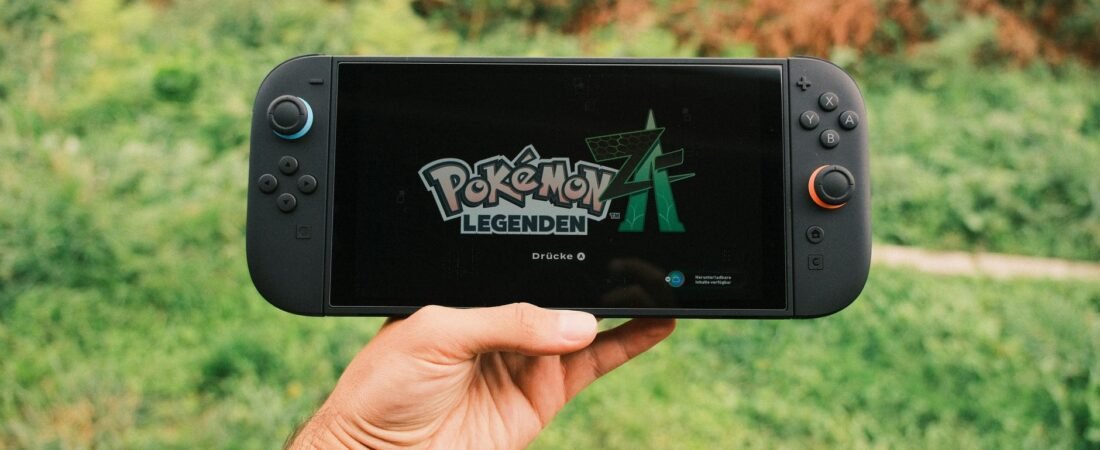
You did the responsible thing. You kept that perfectly good 256GB microSD card from your old Switch, slotted it into your shiny new console, and got a message that amounts to “no.” The Switch 2 microSD Express requirement is the single most expensive surprise in the box: the new console rejects every regular microSD card ever made for game storage. By the end of this guide you’ll know exactly why, how to spot the one logo that separates a working card from a $25 mistake, and which card to buy for your budget so you only pay for storage once.
Some links in this article are affiliate links. If you buy through them, we may earn a small commission at no extra cost to you. Learn more.
As an Amazon Associate I earn from qualifying purchases.
The quick answer
The Switch 2 only accepts microSD Express cards for games: look for the EX logo on the card and packaging. For most people, the Samsung P9 Express 512GB is the pick, while the Samsung P9 Express 256GB covers lighter libraries for less. The why behind the rejection (and the pricing trap that catches most buyers) is worth two minutes below, or you can jump straight to the full comparison.
In this guide:
- Why the Switch 2 rejects every regular microSD card
- How to spot the EX logo before you buy
- What size microSD Express card do you need
- The real price math: why Express costs 2 to 3 times more
- The best Switch 2 microSD Express cards by budget
- FAQ: Switch 2 storage questions, answered
Why the Switch 2 rejects every regular microSD card
The short version: your old card speaks the wrong language. Regular microSD cards, even fast ones, use the UHS-I interface, which tops out at a rated 104 MB/s. The Switch 2’s games are built for far faster storage, so Nintendo adopted the microSD Express standard instead. Express cards add a second row of pins and talk to the console over PCIe with the NVMe protocol, the same underlying tech as the SSD in a modern gaming PC. As a result, they carry rated read speeds of up to 985 MB/s, roughly nine times the old ceiling.
That second pin row is the whole gotcha. Physically, an old card still fits in the slot. Electrically, however, it simply cannot move data fast enough for Switch 2 games, so the console refuses to use it for them. This is not Nintendo being fussy; a slow card would mean load times the games were never designed around.
What happens if you insert an old card
Inserting a regular microSD card won’t hurt anything, but it won’t do much either. According to Nintendo’s official compatibility page, a regular card in a Switch 2 can only load screenshots and videos you captured on an original Switch. It cannot save or load digital games or their data. In short: it becomes a photo stick. Also worth knowing: your save files live in system memory, not on the card, so no saves are at risk either way.
So how do you make sure the card in your cart is the right kind? There are three tells.
How to spot the EX logo before you buy
Every genuine microSD Express card carries the EX symbol printed right on the card, next to the usual microSD branding. That logo is the standard’s official marker, and it’s the first thing to check. Beyond it, two more signs confirm you’re holding the right card:
- The packaging says “microSD Express”, not just “microSDXC” or “Ultra” or “high speed.” Marketing words like “gaming” or “4K” mean nothing here; the word Express does.
- Flip the card over. An Express card has a second row of gold pins below the standard row. One row of pins means it’s a regular card, full stop.
- Check the specs line for PCIe or NVMe. Regular cards list UHS-I or U3 instead.
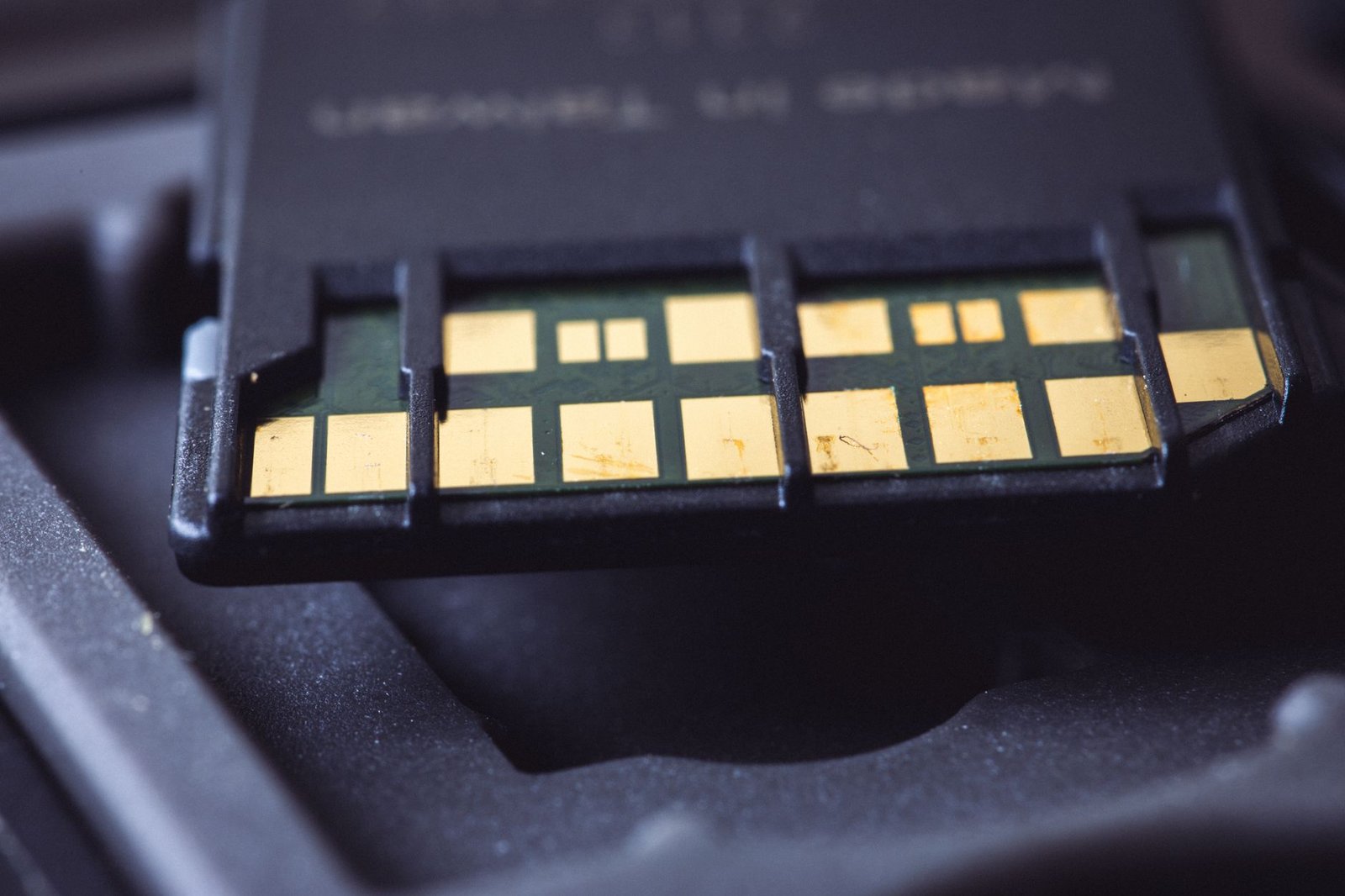
Prices on regular cards can look tempting on the same shelf, which is exactly how people get burned. However, once you know the logo, you can’t unsee it. Two extra details for launch day: the console needs a one-time system update before it can use the card, and the standard supports capacities up to 2TB, though 1TB is the largest you’ll commonly find on sale in July 2026.
Knowing what to buy is half the job. The other half is how much storage to pay for.
What size microSD Express card do you need
The Switch 2 ships with 256GB of internal storage, and the system reserves a slice of it. That sounds roomy until you remember how modern releases behave. Digital games install in full, obviously, but so do many physical ones: a lot of Switch 2 boxed releases are game-key cards, which install the entire game to storage the first time you play. Big third-party ports can each swallow a meaningful chunk of that internal 256GB.
Here’s the honest sizing logic:
- You buy 2-4 games a year, mostly Nintendo first-party: internal storage plus a 256GB card gives you comfortable headroom for years.
- You buy regularly, or you like big third-party games: 512GB is the sweet spot, and it’s where the price per gigabyte is friendliest right now.
- You’re going all-digital or share the console with the family: 1TB means never doing storage triage before a download.
For example, if you’re already juggling this fall’s release calendar (see our GTA 6 pre-order breakdown for how we plan around big launches), a 512GB card is the difference between “download everything” and “delete something first.” Meanwhile, with the Switch 2 + Pokemon Pokopia bundle landing July 23, a wave of new owners is about to hit this exact decision at checkout.
One size warning before the picks: bigger is genuinely better here, because Express pricing punishes upgrades. Here’s the math.
The real price math: why Express costs 2 to 3 times more
Regular microSD cards are practically free these days; a solid 256GB card from a big brand routinely sells in the $20-25 range. The equivalent 256GB microSD Express card runs about $60-78 at the time of writing. Per gigabyte, that’s roughly 2.5 to 3 times the price, and the gap is the cost of that PCIe/NVMe controller inside the card.
Two practical consequences follow from this:
- Buying twice hurts more than usual. Undersizing a $22 card is a shrug; undersizing a $60-130 card and rebuying later is real money. Buy the size you’ll need in a year, not the size you need today.
- Waiting probably won’t save you much. Storage and memory prices are climbing into late 2026 (the same squeeze we covered in our breakdown of why phones and laptops are getting more expensive), so Express cards are unlikely to get dramatically cheaper soon.
The silver lining: sales are frequent, and the 512GB tier has already dipped under $100 several times this summer.
With the sizing and the math settled, here are the cards we’d actually buy.
The best Switch 2 microSD Express cards by budget
We dug into the current Express lineup (Samsung, SanDisk, Lexar, PNY and the rest), vetted real-world pricing and availability, and narrowed it to picks that earn their spot. Every true Express card clears the Switch 2’s speed bar, so the real differences are price, capacity, and how often each one is actually in stock.
Best for most people: Samsung P9 Express 512GB
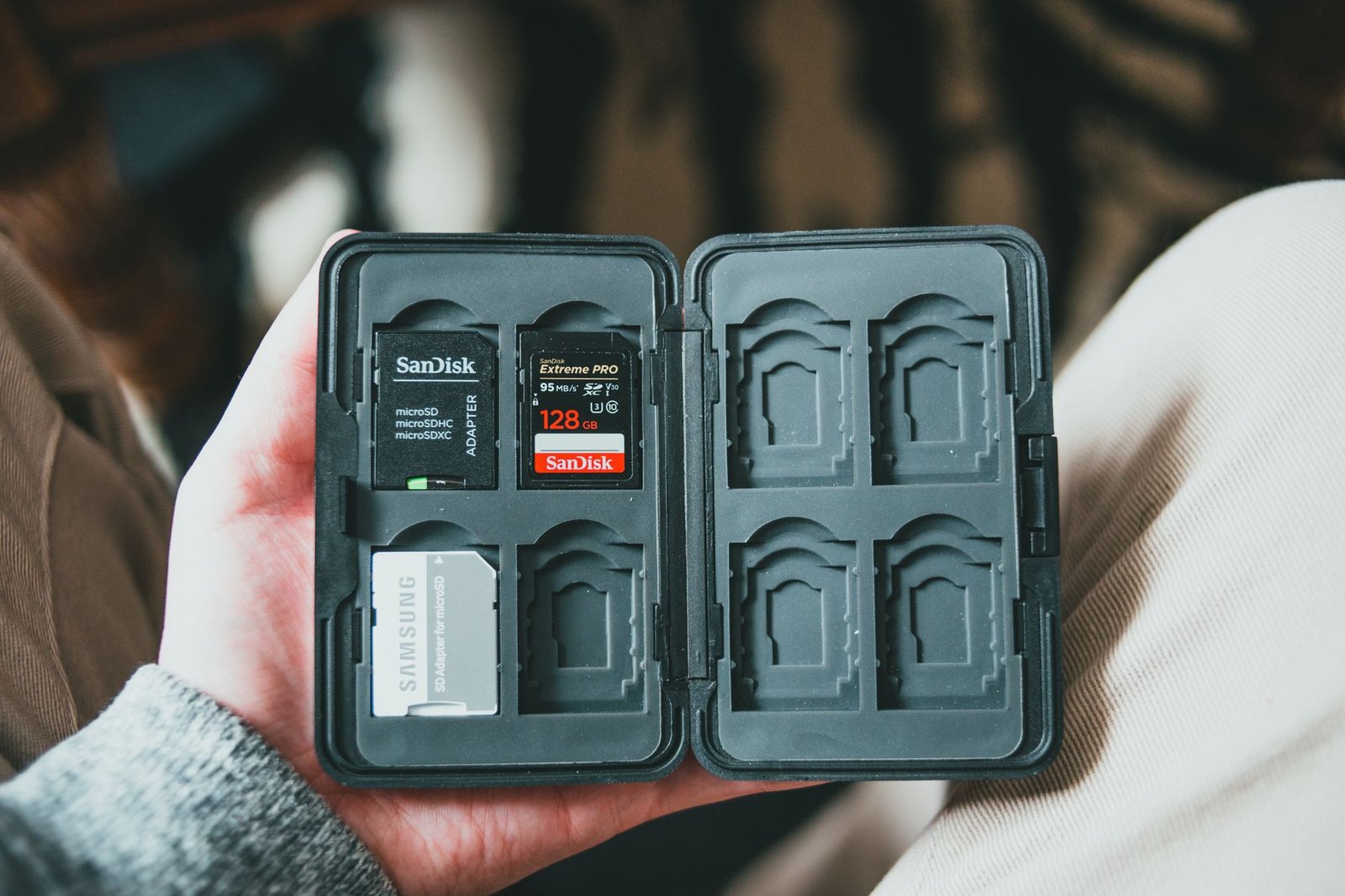
The Samsung P9 Express 512GB hits the sweet spot on every axis: enough room for a serious library, rated reads up to 800 MB/s (far beyond what the console needs), and the most aggressive sale pricing of any 512GB Express card, regularly dipping to $79-99. If you want one card that ends the storage conversation for years, this is it.
Check the Samsung P9 512GB price on Amazon →
Best budget pick: Samsung P9 Express 256GB
Around $60 at the time of writing, the 256GB P9 doubles-plus your effective storage for the least cash. It’s the right call if you play a few games at a time and don’t mind the occasional archive-and-redownload. Prefer the official look instead? SanDisk’s Nintendo-licensed 256GB card does the same job with themed styling, usually for a bit more.
Check the Samsung P9 256GB price on Amazon →
The speed-first alternative: Lexar Play Pro 512GB (and the 1TB option)
Lexar’s Play Pro leads the spec sheet at a rated 900 MB/s and, just as important, it’s consistently in stock when the Samsung sells out. Typically $90-120 for 512GB, it’s a completely honest alternative rather than a downgrade. For all-digital households, the Lexar Play Pro 1TB (around $220) is the no-triage option, and it’s the biggest capacity you’ll commonly find on sale today.
Check the Lexar Play Pro price on Amazon →
Full comparison: specs and prices
| Card | Capacity | Rated read | Best for | Price |
|---|---|---|---|---|
| Samsung P9 Express | 512GB | Up to 800 MB/s | Most Switch 2 owners | Check current price |
| Samsung P9 Express | 256GB | Up to 800 MB/s | Light libraries, tight budgets | Check current price |
| Lexar Play Pro | 512GB | Up to 900 MB/s | Speed-first buyers, availability | Check current price |
| Lexar Play Pro | 1TB | Up to 900 MB/s | All-digital and shared consoles | Check current price |
Rated speeds are manufacturer spec maximums; in-console speeds are lower for every card, and all four comfortably meet the Switch 2’s requirement. For a deeper look at how the standard works, SanDisk’s Express explainer is a solid reference.
FAQ: Switch 2 storage questions, answered
Will my old microSD card work in the Switch 2?
No, not for games. Per Nintendo, a regular microSD card in a Switch 2 can only display screenshots and videos captured on an original Switch. It cannot store or run Switch 2 games.
How do I know if a card is microSD Express?
Check three things: the EX logo printed on the card, the words “microSD Express” on the packaging, and a second row of pins on the back. Any one of those confirms it; all regular cards lack all three.
Can I use a microSD Express card in my original Switch or phone?
Yes. Express cards are backward compatible, though they fall back to regular UHS-I speeds (about 100 MB/s) in devices without an Express slot.
What’s the biggest card the Switch 2 supports?
The console supports microSD Express cards up to 2TB. In practice, 1TB is the largest capacity widely available in July 2026.
Do I need a card on day one?
Not necessarily. The internal 256GB goes a reasonable way if you buy few games. However, game-key card physical releases install fully to storage, so heavy buyers hit the wall faster than they expect.
Does a more expensive Express card load games faster?
Barely. Every genuine Express card exceeds what the console requires, so pay for capacity and price, not for the biggest number on the box.
Key takeaways
- The Switch 2 requires microSD Express cards for games; every regular microSD card is rejected for game storage.
- Look for the EX logo, the word “Express” on the box, and a second row of pins before buying.
- An old card isn’t useless, but it only shows Switch 1 screenshots and videos.
- Express costs 2.5 to 3 times more per GB than regular microSD, so buy the size you’ll need in a year.
- Our pick for most people is the Samsung P9 Express 512GB; go 256GB to save money or 1TB for all-digital libraries.
The bottom line
The Switch 2 storage rule is annoying exactly once: at the moment nobody warned you about it. Now you’re warned. Check for the EX logo, skip the regular-card shelf entirely, and size up rather than down because rebuying Express storage is the real waste. For most people, that means the Samsung P9 Express 512GB and never thinking about this again. And if the new console has you gaming away from the couch more, make sure you’re packing a power bank that isn’t quietly slowing you down too.