

Here is the uncomfortable truth about the back-to-school laptop aisle: the $500 “deal” laptop is usually the worst machine in the store. Meanwhile, a two-year-old business ThinkPad with twice the RAM, a better keyboard, and a sturdier build often costs less. A refurbished laptop for college is one of the few genuine shortcuts left in tech, but only if you know how to buy one. By the end of this guide you will be able to decide refurb vs new for your exact situation, and if refurb wins, buy one safely using a 5-check list instead of gambling on a random listing.
Some links in this article are affiliate links. If you buy through them, we may earn a small commission at no extra cost to you. Learn more.
As an Amazon Associate I earn from qualifying purchases.
The quick answer
For most college students in 2026, a certified refurbished business-class laptop (ThinkPad, EliteBook, or Latitude) from a seller with a real warranty beats a brand-new budget laptop at the same price, and typically saves $300 to $450 versus buying comparable specs new. The exception is anyone who needs a long warranty, a fresh battery, and zero hassle tolerance, because then new can genuinely win. The full verdict, the 5 checks, and the case where new wins are all below, or see the full comparison first.
In this guide:
- Why refurbished wins for most students in 2026
- What $400 in savings actually looks like
- The 5 checks before buying a refurbished laptop for college
- Where to buy: warranties and return windows compared
- When a new laptop is the better buy
- Red flags that mean walk away
- FAQ and key takeaways
Why refurbished wins for most students in 2026
The refurb argument has always been about value. This year, it is also about timing. Analysts project new PC prices rising around 20 percent in 2026, with budget models expected to climb the most, because AI data centers are buying up the world’s RAM supply and memory costs have spiked hard. We covered the bigger picture in our breakdown of why laptop prices are climbing through 2026, but the short version is simple: new laptops are getting more expensive while the refurbished market is still full of machines priced off last year’s math.

So what should you actually buy? Business-class laptops: Lenovo ThinkPad T-series, HP EliteBook, and Dell Latitude. Companies lease these by the thousands, then return them after two or three years, which floods the refurb market with well-built machines. They were designed for daily corporate abuse, so they typically come with better keyboards, tougher hinges, and easier repairs than any consumer laptop near their price.
The verdict: if your budget is under $600, a certified refurbished business-class laptop is the strongest value in the entire student market right now. Savings on these machines typically run 30 to 60 percent versus comparable new hardware. (Not sure a refurb is for you? Skip ahead to when a new laptop is the better buy.)
What $400 in savings actually looks like
Numbers make this concrete. Here is what roughly the same money, or the same specs, gets you in mid-2026:
| Refurb business-class | New budget laptop | New laptop, comparable specs | |
|---|---|---|---|
| Typical price | Around $300 to $450 | Around $450 to $550 | Around $750 to $900 |
| Example | ThinkPad T14 or EliteBook 840, Core i5, 16GB RAM (check price on Amazon Renewed) | Consumer model, often 8GB RAM, slower storage | Same tier as the refurb, bought new |
| Build | Corporate-grade chassis, spill-resistant keyboard | Mostly plastic, cost-cut hinges | Varies, usually good |
| RAM | 16GB common, often upgradeable | 8GB common, frequently soldered | 16GB |
| Warranty | 90 days to 1 year (seller-dependent) | 1 year manufacturer | 1 year manufacturer |
| Battery | Used, verify health (see Check 2) | New | New |
Read that middle column carefully, because that is the trap. At the $450 to $550 “budget new” tier in 2026, you are frequently paying for 8GB of RAM and slow storage wrapped in new plastic. The refurbished ThinkPad T14 next to it costs less and outruns it. Against the right-hand column, the gap is the headline: comparable specs bought new run $750 to $900, so a $350 to $450 refurb genuinely puts around $400 back in your pocket. Recent listings back this up: refurbished T14 units have been selling in the $300 to $560 range depending on generation, against list prices near $900 for the current equivalent.
The 5 checks before buying a refurbished laptop for college
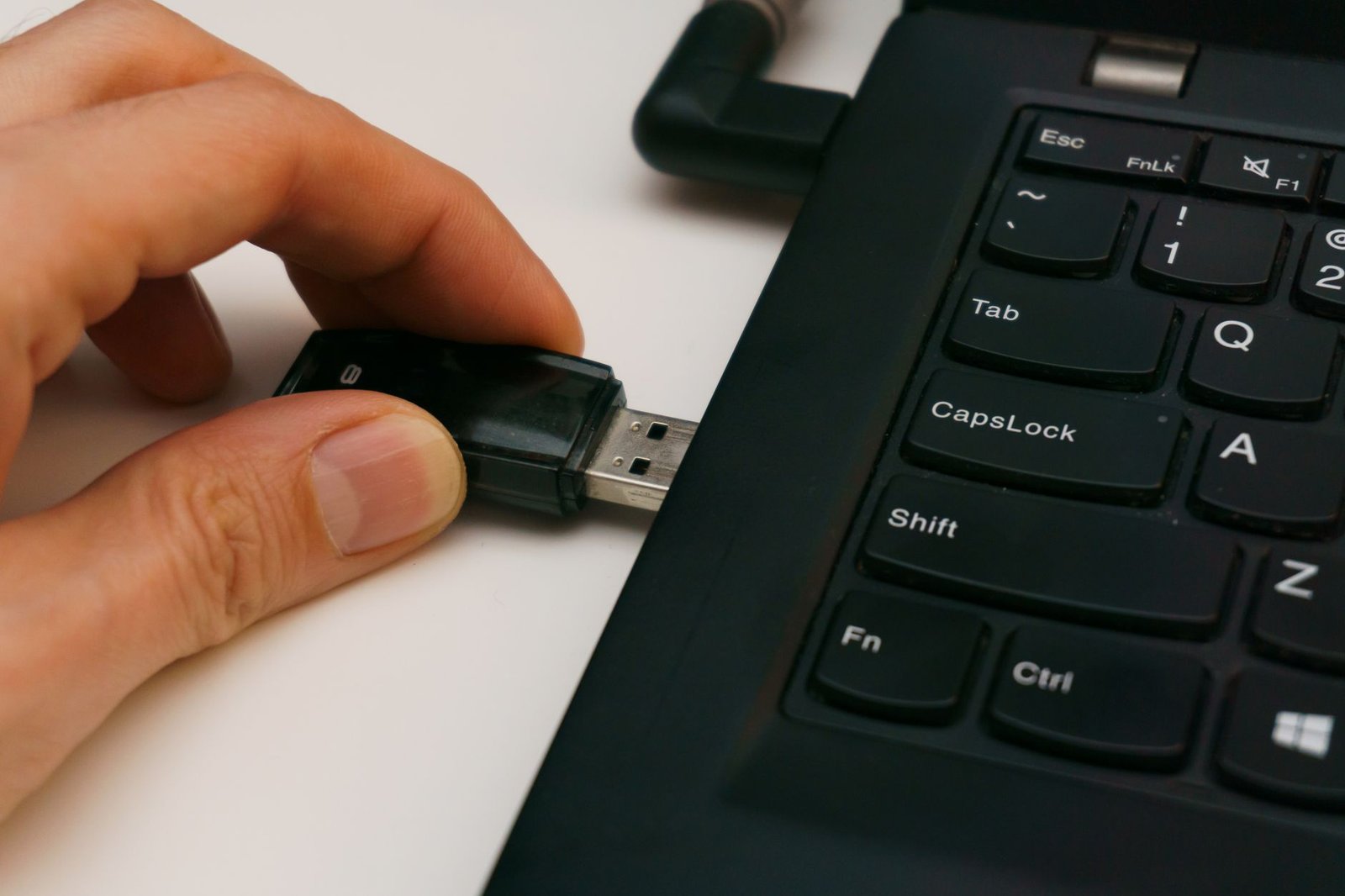
This checklist is the difference between a great refurbished laptop for college and an expensive lesson. Every check takes under two minutes. A listing that fails any one of them is not a deal, it is a gamble.
Check 1: Decode the seller’s grade
“Refurbished” has no universal legal definition, so every seller invents their own scale. Learn to translate:
- Grade A / “Excellent”: minimal to no cosmetic wear. Closest to new; still verify battery and warranty.
- Grade B / “Good”: visible scratches or scuffs, fully functional. Usually the sweet spot for price vs condition.
- Grade C / “Fair”: heavy wear, sometimes dents or worn keys. Only worth it at a steep discount.
- “Certified” (Amazon Renewed, Geek Squad Certified, manufacturer outlets): inspected and tested against a documented standard, backed by a guarantee. This word matters more than the letter grade.
- “Used” or “Pre-owned” with no grade: not refurbished at all. Nobody inspected anything. Treat accordingly.
The rule: buy graded and certified, skip ungraded. A seller who will not describe condition precisely is telling you something.
Check 2: Battery health, the silent deal-breaker
Batteries age no matter how well a laptop was treated, and battery replacement is the most common hidden cost in refurb buying. Look for an explicit battery-health promise in the listing, ideally 80 percent of original capacity or better. Many certified programs guarantee this; random marketplace sellers rarely do. After the laptop arrives, verify it yourself in ten minutes: on Windows, run the built-in battery report (type powercfg /batteryreport in the terminal) and compare design capacity to full-charge capacity. Under 80 percent, and the seller made no promise? Return it within your window.
Check 3: A real warranty, 90 days minimum
This is the line between “refurbished” and “someone else’s problem.” The Amazon Renewed Guarantee gives you a replacement or refund within 90 days if the device does not work or look as expected, and that 90-day floor is the industry standard for certified programs. Back Market goes further with a 12-month warranty. Manufacturer outlets (Dell Refurbished, Lenovo Certified, HP Certified Refurbished) also back their machines directly. Anything sold “as-is” or with a 30-day seller promise from an anonymous storefront fails this check, full stop.
Check 4: The return window is your safety net
A warranty covers defects; a return window covers regret. You want at least 30 days to live with the machine, because some problems (a weak hinge, a battery that fades by 4 p.m.) only show up in real use. Check the listing’s stated return policy, not the platform’s general one, since marketplace sellers can set their own terms. Shorter than two weeks is a red flag on any refurb purchase.
Check 5: Ports and upgrade paths
Older business laptops are actually generous here: USB-A, HDMI, Ethernet, and a real headphone jack are standard, which means no dongle tax. Confirm the listing photos show the ports you need. Then check the upgrade story, because this is where refurbs quietly beat new laptops again: most ThinkPad T-series, EliteBooks, and Latitudes let you add RAM and swap the SSD with a screwdriver. Before buying, look up the exact model and learn how to tell if a laptop’s RAM is soldered or upgradeable, because a $30 RAM stick next year is a much better plan than a new laptop.
Where to buy: warranties and return windows compared

The seller matters as much as the laptop. Here is how the major refurb sources compare on the terms that protect you:
| Seller | Warranty | Returns | Best for |
|---|---|---|---|
| Amazon Renewed | 90-day Renewed Guarantee (1 year on Renewed Premium) | Within the 90-day guarantee | Selection, easy claims, fast shipping |
| Back Market | 12 months minimum | 30-day money-back | Longest standard warranty |
| Best Buy Outlet (Geek Squad Certified) | 90 days | Standard store return window | Seeing grades in person, local returns |
| Dell Refurbished / Lenovo Certified / HP Certified | Manufacturer-backed, varies by program | Varies by program | Genuine parts, direct support |
| Ungraded marketplace sellers (random listings) | Often none | Often none | Honestly, nobody in year one of college |
Amazon Renewed hits the best balance of protection, selection, and convenience for most students, which is why it is our default recommendation. That said, Back Market’s 12-month warranty is genuinely the strongest paper protection in the group, and manufacturer outlets are excellent when you want factory parts. All of these pass Checks 3 and 4. The bottom row does not, and that leads us to the warnings.
When a new laptop is the better buy
An honest framework needs this section, so here it is. Buy new instead of refurbished if any of these fit you:
- You need maximum battery life above all. A refurb battery at 80 to 85 percent health is fine for campus days with outlets around, but a commuter student doing 8-hour library marathons benefits from a new battery and modern efficiency.
- Your budget clears $700 anyway. At that level, new mid-range laptops (or new-generation Chromebooks) get legitimately good, and the refurb advantage narrows.
- You want a 4-year support story with zero effort. A new machine with a full manufacturer warranty, plus optional accidental-damage coverage, is the low-anxiety route. Nothing wrong with paying for peace of mind.
- Your program dictates hardware. Engineering, architecture, and media students with GPU-heavy software lists should buy to spec, and those machines are rarer in the refurb market.
Also decide your platform before your condition. If you have not settled the Windows vs Chromebook question yet, start with our Chromebook vs Windows decision guide for students, then come back here once you know which side you are on. Condition (refurb vs new) is the second decision, not the first.
Red flags that mean walk away
Any one of these should end the transaction, no matter how good the price looks:
- No grade, no inspection claim, no warranty. That is a used laptop cosplaying as a refurb.
- Stock photos only. Certified programs photograph or accurately grade the actual condition tier. A “refurbished” listing with only marketing renders is hiding something.
- Prices absurdly below market. A $150 “ThinkPad T14” is not a deal, it is bait. Check the going rate on two certified platforms first; real refurb prices cluster tightly.
- Windows activation excuses. Listings mentioning “activate Windows yourself” often ship with unlicensed installs.
- Ancient hardware dressed up. Anything older than roughly 2019, or with a spinning hard drive instead of an SSD, or 8GB of non-upgradeable RAM, will feel slow before sophomore year. Verify the CPU generation, not just “Core i5,” because a 2015 i5 and a 2023 i5 share nothing but the name.
Refurbished laptop FAQ
Are refurbished laptops safe and reliable?
Certified refurbished laptops are, yes. They are inspected, tested, and backed by a guarantee, and business-class models were built to outlast consumer hardware in the first place. The risk lives almost entirely in ungraded, warranty-free listings, which the 5 checks above are designed to filter out.
How long do refurbished laptops last?
A refurbished business-class laptop with a recent-generation processor and an SSD can comfortably cover a 4-year degree for everyday student work. Upgradeable RAM and storage extend that further, which is why Check 5 matters.
What is the difference between refurbished, renewed, and open-box?
“Renewed” is simply Amazon’s brand name for certified refurbished, so those two are equivalent in practice. “Open-box” means a returned item that may not have been professionally inspected; it is often nearly new, but the testing promise is weaker. “Used” carries no inspection promise at all.
Where is the best place to buy a refurbished laptop for school?
Amazon Renewed offers the best mix of selection, protection, and convenience for most students. Back Market has the longest standard warranty at 12 months, Best Buy Outlet lets you shop grades with easy local returns, and manufacturer outlets like Dell Refurbished and Lenovo Certified add factory parts and direct support.
What specs should a refurbished laptop for college have?
Aim for a Core i5 or Ryzen 5 from roughly 2020 or newer, 16GB of RAM (or 8GB upgradeable), a 256GB or larger SSD, and a 1080p screen. Business-class models like the ThinkPad T14, EliteBook 840, and Latitude 5000-series hit these specs constantly in the $300 to $450 range.
Key takeaways
- A certified refurbished business-class laptop beats a new budget laptop for most college students in 2026, typically saving $300 to $450 versus comparable new specs.
- Timing favors refurb this year: new PC prices are projected to rise around 20 percent while refurb inventory stays cheap.
- Run the 5 checks every time: certified grade, battery health of 80 percent or better, a 90-day-minimum warranty, a 30-day return window, and the ports plus upgrade path you need.
- Buy new instead if you need maximum battery life, have $700+, want zero-effort long-term support, or your program dictates specific hardware.
- Never buy ungraded, warranty-free listings, no matter the price.
The bottom line
The refurbished laptop question stops being scary the moment you stop treating it as a coin flip. It is a checklist, and now you have it. Decide your platform first, set your budget, and if it lands under $600, a certified refurbished ThinkPad, EliteBook, or Latitude from a seller with a real warranty is the smartest money in the back-to-school aisle. Run the 5 checks, keep the return window in your calendar, and spend the $400 you saved on literally anything better than a worse laptop. Once the machine itself is settled, the rest of the kit still matters: here are the college tech essentials worth packing first.